


Importance of Terms and conditions on your website.
Terms and conditions are important on a website because they provide a legal framework for user interaction, define the rights and responsibilities of both the website owner and users, protect intellectual property, and limit liability.
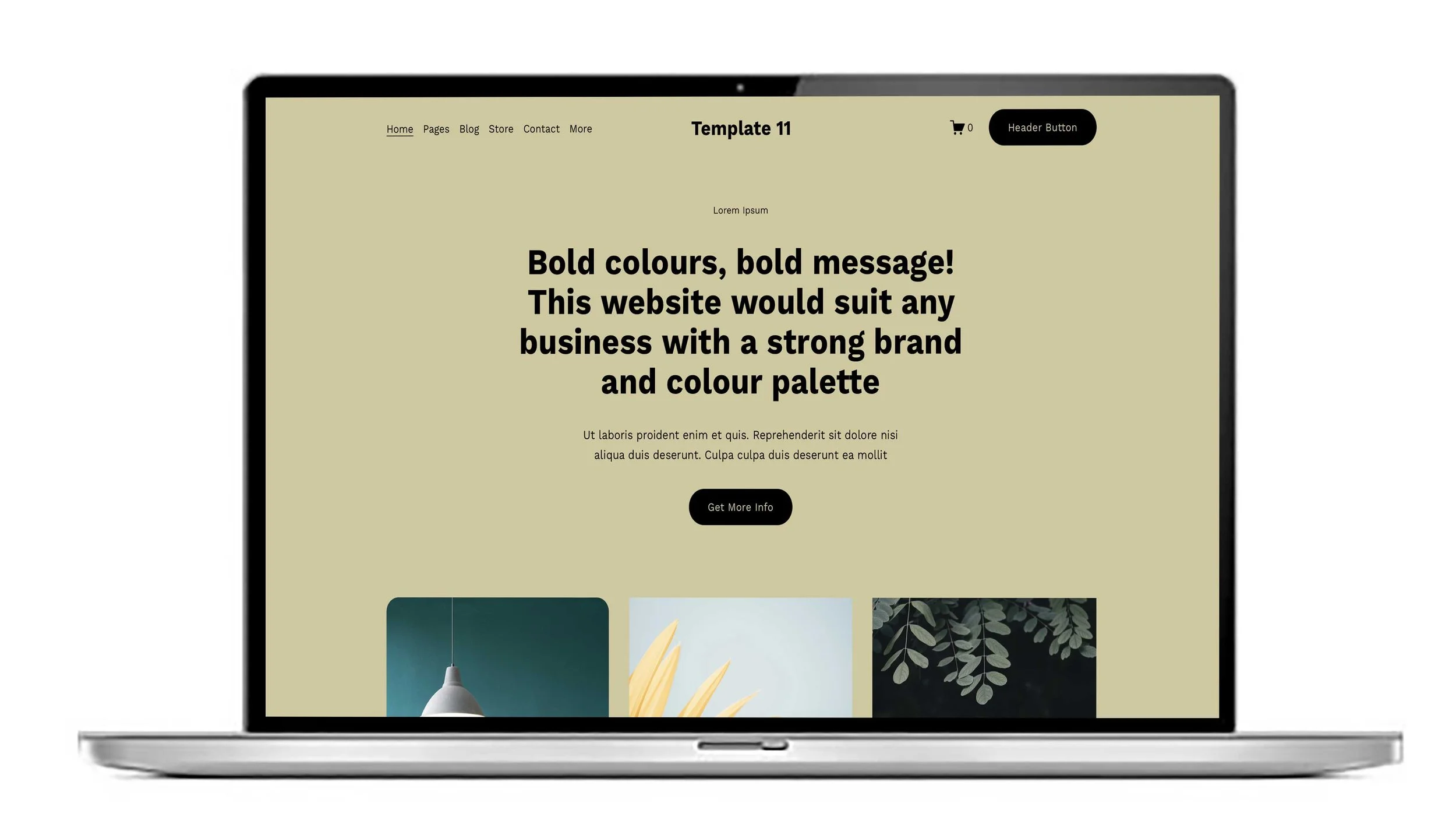
Essential things to have on your Squarespace website Home page.
A homepage must include a clear headline with your unique value proposition, easy-to-use navigation, a call-to-action to guide visitors, visually appealing images or video, social proof like testimonials, and a concise overview of your products or services to answer what you do and who you help.
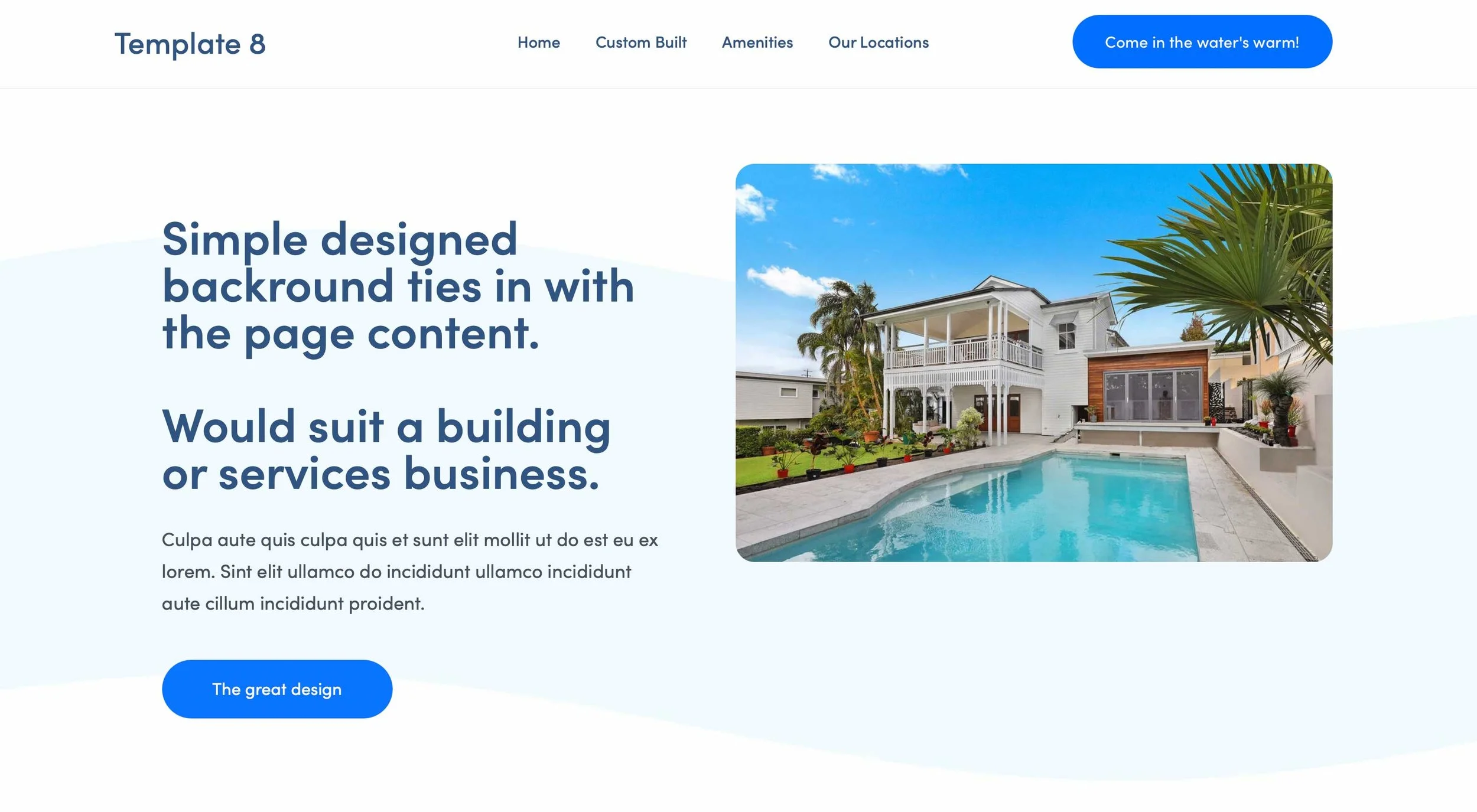
Squarespace website design help. The importance of writing blogs.
The best SEO thing you can do by far is to regularly write a blog.
Blogging is important because it drives traffic and visibility for businesses through improved search engine optimisation (SEO), establishes authority and builds customer trust by providing valuable content and It also allows businesses to showcase their expertise, values, and culture, which can lead to increased brand awareness and, ultimately, more sales and conversions.
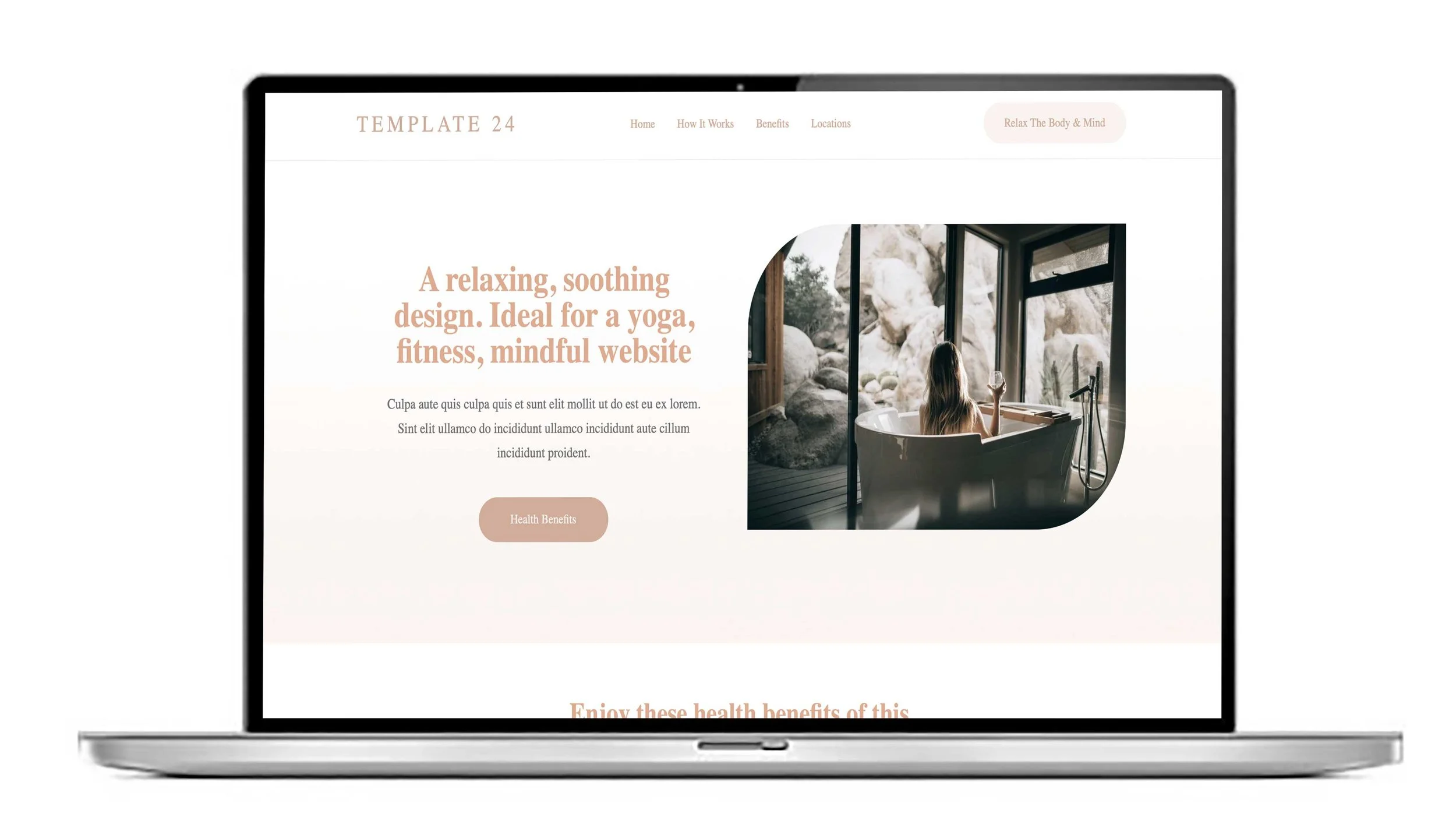
Squarespace website builders and designers. Colour codes explained.
When you’re building a Squarespace website you’ll choose your site styles-it’s the paintbrush icon in the top right hand side of your edit screen. One of the choices along with Fonts you’ll see is Colour Palette. You’ll be able to choose the colours that are used on your website.
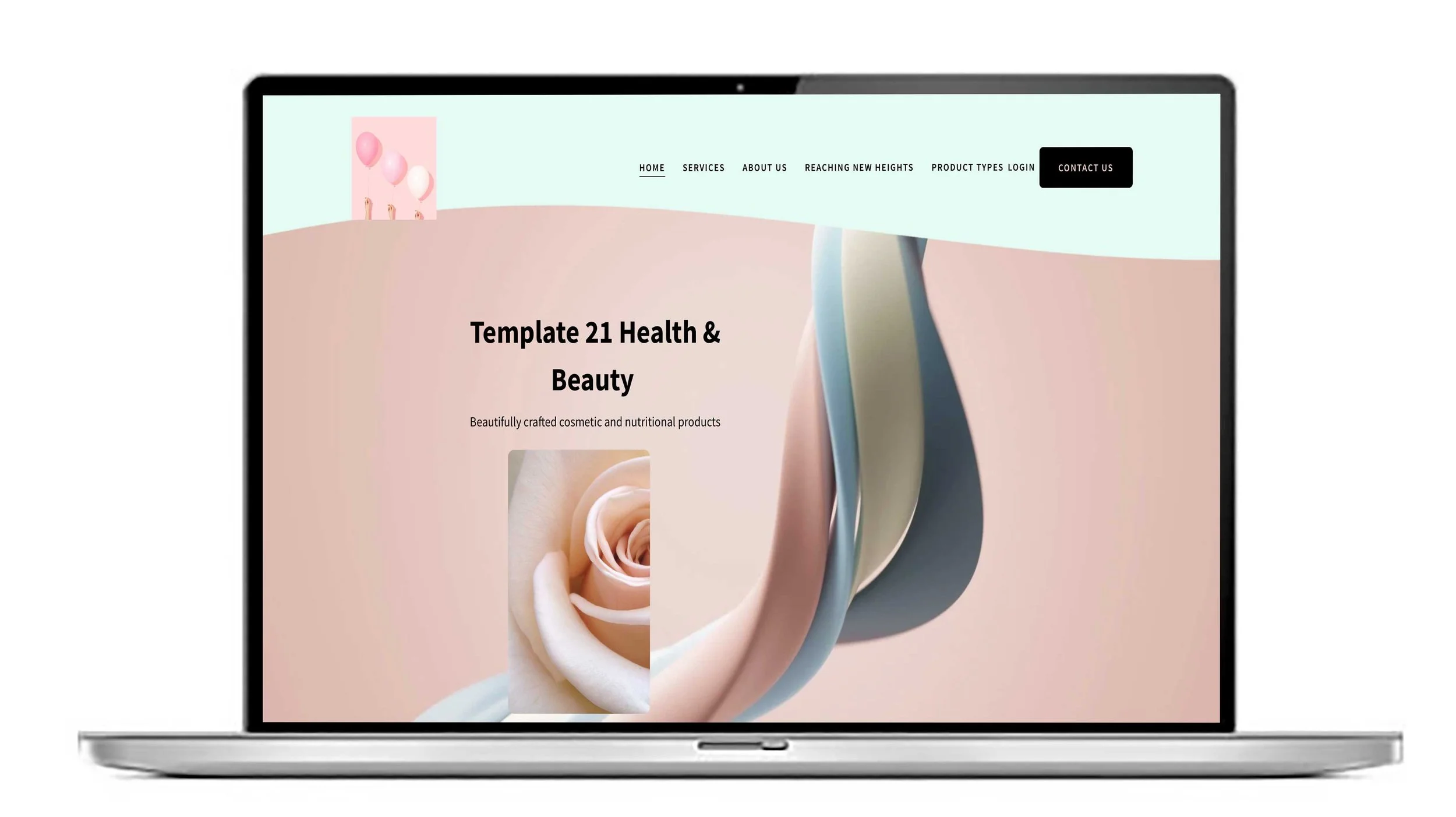
Squarespace website help UK. Button styles and how to change them.
Buttons signify a call to action on your website page and if helps get your user to the page or function they need. Google can tell if your website is engaging and if your bounce rate is high it may means your calls to action aren’t clear.
Squarespace Website Experts. Summary blocks and how useful they are.
You may not want to show all your blogs or your complete list of products on a page, you may want to just show a the last four of your blogs or a single category of your products. Summary blocks are probably the most useful blocks you’ll use on a page.
Squarespace Experts. How to make text show on a Squarespace 7.1 slideshow.
The are lots of ways you can create a slideshow on a Squarespace website but it’s trickier to show the captions as text. To make text show on a Squarespace 7.1 slideshow, follow these steps:
Squarespace Website Experts. How big should my image files be for a Squarespace website.
Image sizes are important. If your image is too large your page will load slowly. Google doesn’t like slow loading websites. No matter how amazing your website is Google will rank you lower than your competitor with a faster loading website.
Squarespace website designers. What advantages are there when working with a Squarespace Circle member like us?
Squarespace Circle members are professional web designers and developers specialising exclusively in Squarespace. We benefit from priority support directly from Squarespace, ensuring any issues with your site are addressed swiftly and efficiently.
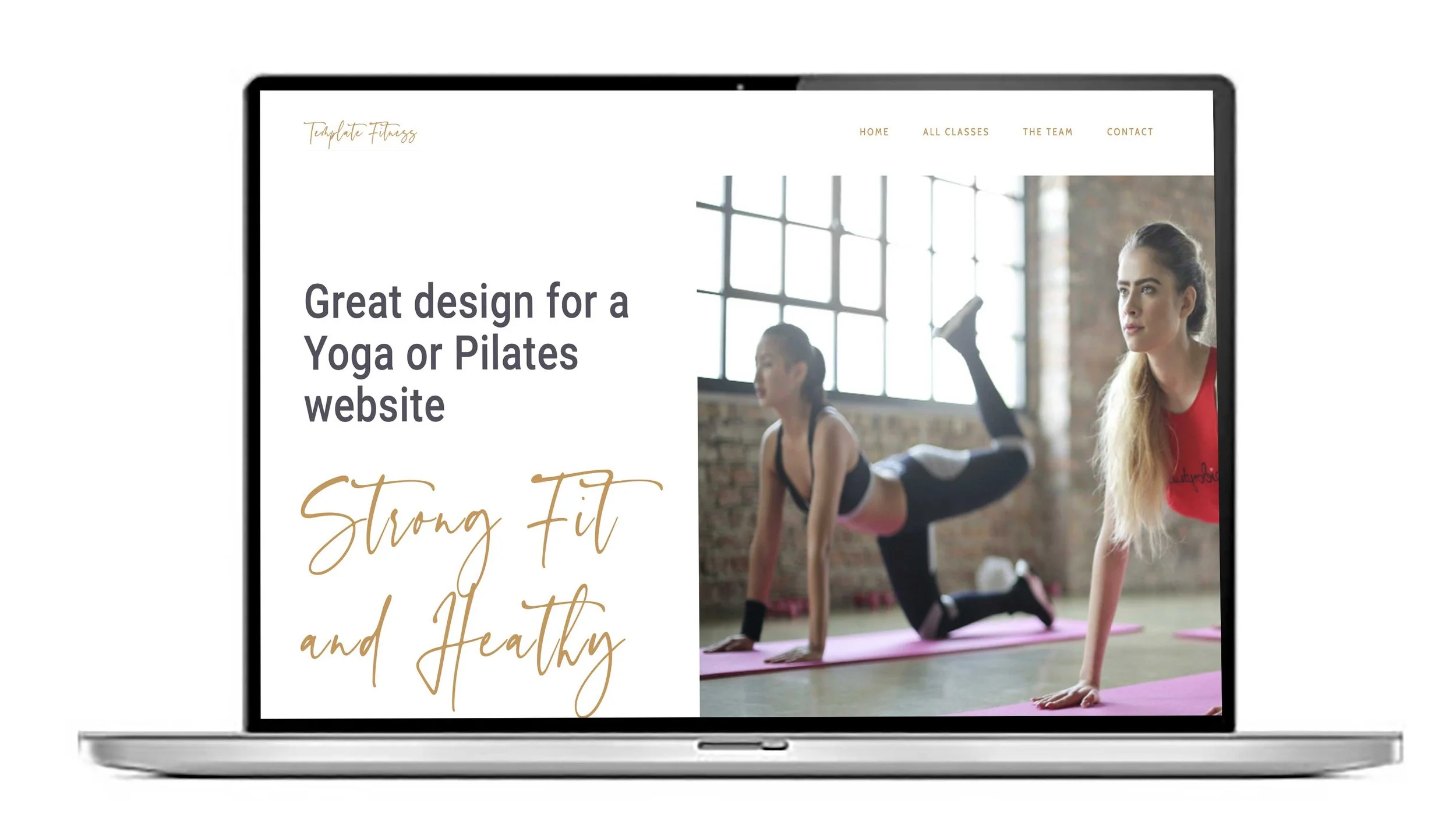
How does the members area work on a Squarespace website?
The members area on a Squarespace website allows you to create exclusive content or sections accessible only to registered members. To set it up, you first enable the Members Area feature in your site’s settings.
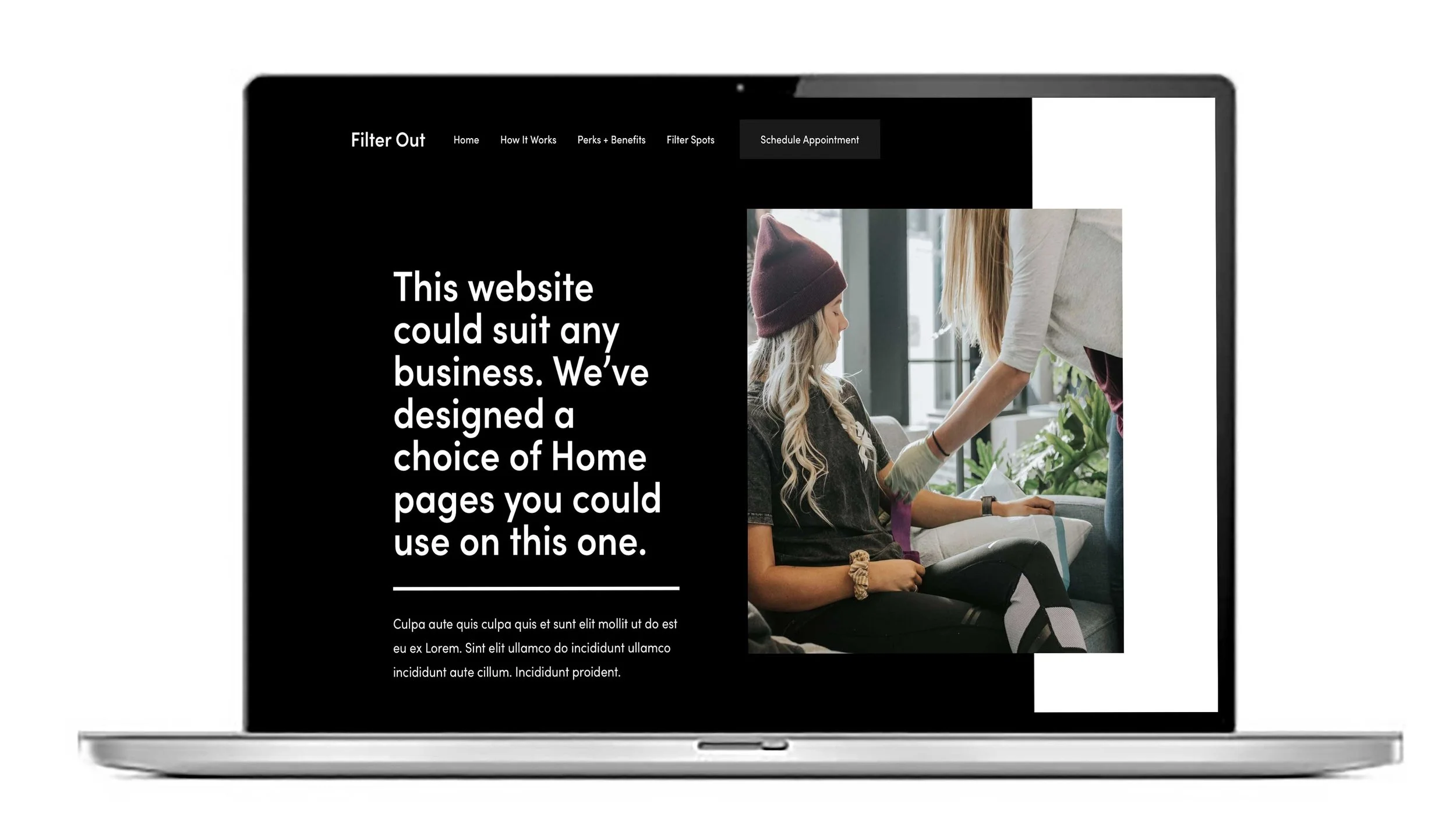
How many blogs do I need to write for my Squarespace website to improve its rank on google?
There is no specific number of blogs guaranteed to improve your Squarespace website’s Google ranking. Instead, focus on quality, consistency, and relevance to your audience.
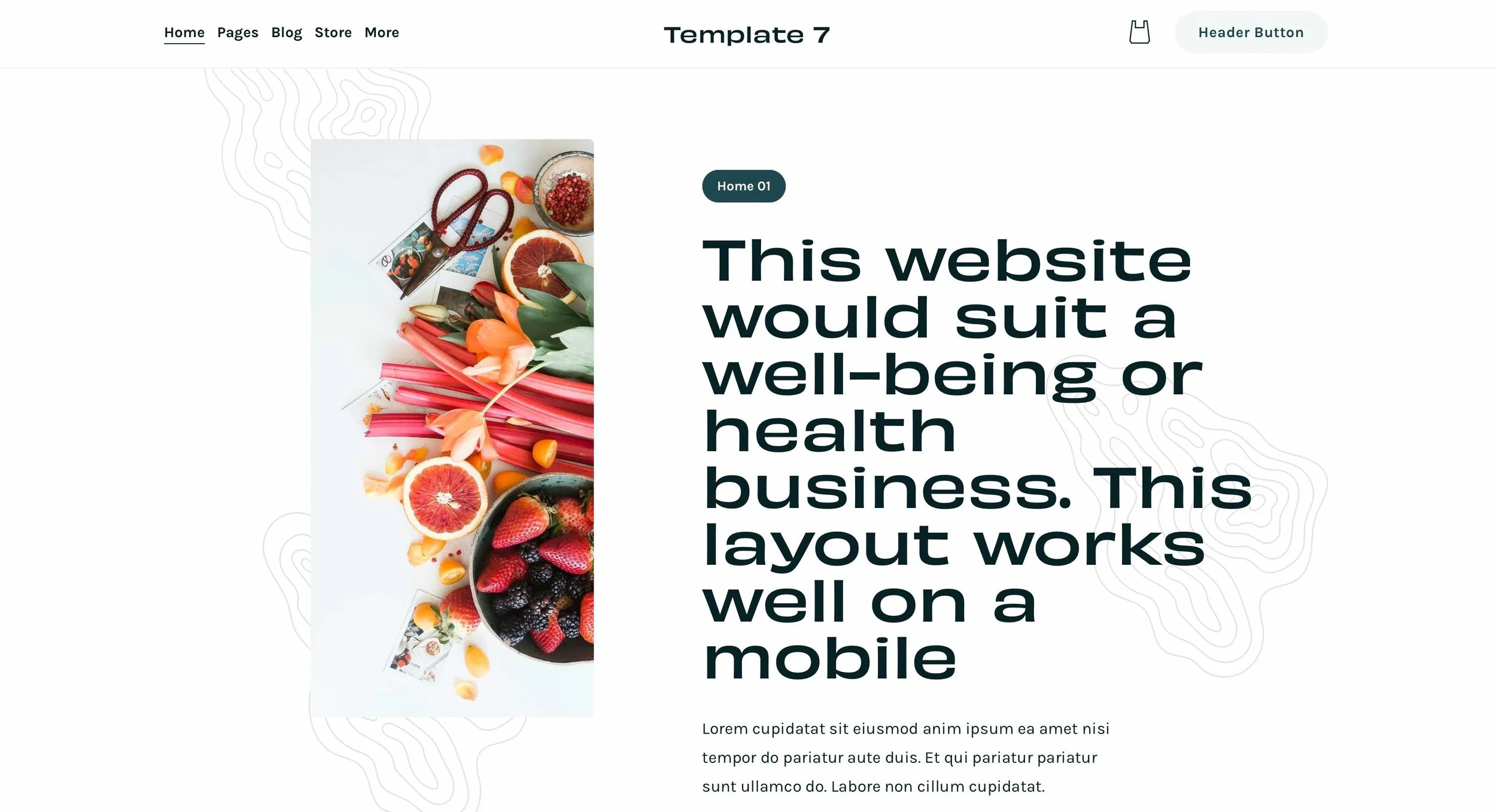
How many characters should I use for my on page SEO settings on a Squarespace website?
For on-page SEO settings on a Squarespace website, adhere to the following character limits for optimal performance:
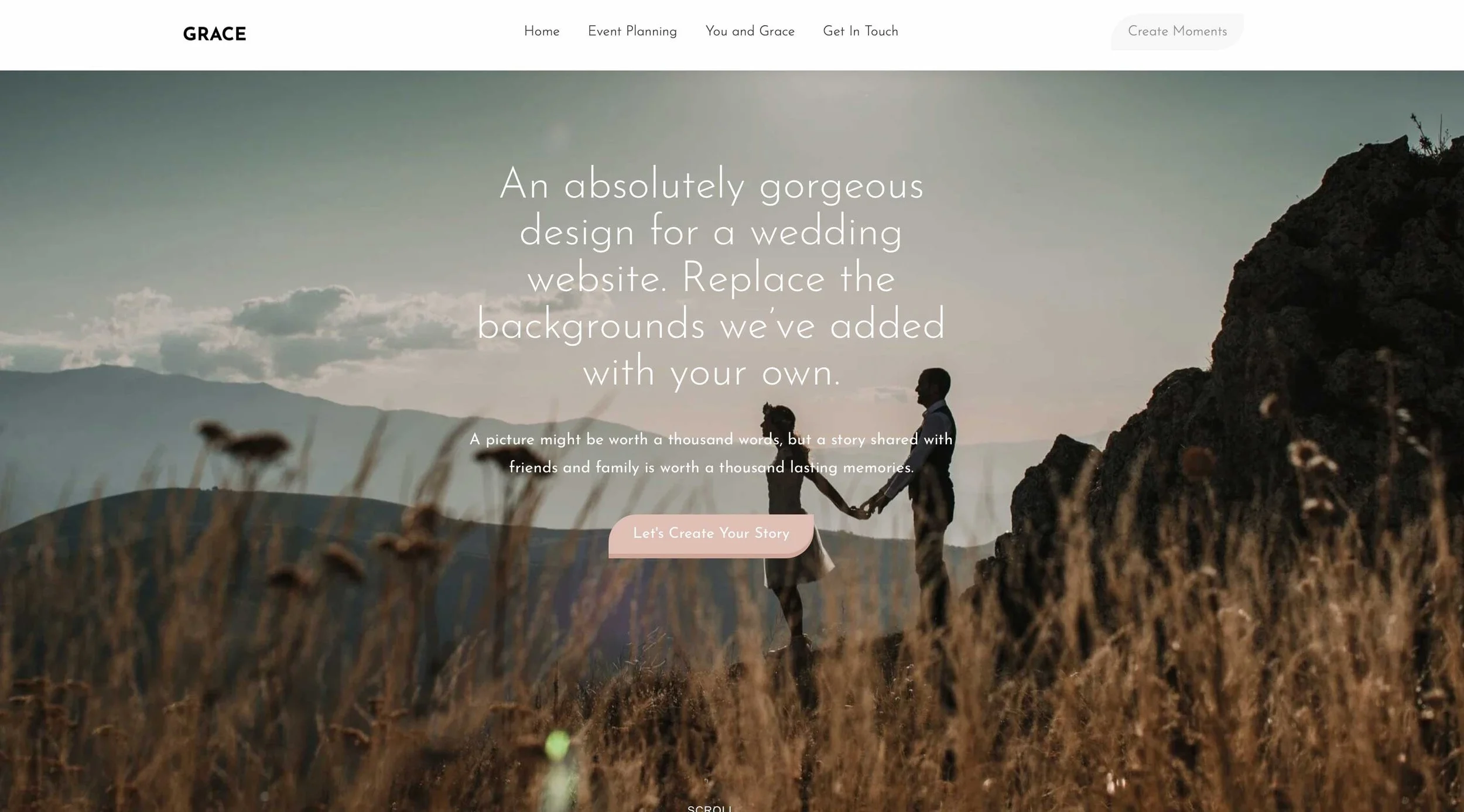
How to get an email in Google workspace from my Squarespace website?
To get an email in Google Workspace from your Squarespace website, follow these steps:
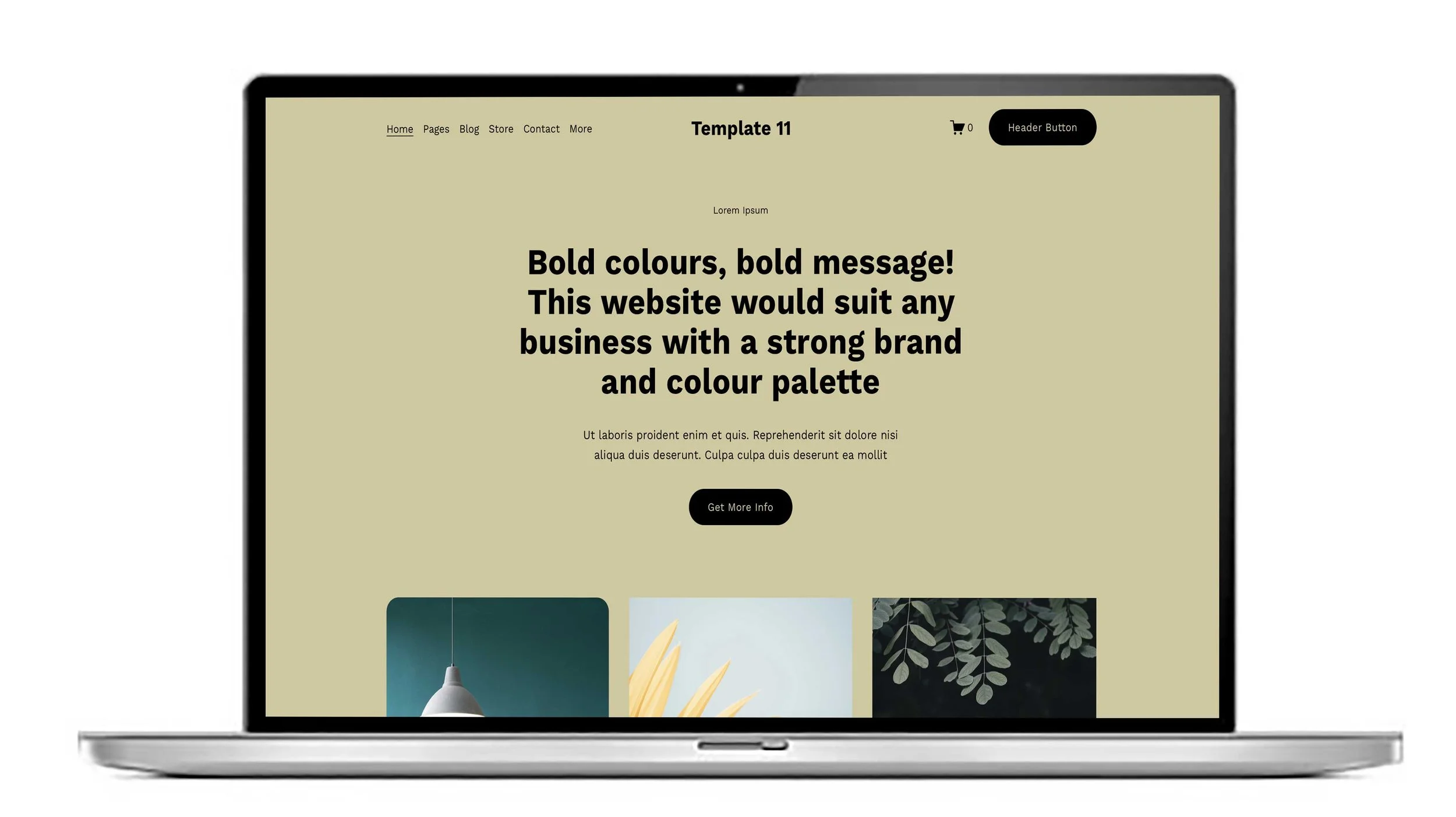
Square guru reviews. Kind words from clients this month.
We value our clients and we pride ourselves in offering a great quality service. Many of our new projects come by way of referral so it’s important to impress everyone we have contact with.
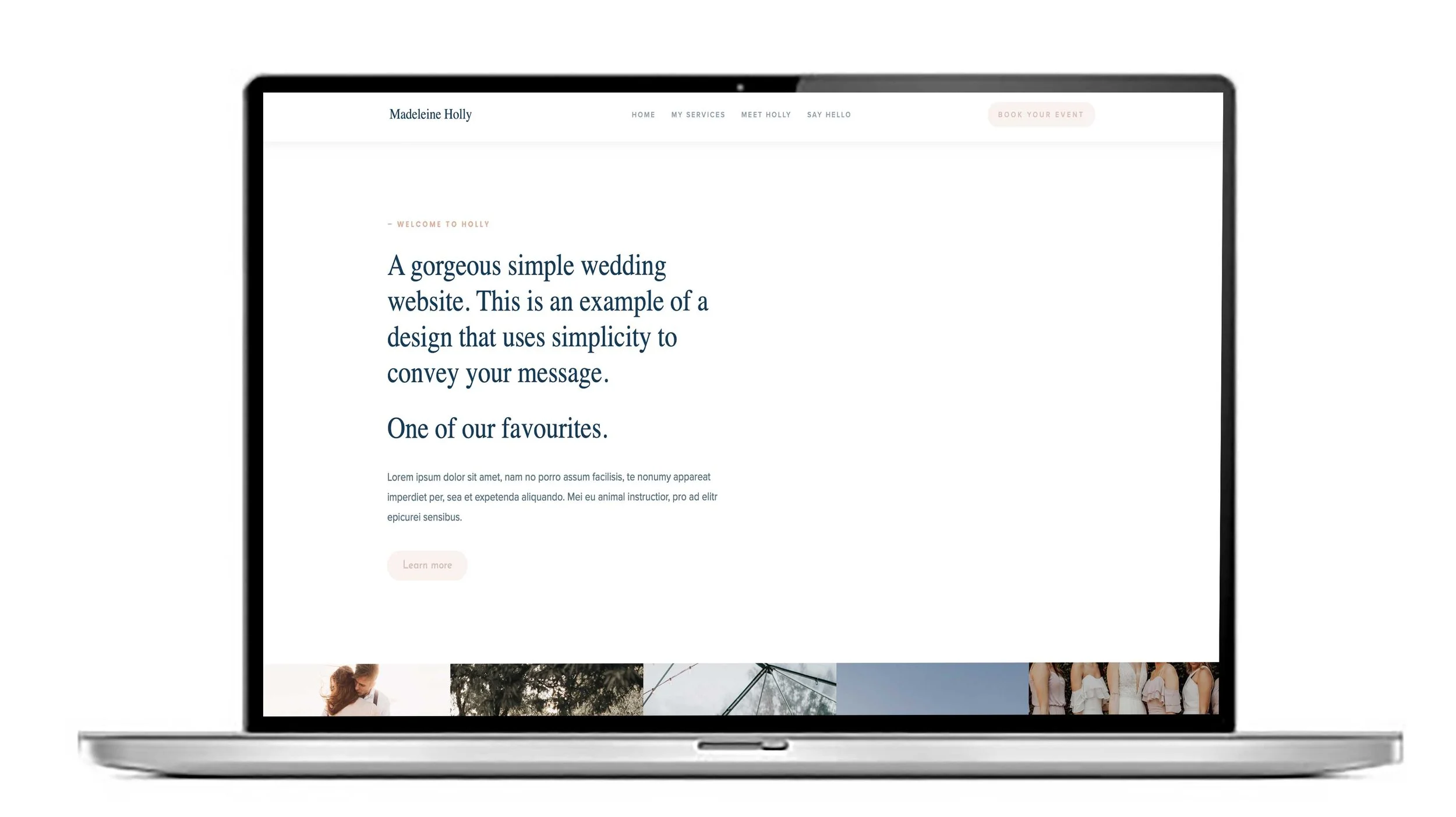
Squarespace Expert. How to import a font into Squarespace 7.1
Squarespace has a good choice of fonts. Sometimes you may need to import a font that matches your branding. Google Fonts and Font Squirrel are a good place to find free fonts.
As part of our ‘Squarespace Experts’ series of blogs here are our tips. To import a font into Squarespace 7.1, follow these steps:
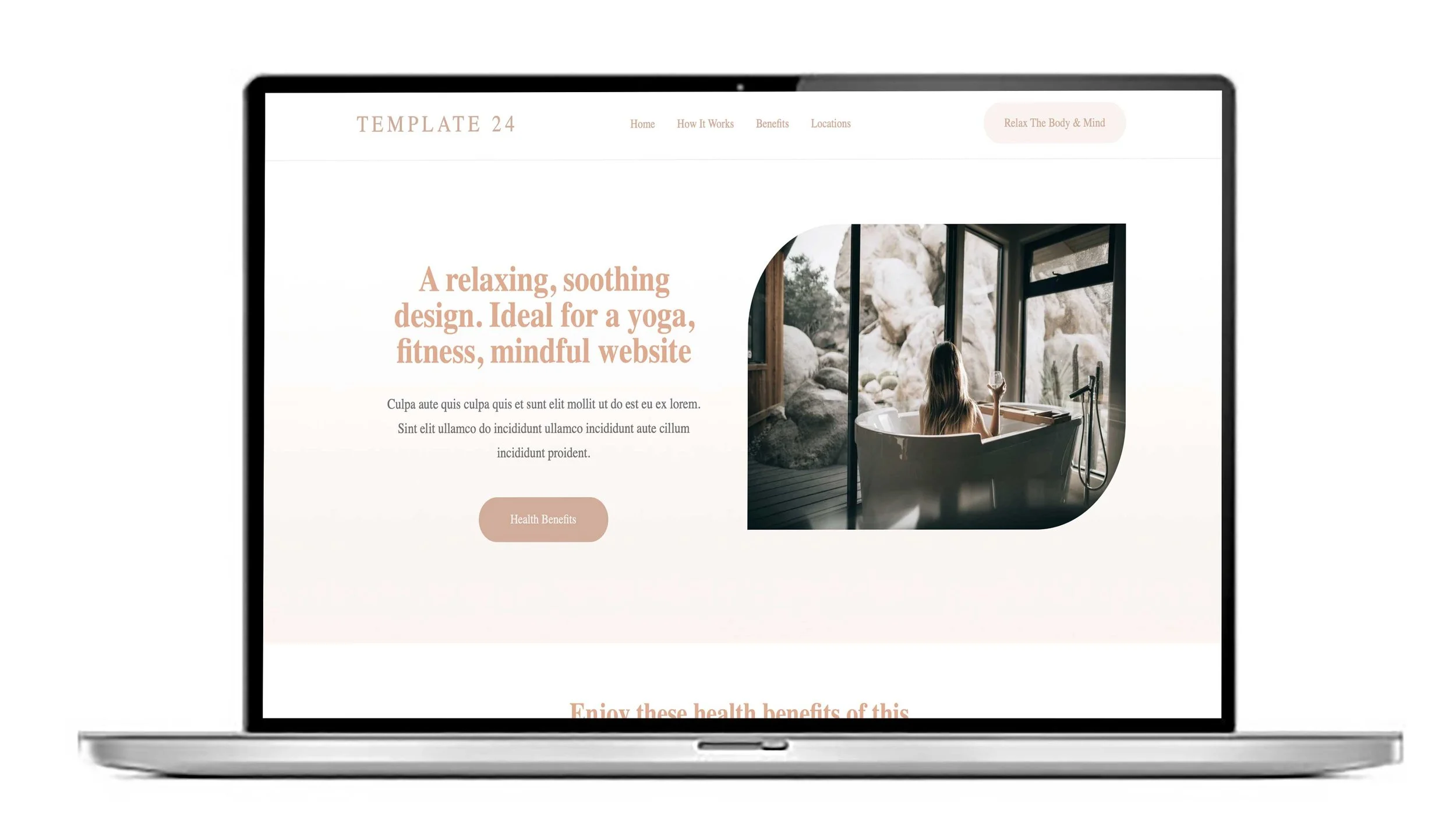
Squarespace Experts. How do I avoid hyphenation showing on the mobile view of my website?
The portrait view on a mobile inevitably means that text gets hyphenated but you can stop that from happening by using a little piece of code in the CSS section of your website. To avoid hyphenation on the mobile view of your website, follow these steps:
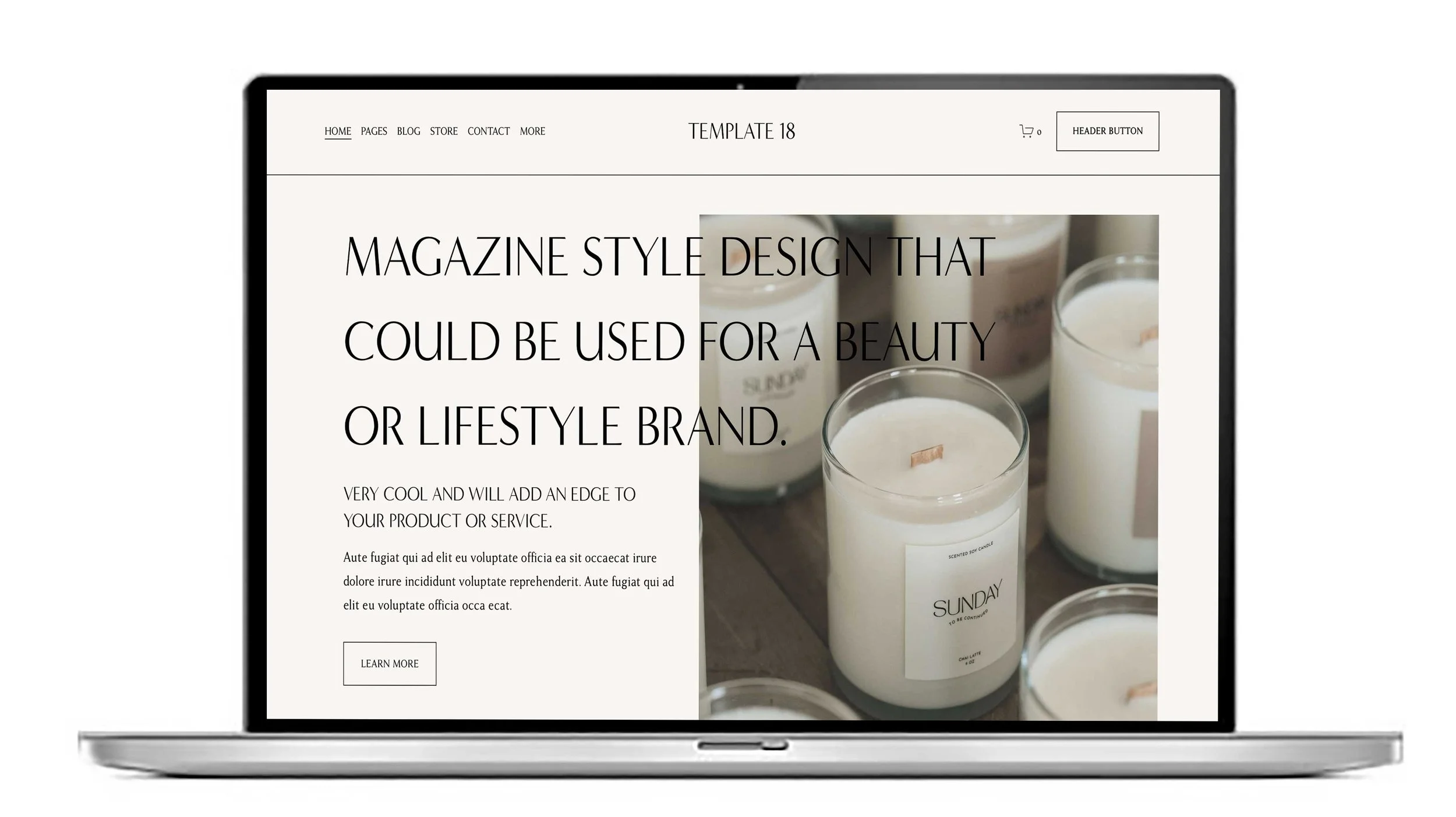
How to transfer a domain from one Squarespace website to another Squarespace website
Transferring a domain between two Squarespace websites you own involves several specific steps. Follow this guide to complete the process smoothly:
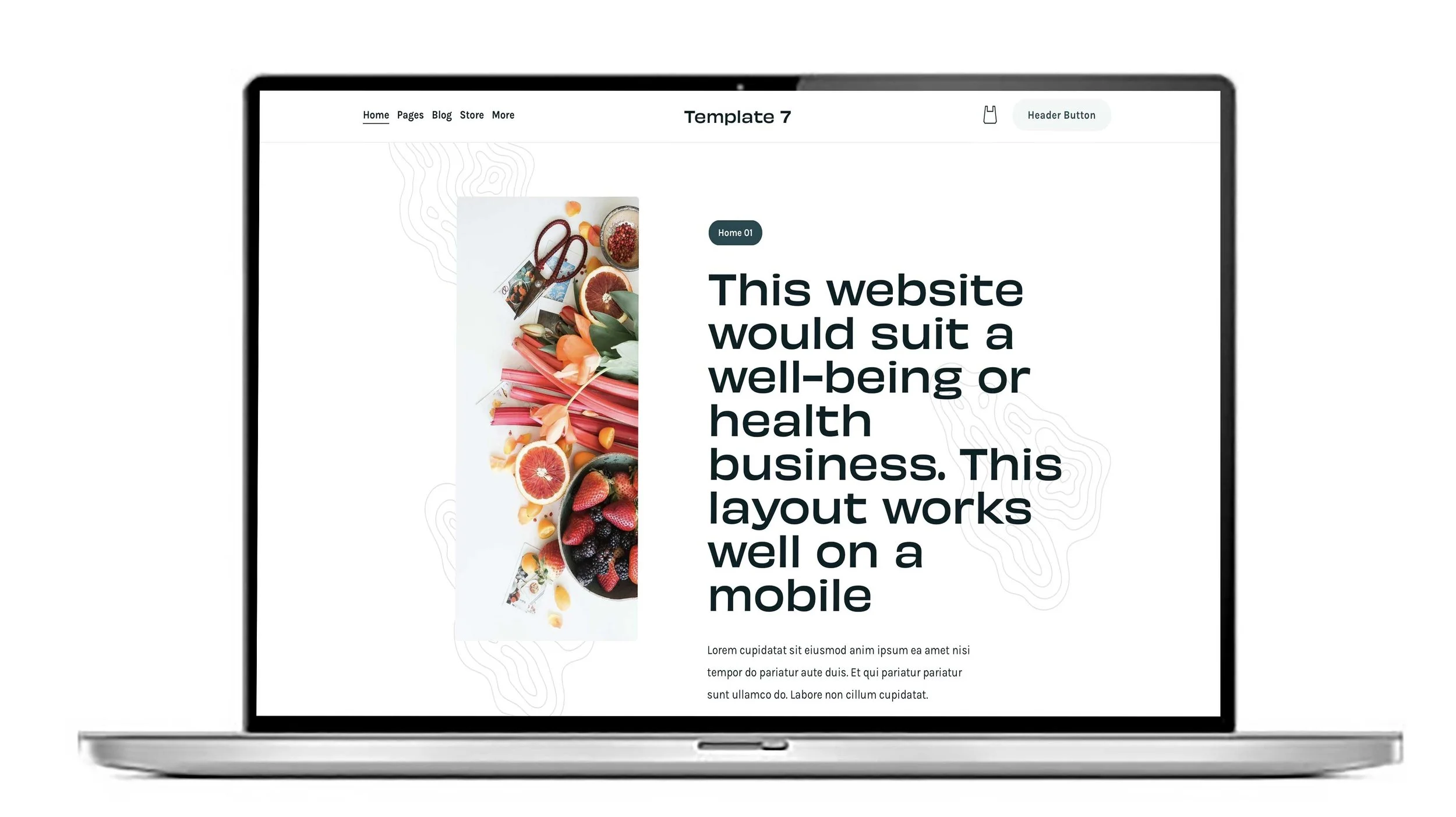
How to optimise a Squarespace website for mobiles.
Optimising your Squarespace website for mobile devices is essential to ensure a smooth user experience, improve search engine rankings, and increase visitor engagement. Follow these key steps to optimise your Squarespace website for mobiles effectively:
How to improve the SEO on a Squarespace website yourself.
Improving SEO on a Squarespace website involves a combination of on-page optimisation, technical adjustments, and content strategy. Here’s how to enhance your Squarespace site’s SEO effectively:
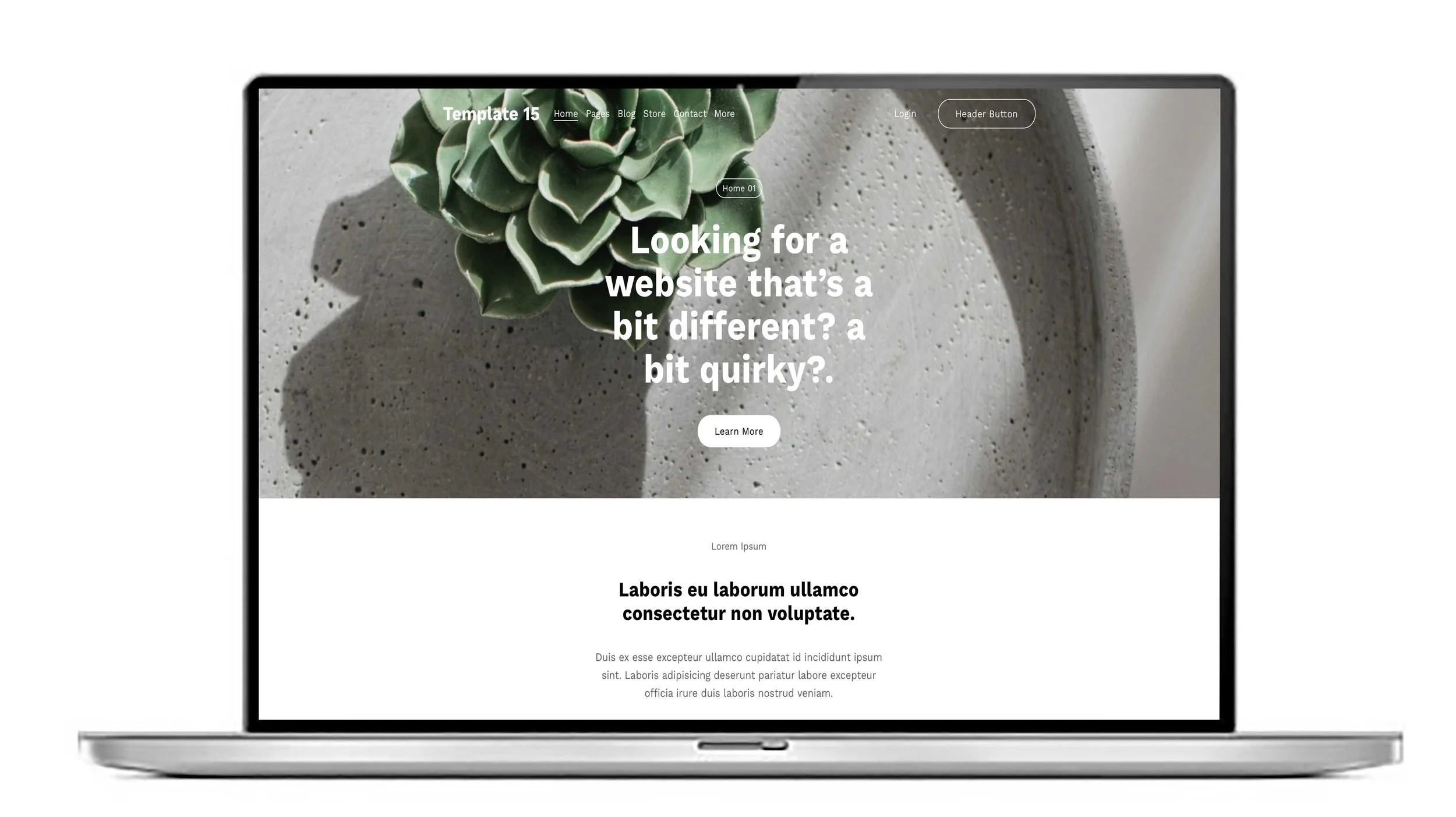
Squarespace designer UK. How do I show a full width banner on my mobile on Squarespace 7.1?
As part of our ‘Squarespace website expert series’ one subject occasionally comes up and needs fixing. On a desktop banners will show full width but on a mobile the banner will be cropped to fit into the portrait shape. A bit of CSS code will fix that.