

What’s the difference between a Wordpress and a Squarespace website template?
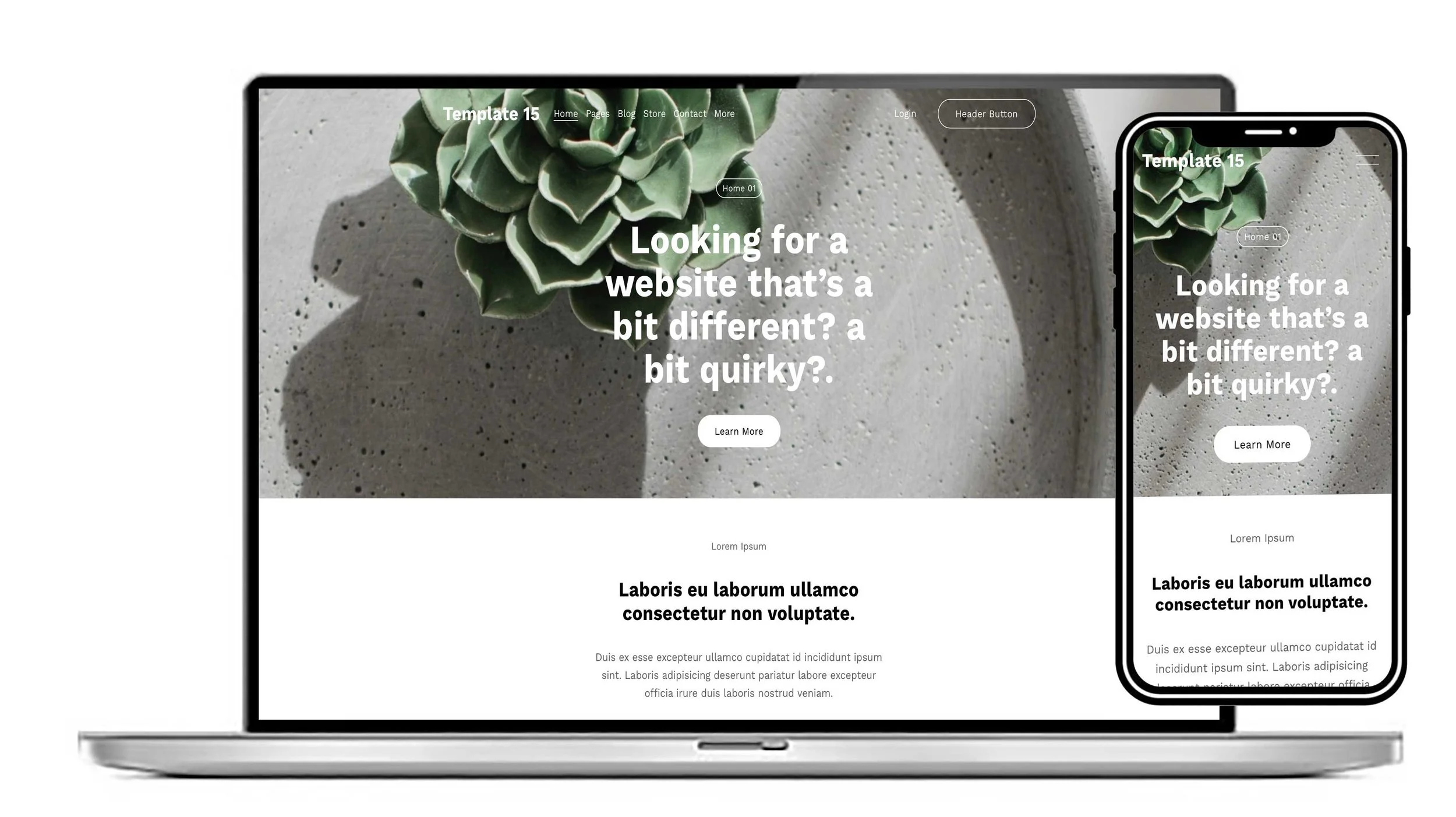
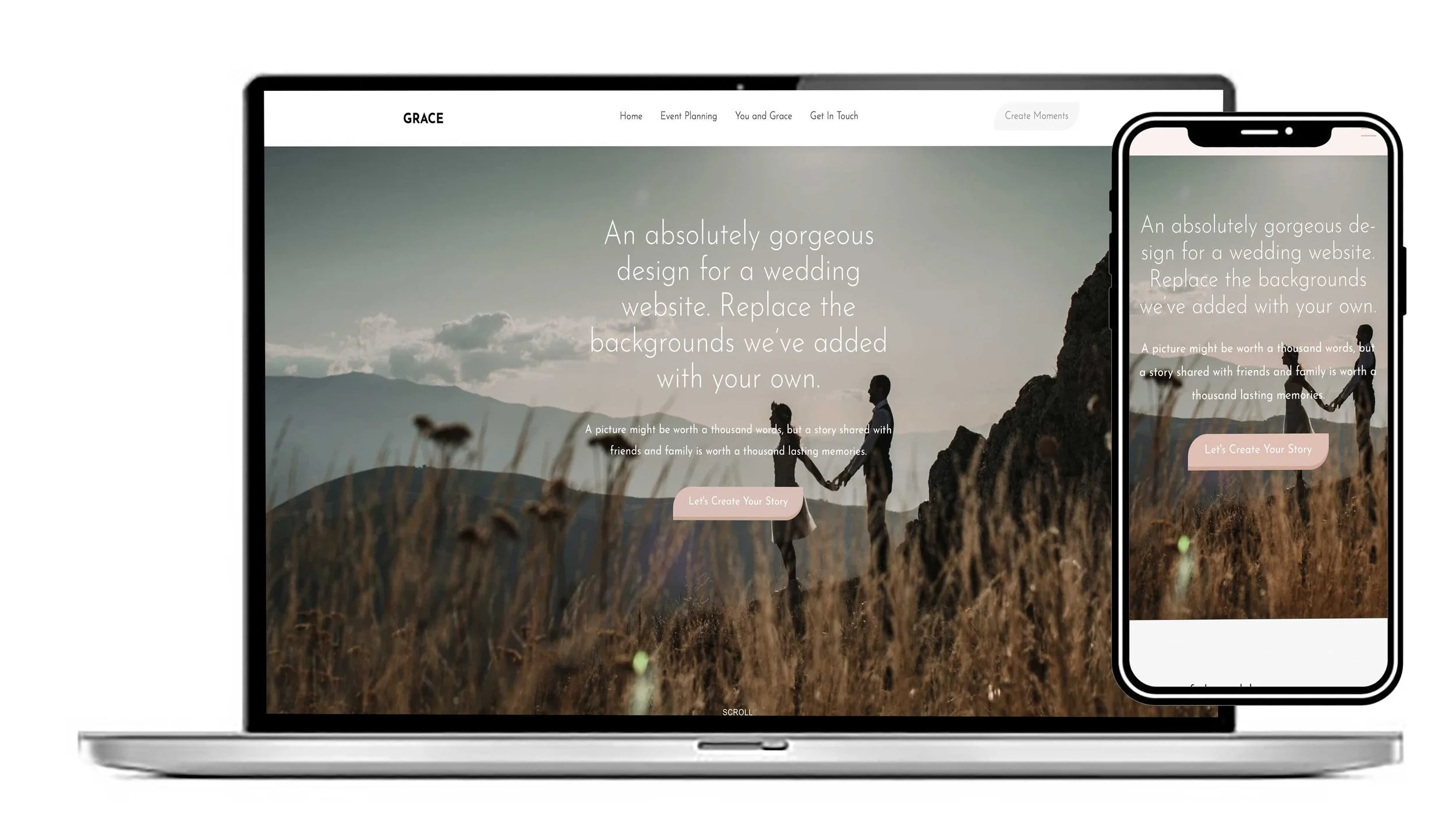
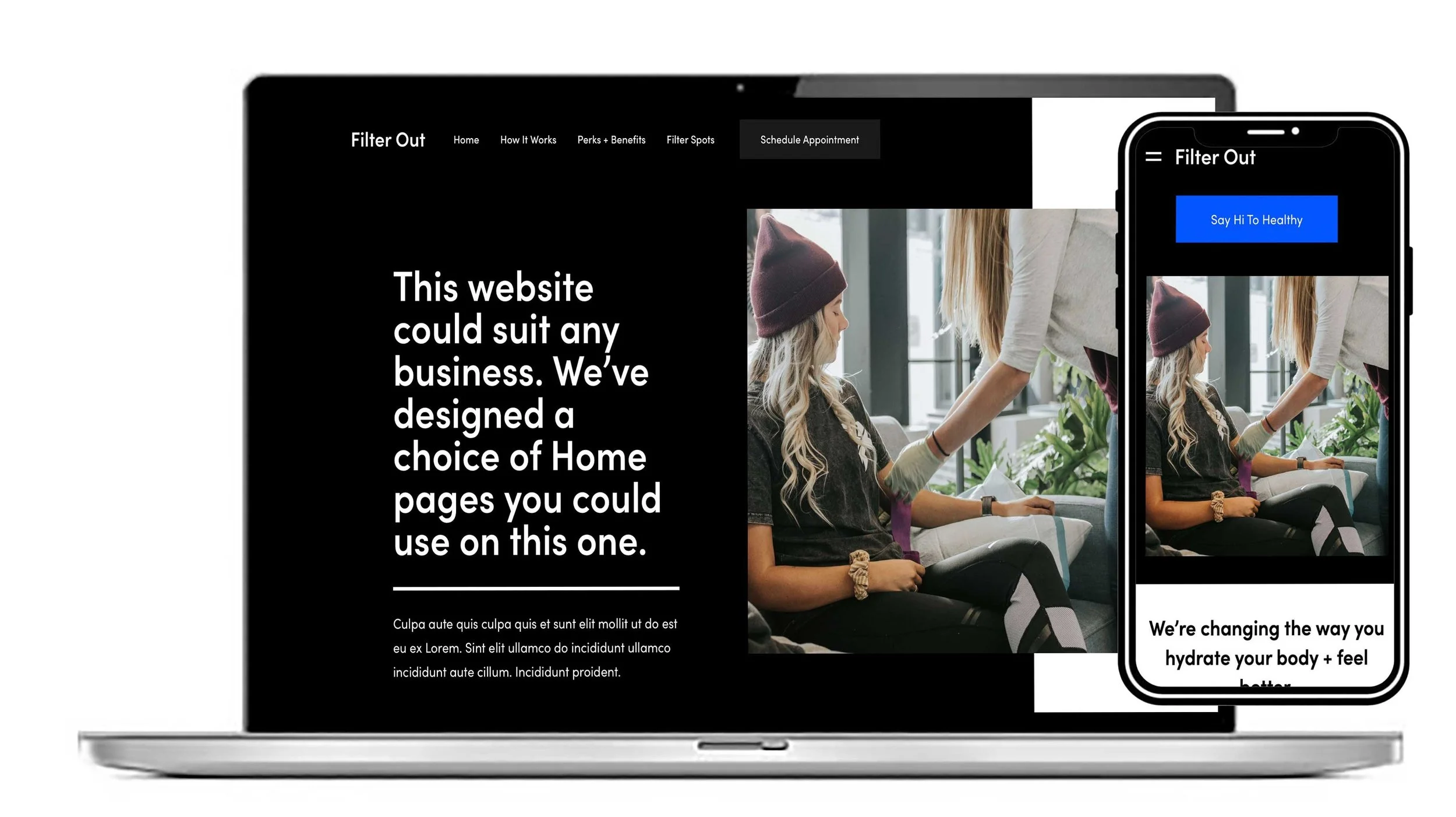
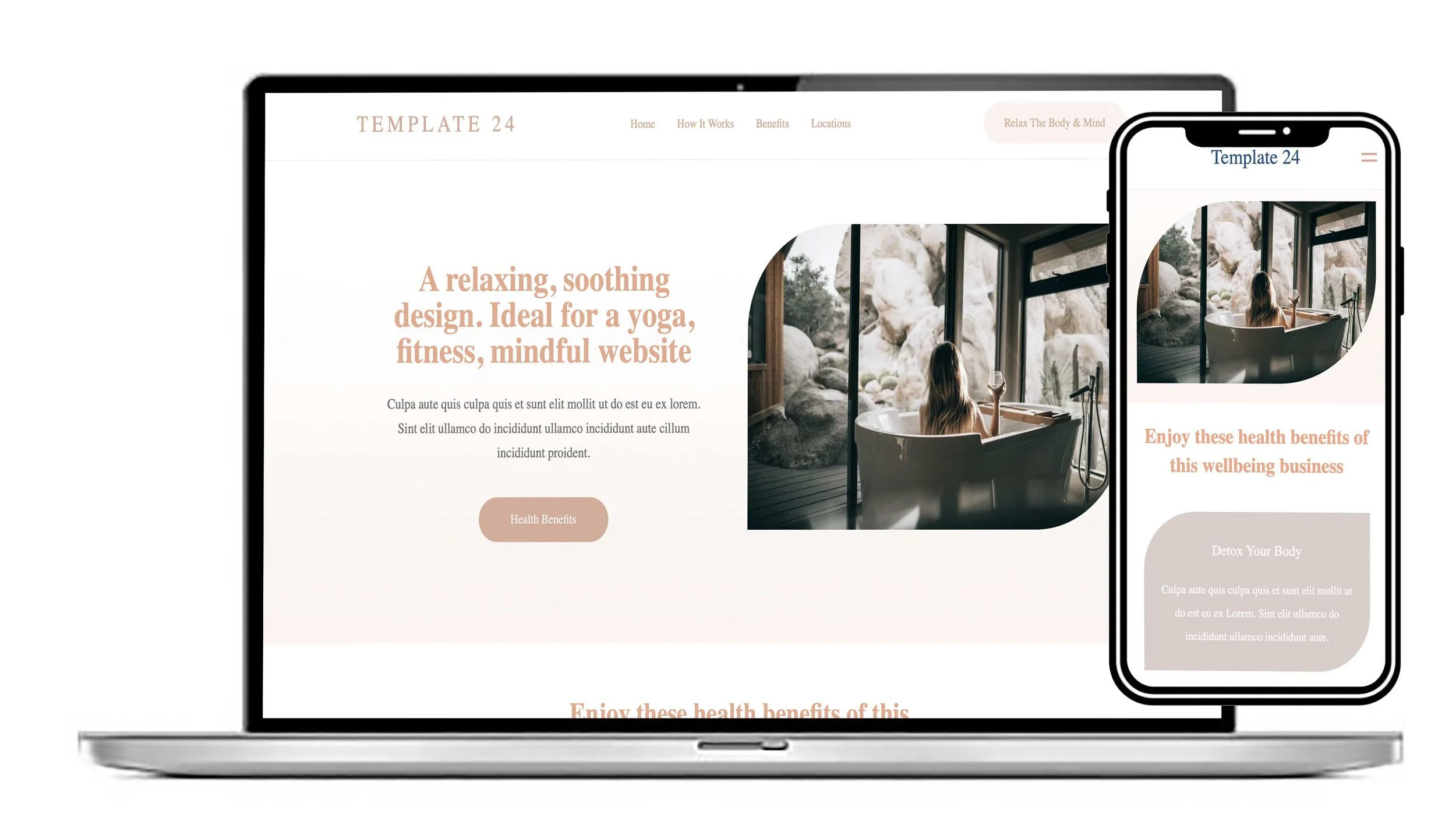
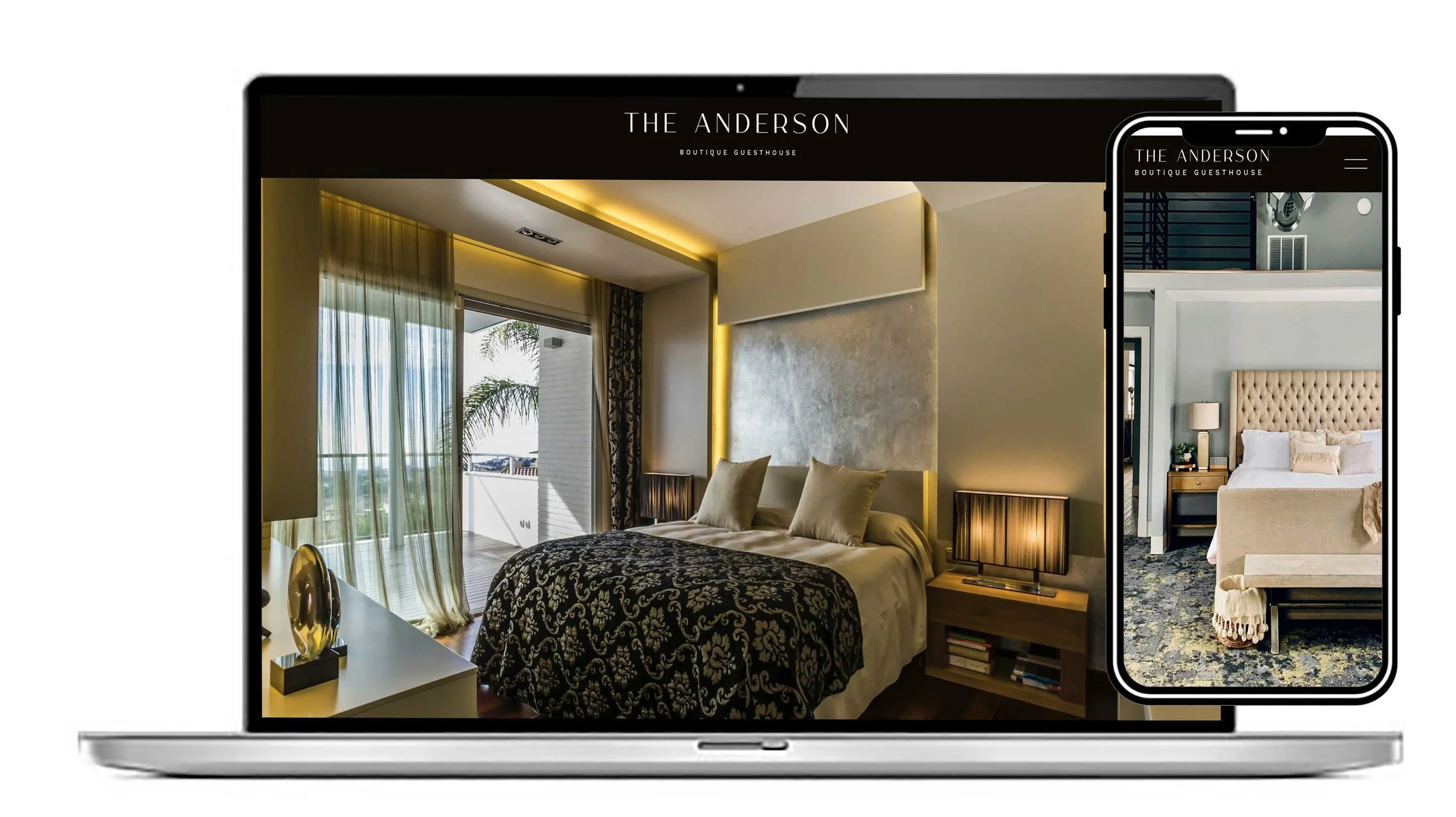
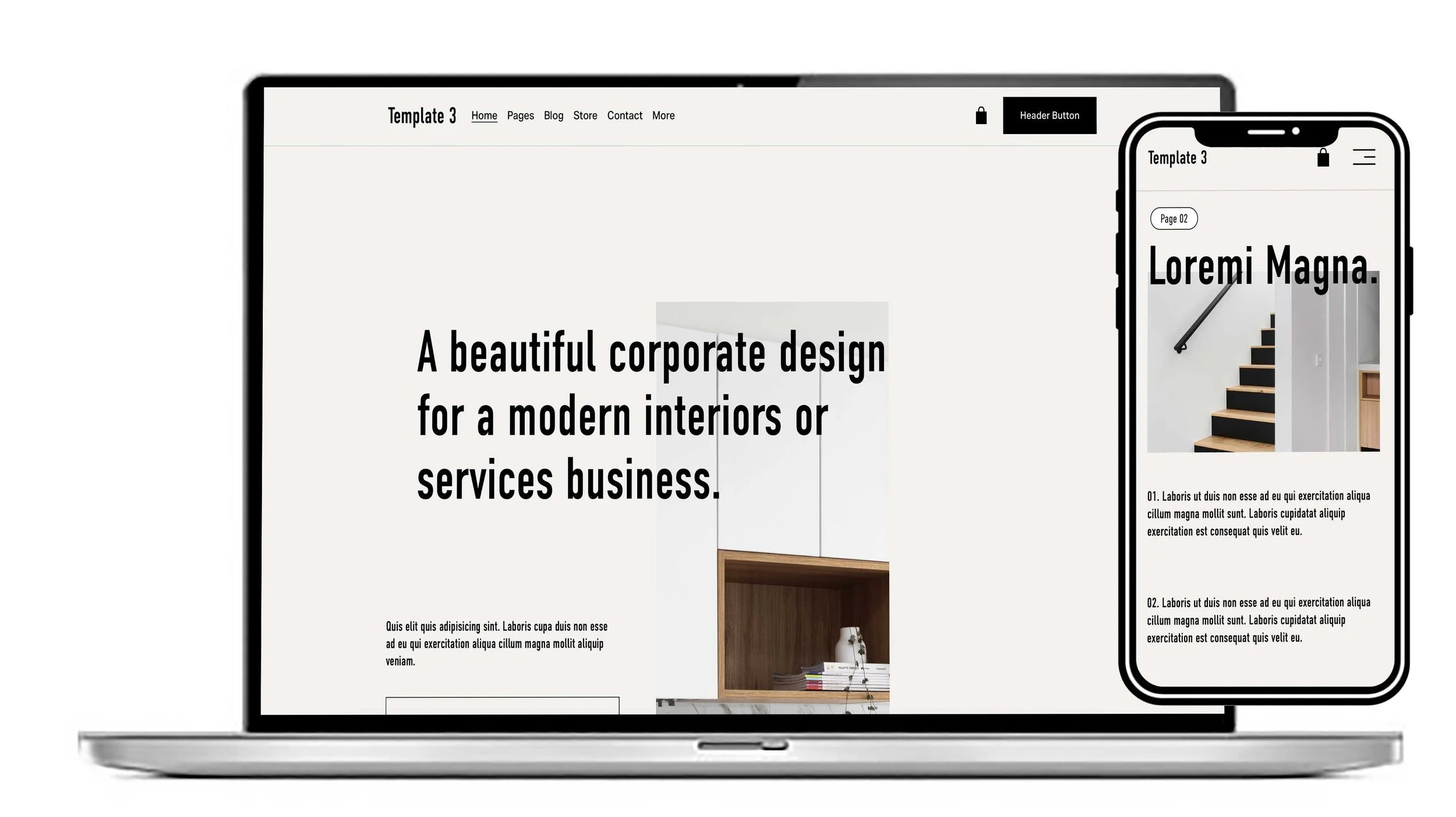
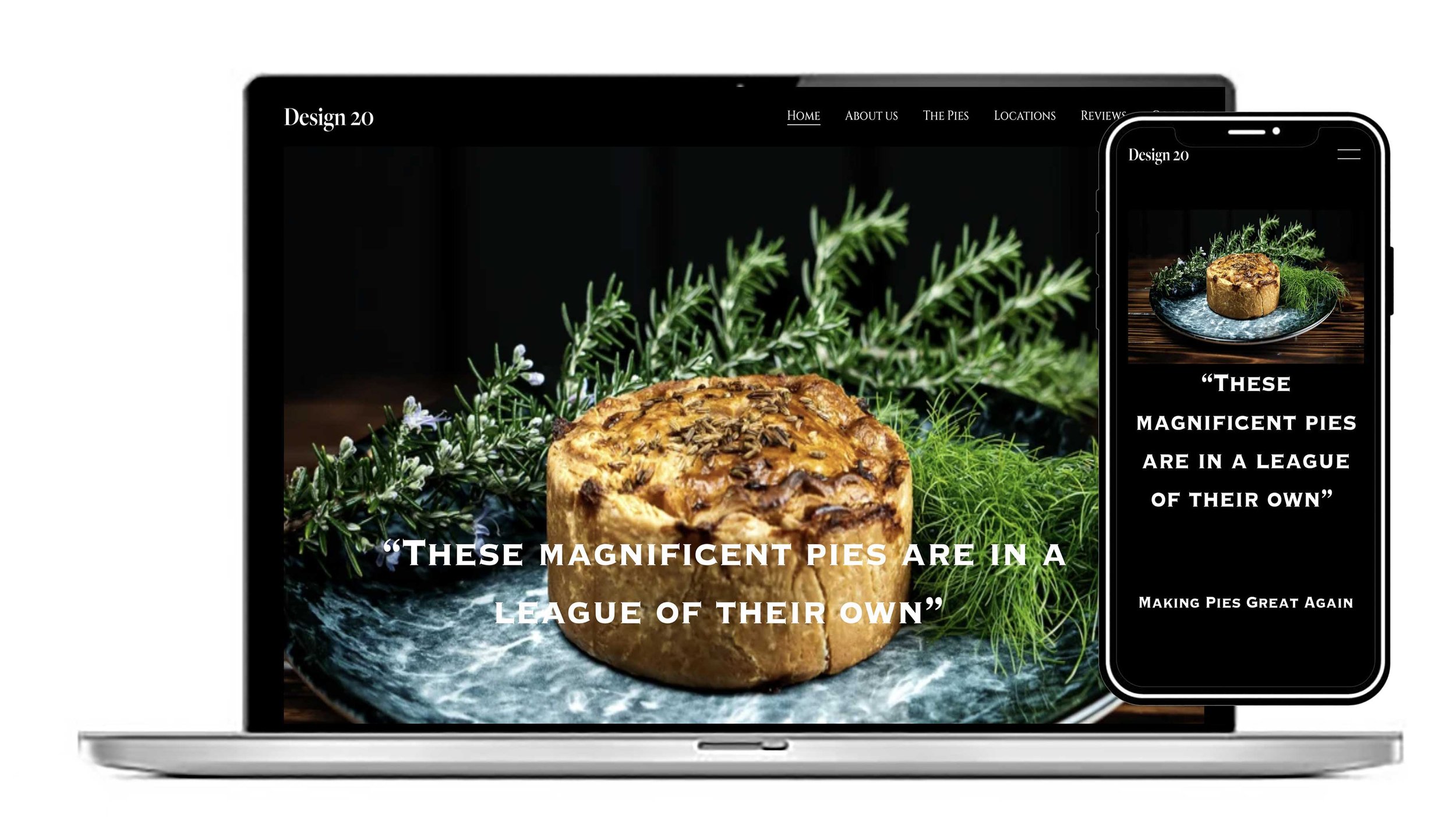
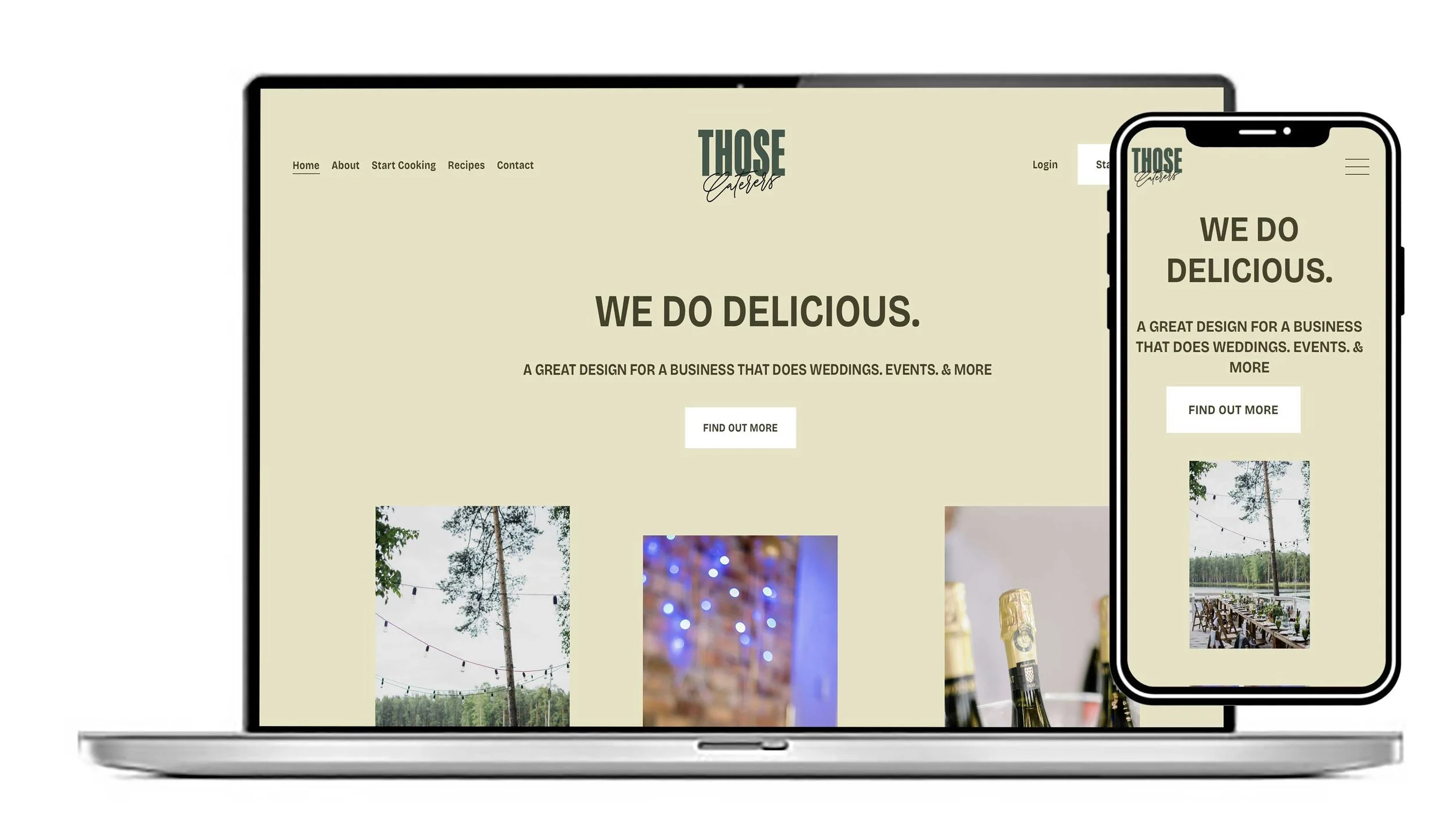
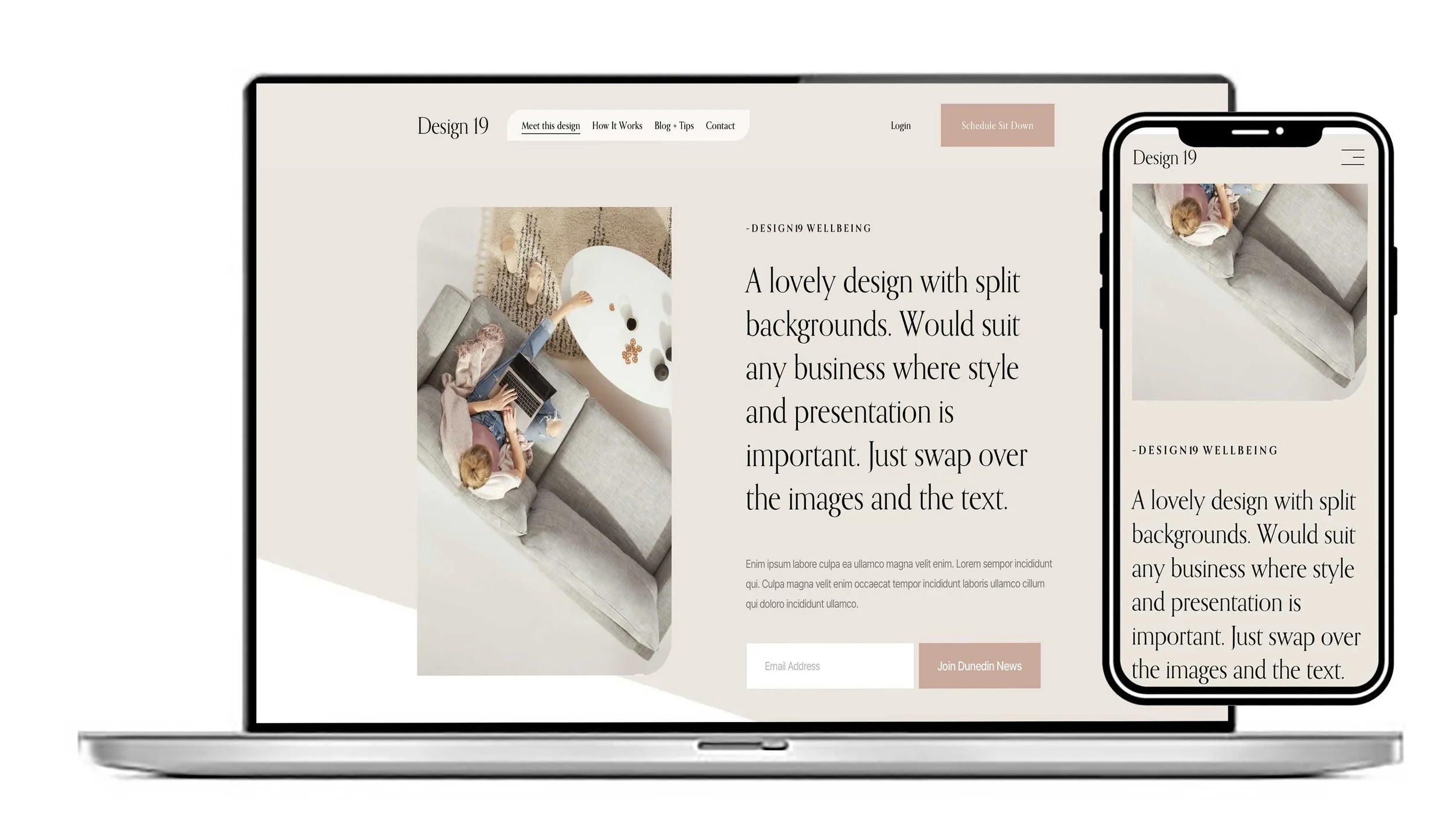
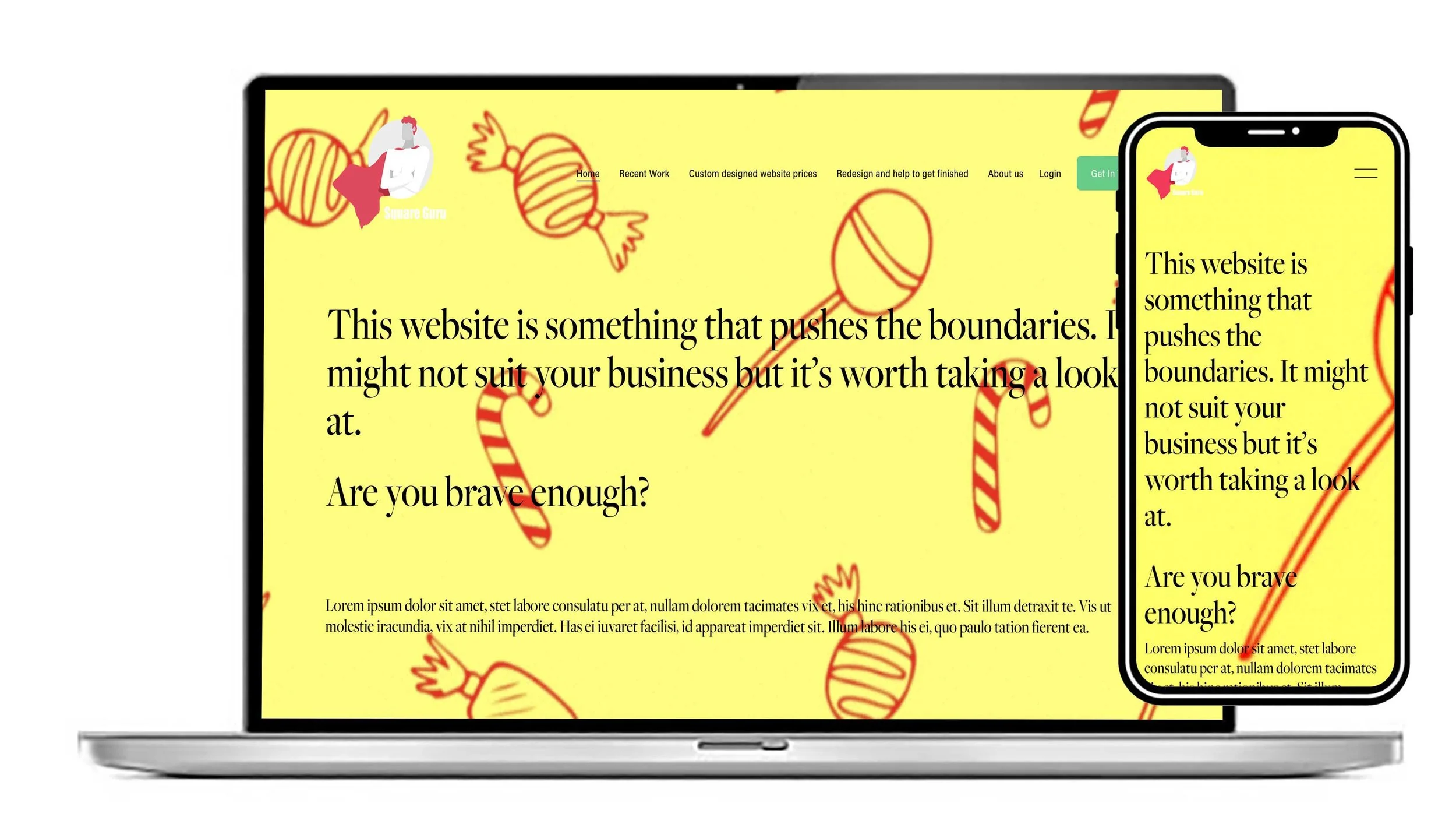
Templates are available for both platforms. Here are three of our popular templates built for the Squarespace platform.
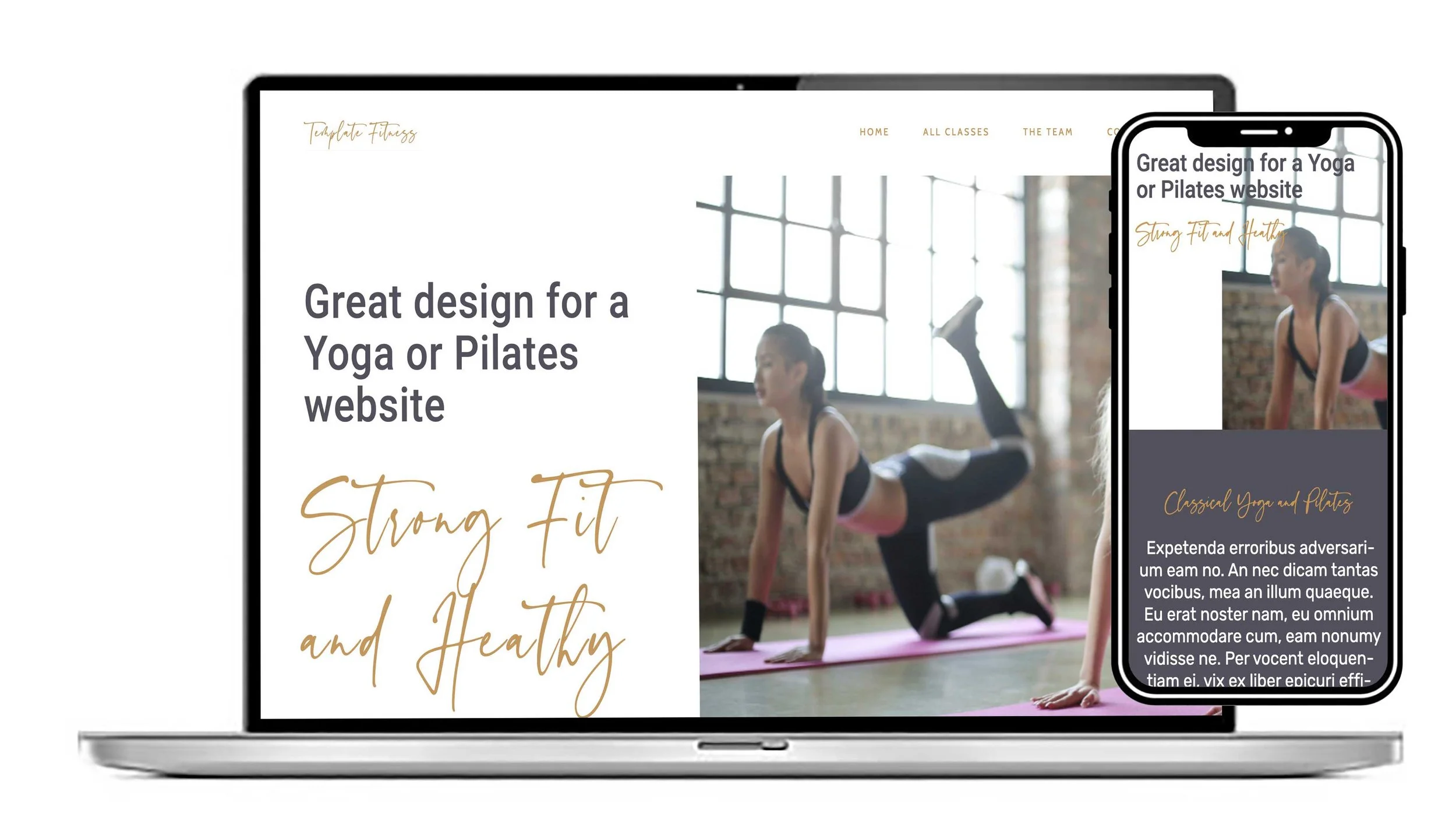
View this design
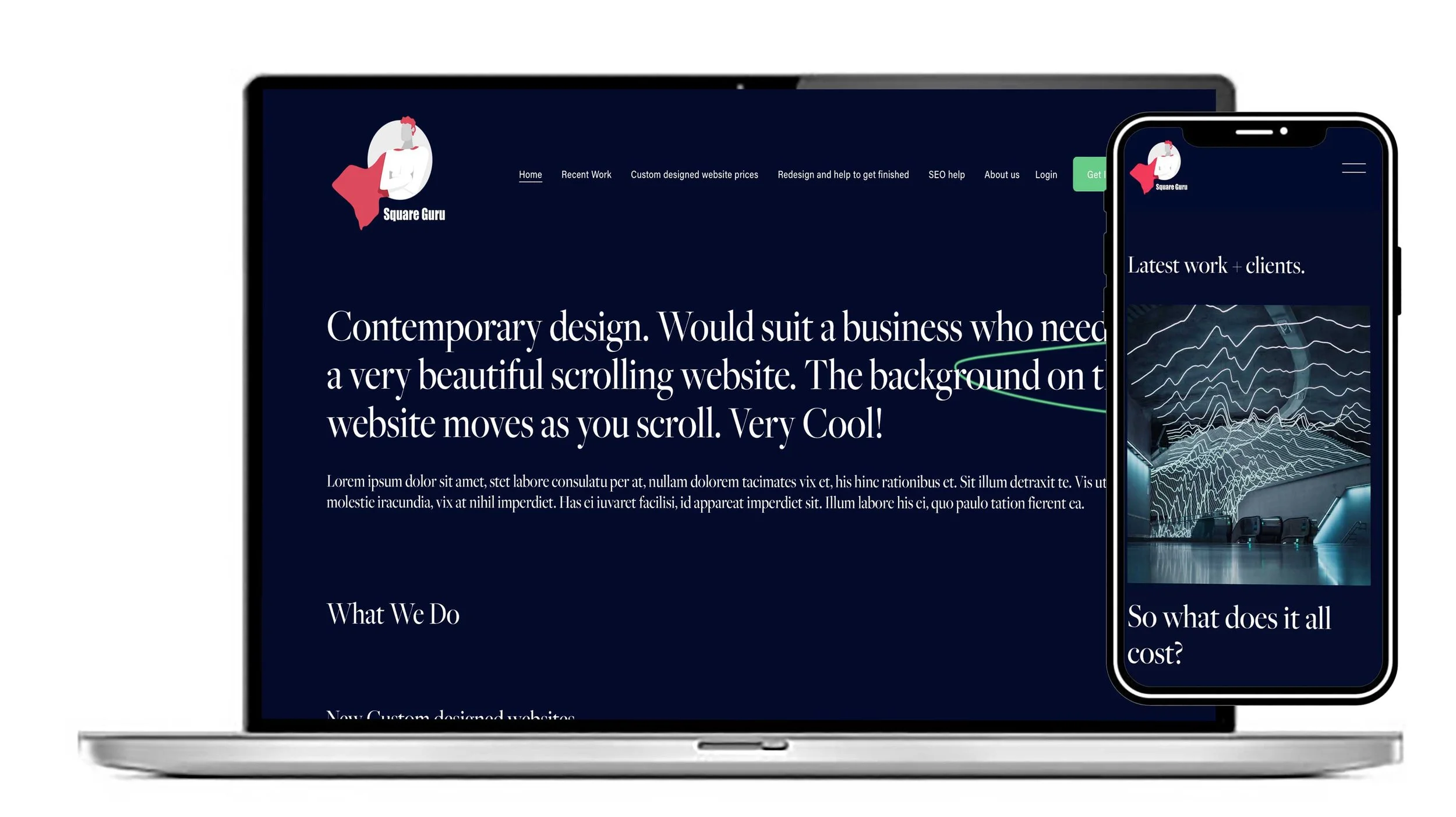
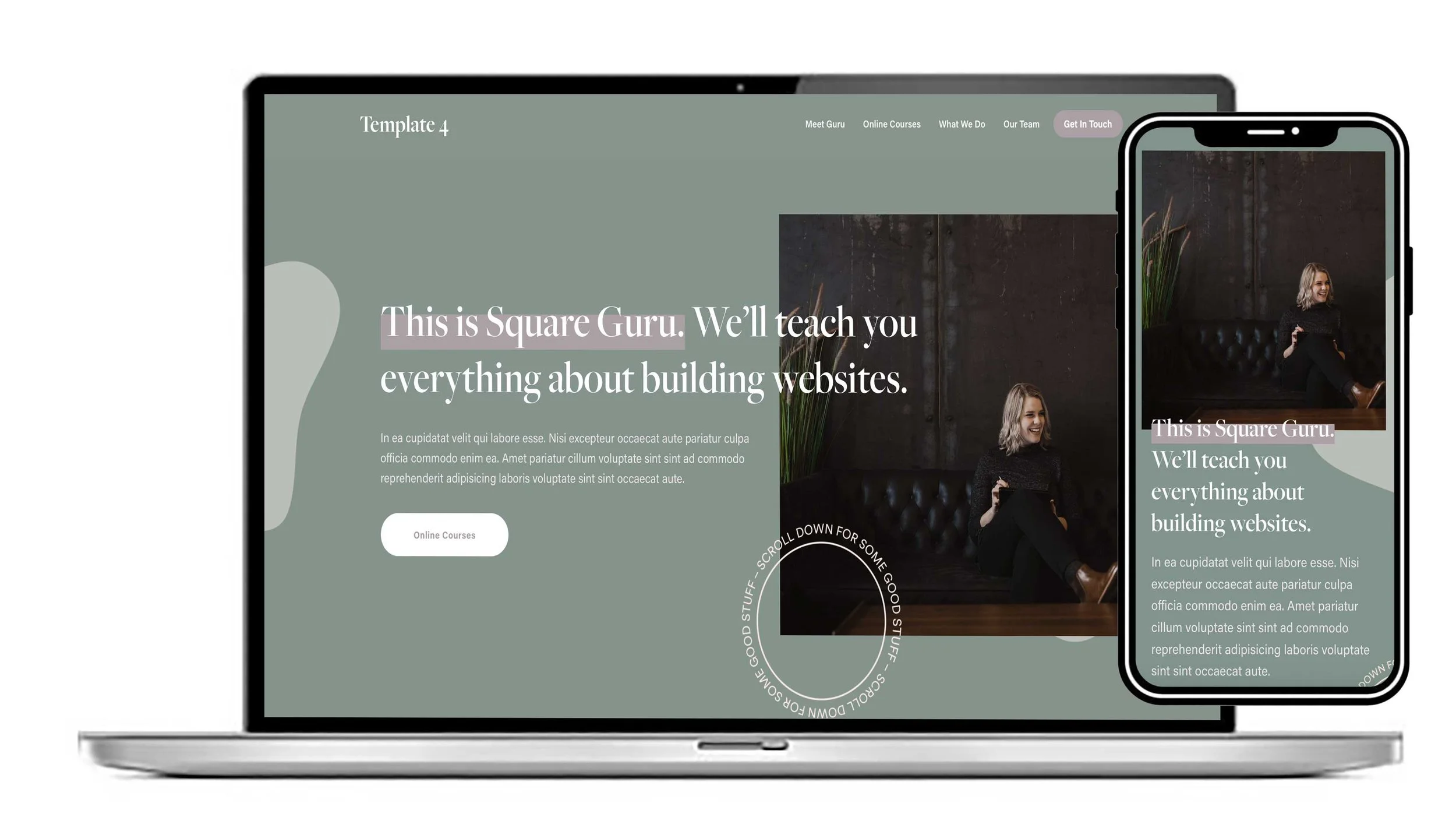
This design would suit any business. You can change the fonts and images to personalise your brand. Great for a small business that wants to grow.
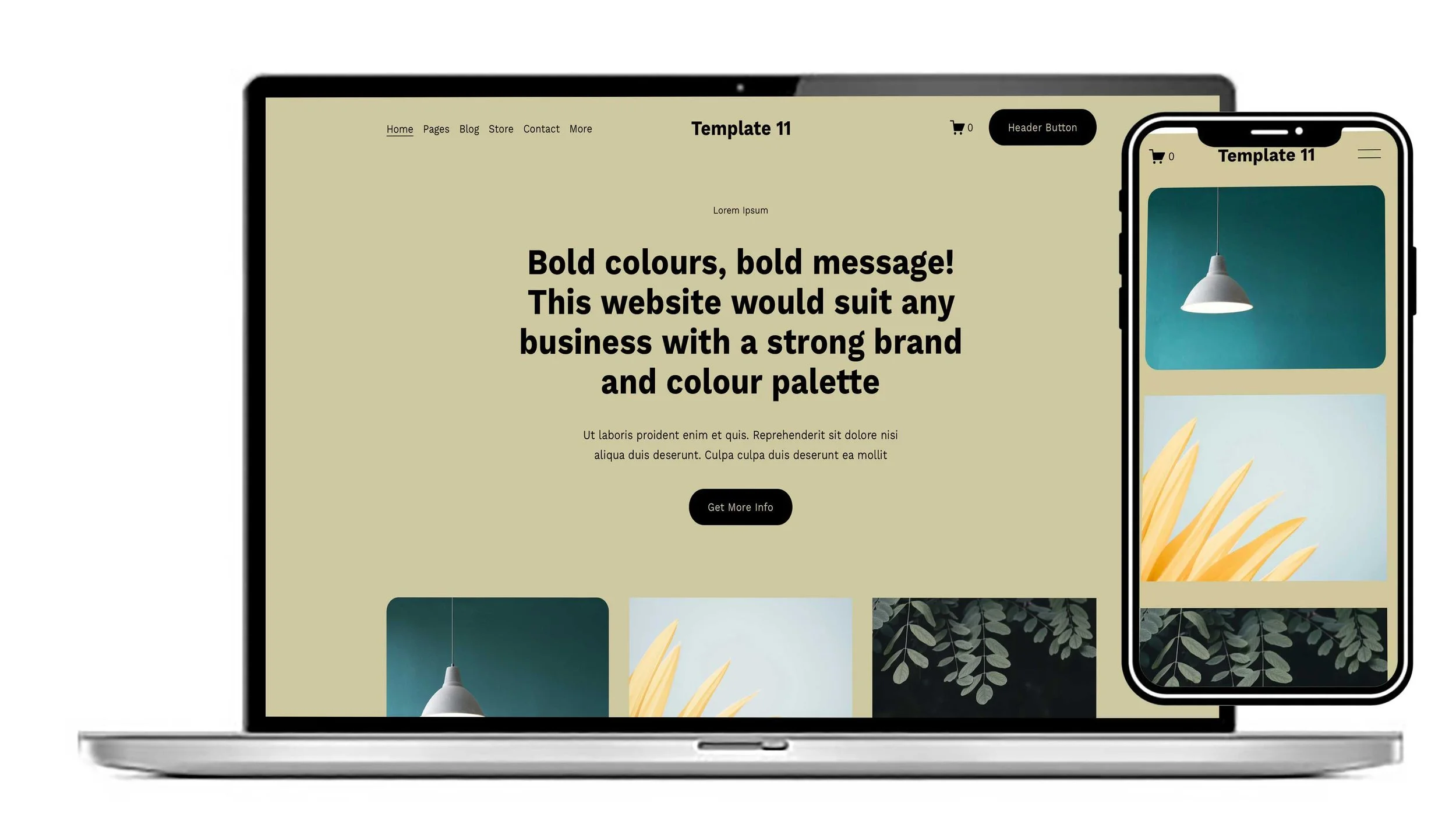
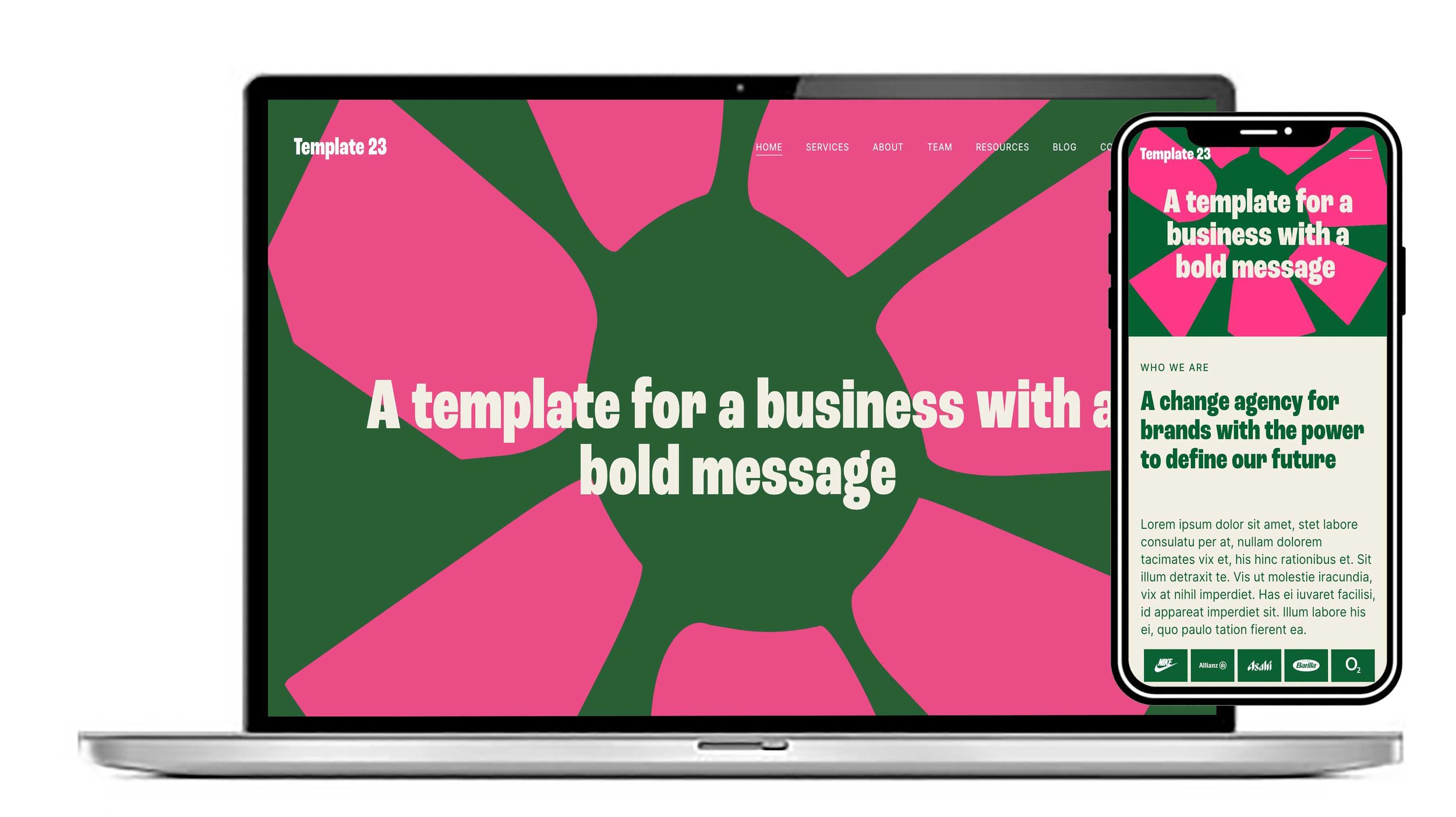
Bold layout. This layout would compliment a brand. If you have a strong message, a set of colours and logos.
View this design
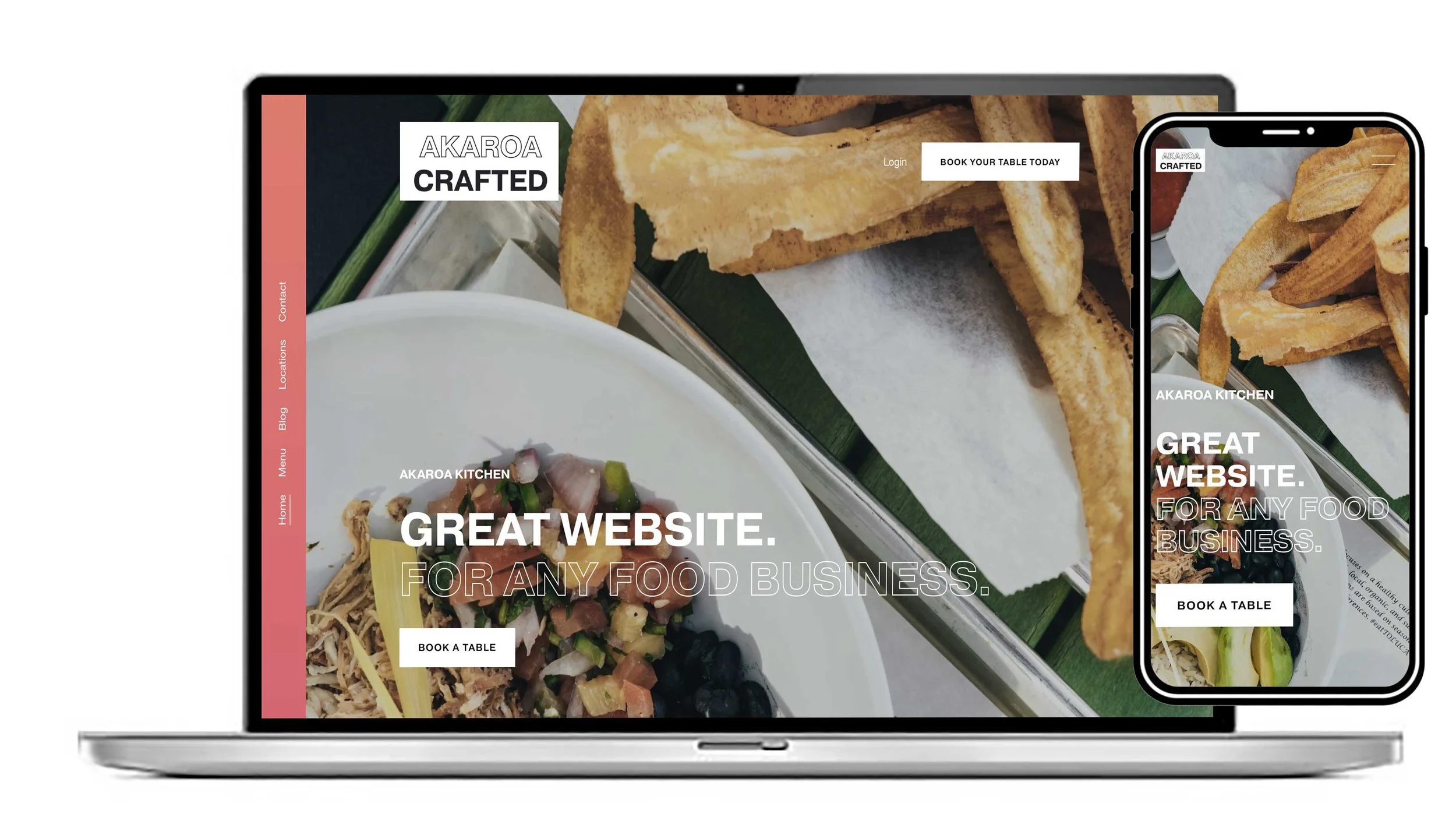
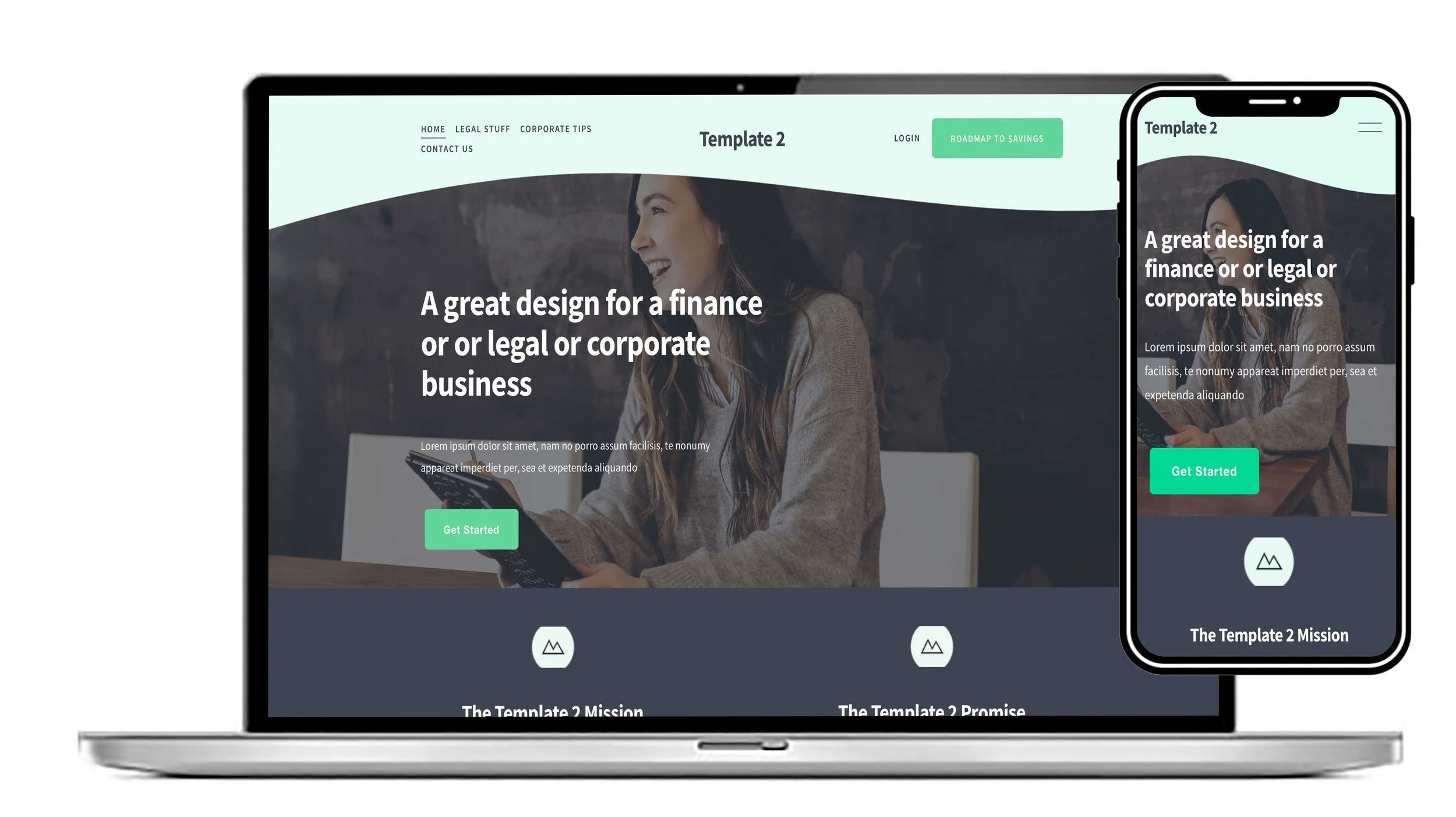
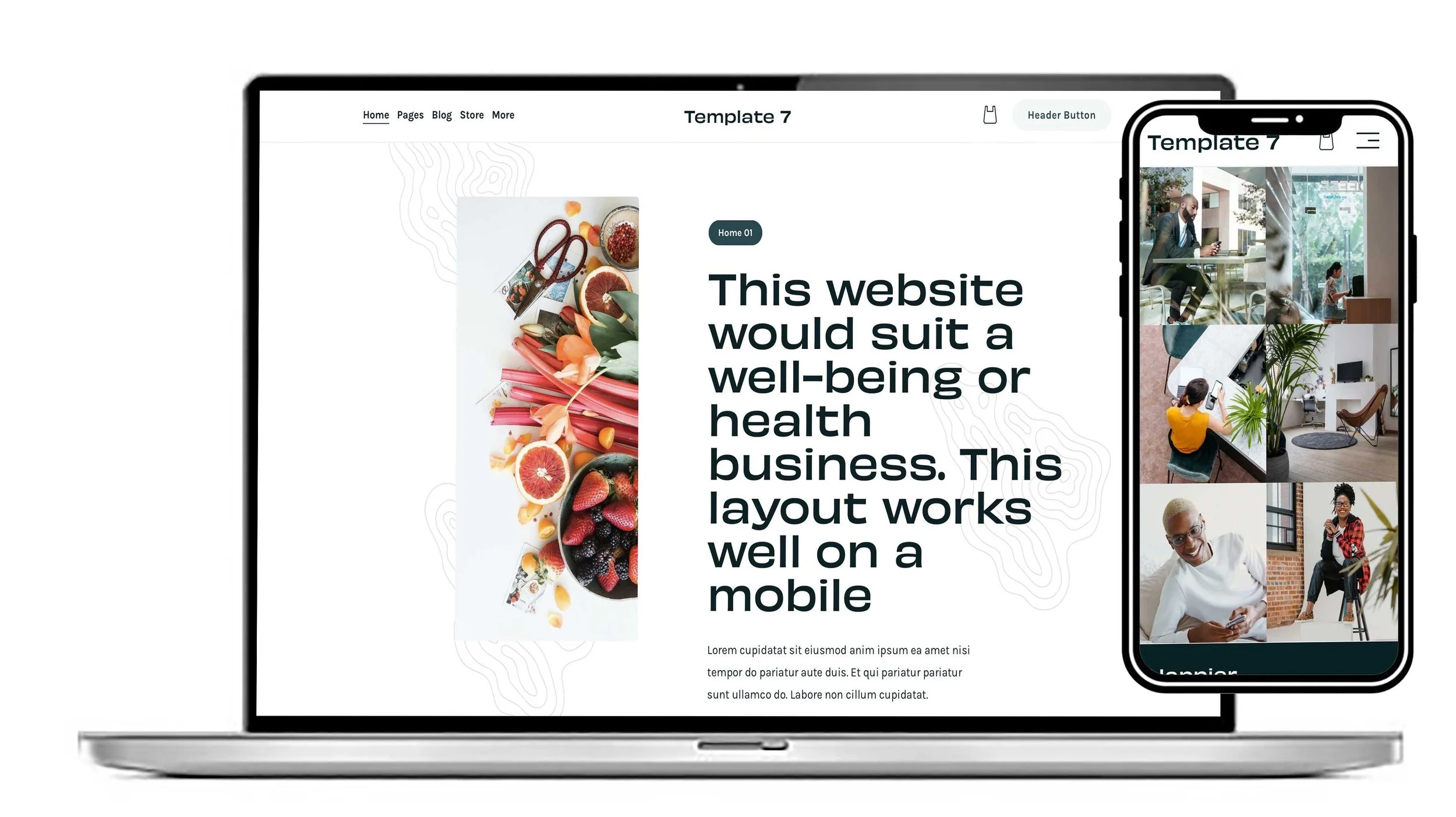
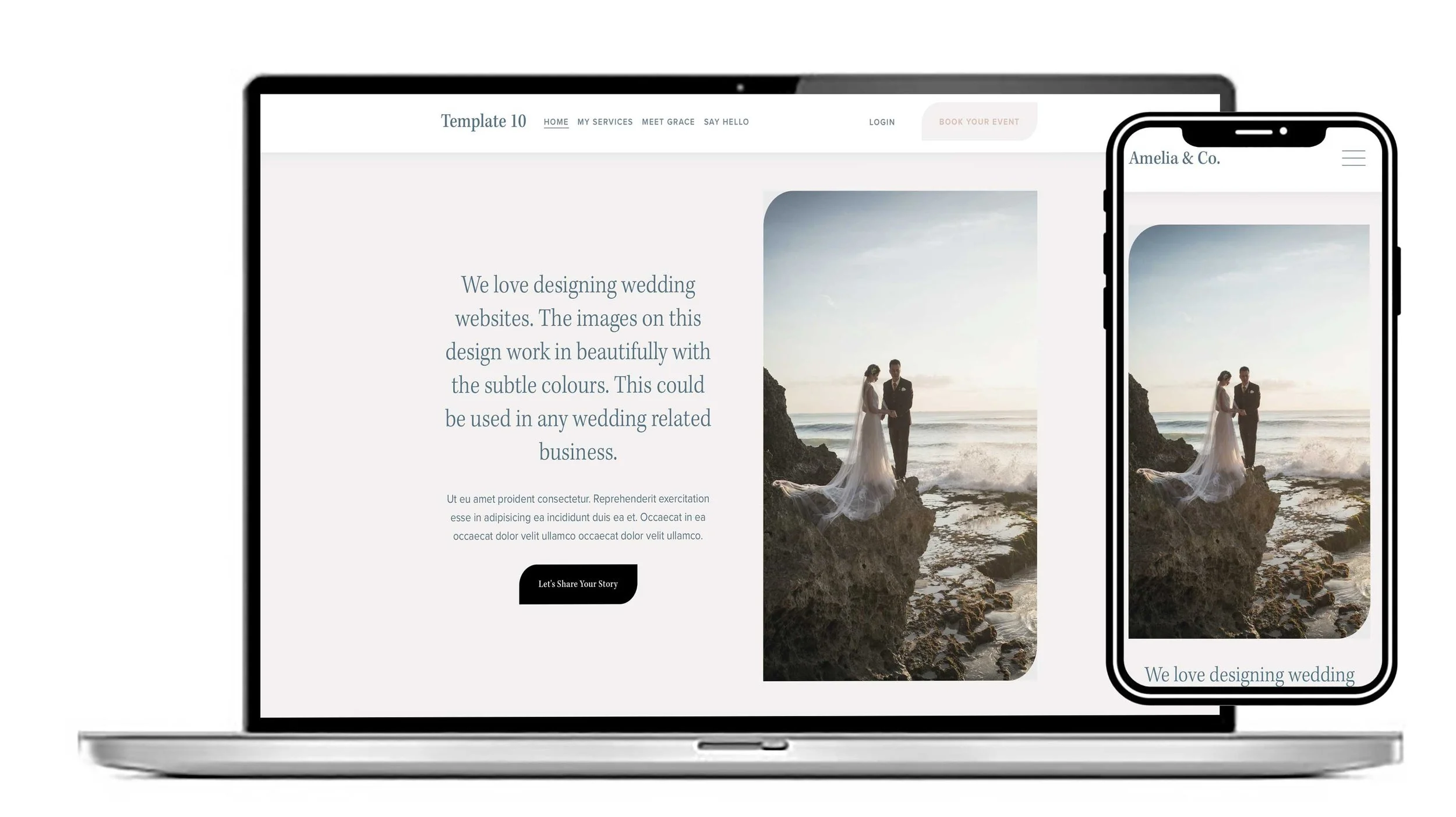
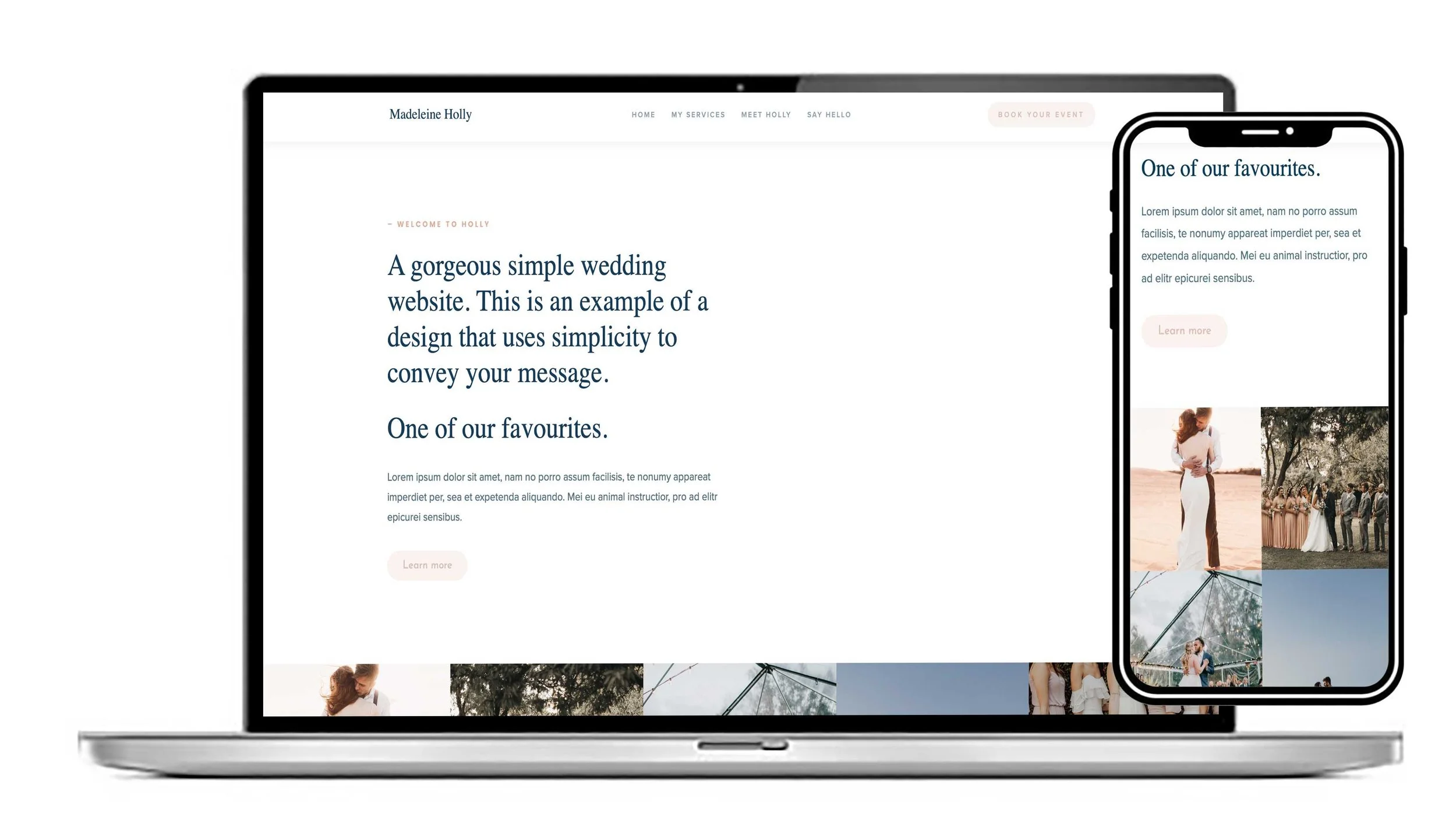
You can make this template look just the way you want with your own images and text. Great design if you’re looking for a website that functions well on mobile.
“The Hospitality Template was perfect for what I was looking for.”— MadeleineBakes, UK
View this design
When building a website, one of the first decisions you’ll make is choosing a platform. Two of the most popular options are Squarespace and WordPress. Both offer templates that help users create professional-looking websites without needing to code from scratch, but the way their templates work is fundamentally different.
We offer a set of beautifully designed templates on the Squarespace platform.
Understanding those differences can help you choose the right platform for your business, portfolio, blog, or online store.
What Is a Website Template?
A website template is a pre-designed layout that controls the appearance and structure of your website. Templates determine elements such as:
Page layouts
Typography
Color schemes
Navigation styles
Image placement
Mobile responsiveness
Both Squarespace and WordPress provide templates, but they differ in flexibility, customization, ease of use, and maintenance.
Our templates are built on the Squarespace platform and are far superior to the bundled templates you’ll find on both platforms. You can see all of our templates here.
Squarespace Templates
Our Squarespace Templates are designed to work within Squarespace’s all-in-one website ecosystem. They are known for clean aesthetics, simplicity, and ease of use.
Key Characteristics of Our Squarespace Templates
1. Built-In Design Consistency
Our Squarespace templates are professionally designed with a polished, modern appearance. Because the platform controls both the hosting and the design system, templates maintain a consistent look and feel.
This makes Squarespace particularly attractive for:
Creatives
Photographers
Small businesses
Personal brands
Restaurants
Portfolio websites
2. Limited but Streamlined Customisation
Squarespace allows users to customise fonts, colours, layouts, and sections through a visual editor. However, customisation is intentionally limited compared to WordPress.
The advantage is simplicity:
Fewer opportunities to break the design
Easier editing experience
Faster setup for beginners
3. Drag-and-Drop Editing
Squarespace uses a visual editing interface that lets users build pages without coding knowledge. Changes are typically made directly on the page in real time.
This lowers the technical barrier significantly.
4. Hosting and Security Included
With Squarespace, templates are part of a managed system. Hosting, updates, security, and performance optimisation are handled automatically.
Users do not need to:
Install software
Update plugins
Manage servers
Troubleshoot compatibility issues
WordPress Templates
On WordPress, templates are commonly called “themes.” You can explore thousands through WordPress Themes and third-party marketplaces.
WordPress themes operate in a much more open ecosystem.
Key Characteristics of WordPress Templates
1. Nearly Unlimited Flexibility
WordPress themes can be heavily customised. The interface using wordpress is complicated and not easy for a beginner to understand. Users can modify:
Layouts
Functionality
Code
Plugins
Page builders
E-commerce systems
This flexibility makes WordPress ideal for:
Large businesses
Complex websites
Membership platforms
Custom web applications
Advanced SEO projects
2. Massive Theme Marketplace
WordPress offers thousands of free and premium themes from independent developers. You can find themes for virtually any industry or niche.
3. Plugin Compatibility
WordPress templates often rely on plugins for extended functionality. For example:
SEO tools
Booking systems
Membership portals
Online stores
Learning management systems
This modular system is powerful but can become complex and if a plugin fails it can break the entire website.
4. Greater Technical Responsibility
Unlike Squarespace, WordPress users are generally responsible for:
Hosting
Security
Updates
Backups
Plugin maintenance
Managed WordPress hosting companies can simplify this, but WordPress still requires more technical oversight overall.
Major Differences Between Squarespace and WordPress Templates
Ease of Use
Squarespace
Squarespace templates are easier for beginners. The editing experience is more guided and intuitive.
WordPress
WordPress has a steeper learning curve because of its open ecosystem and customisation capabilities.
Winner for simplicity: Squarespace
Customisation
Squarespace
Customisation is controlled and limited to approved options.
WordPress
WordPress allows deep customisation through themes, plugins, and custom code.
Winner for flexibility: WordPress
Design Freedom
Squarespace
Our Templates are visually refined, beautiful, simple and functional.
WordPress
Themes can be modified extensively or built entirely from scratch.
Winner for creative control and ease of use: Squarespace
Maintenance
Squarespace
Maintenance is mostly automatic.
WordPress
Users manage updates, plugins, and hosting unless using managed services.
Winner for convenience: Squarespace
Scalability
Squarespace
Excellent for small-to-medium websites but may feel limiting for highly advanced projects.
WordPress
Highly scalable and capable of powering enterprise-level websites.
Winner for scalability: Squarespace
SEO Capabilities
Both platforms support SEO, but WordPress offers more advanced optimization options through plugins like:
Yoast SEO
Rank Math
Squarespace includes built-in SEO tools but offers less granular control. See our SEO page here.
Winner for advanced SEO: Squarespace as you can control the SEO settings easily.
Final Thoughts
We think although there are differences between the two the Squarespace is far superior. From our point of view we can design a website for a client and hand it over to them in the knowledge that they be able to edit and add new content themselves which they mostly can’t do with wordpress as it’s much harder to understand and not user friendly.
Squarespace and WordPress templates serve different types of users.
Squarespace focuses on simplicity, design consistency, and ease of use. Its templates are ideal for users who want a professional website with minimal technical complexity.
For many small businesses and creatives, Squarespace offers a smoother experience. For developers, growing brands, and feature-heavy websites, WordPress often provides greater long-term potential.
Call us Mon-Sat 9am-6pm. We love to chat. 020 8333 0151.
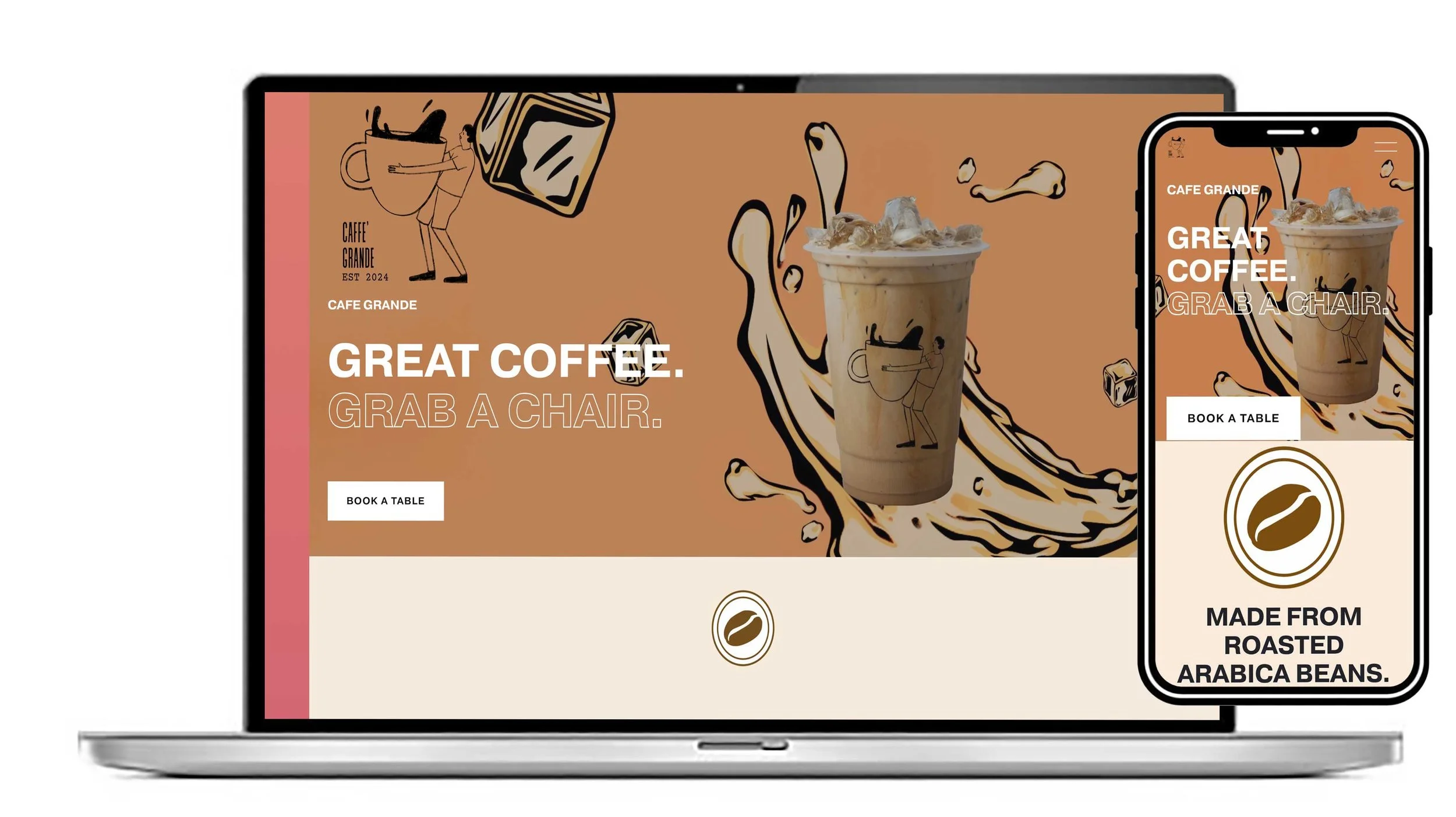


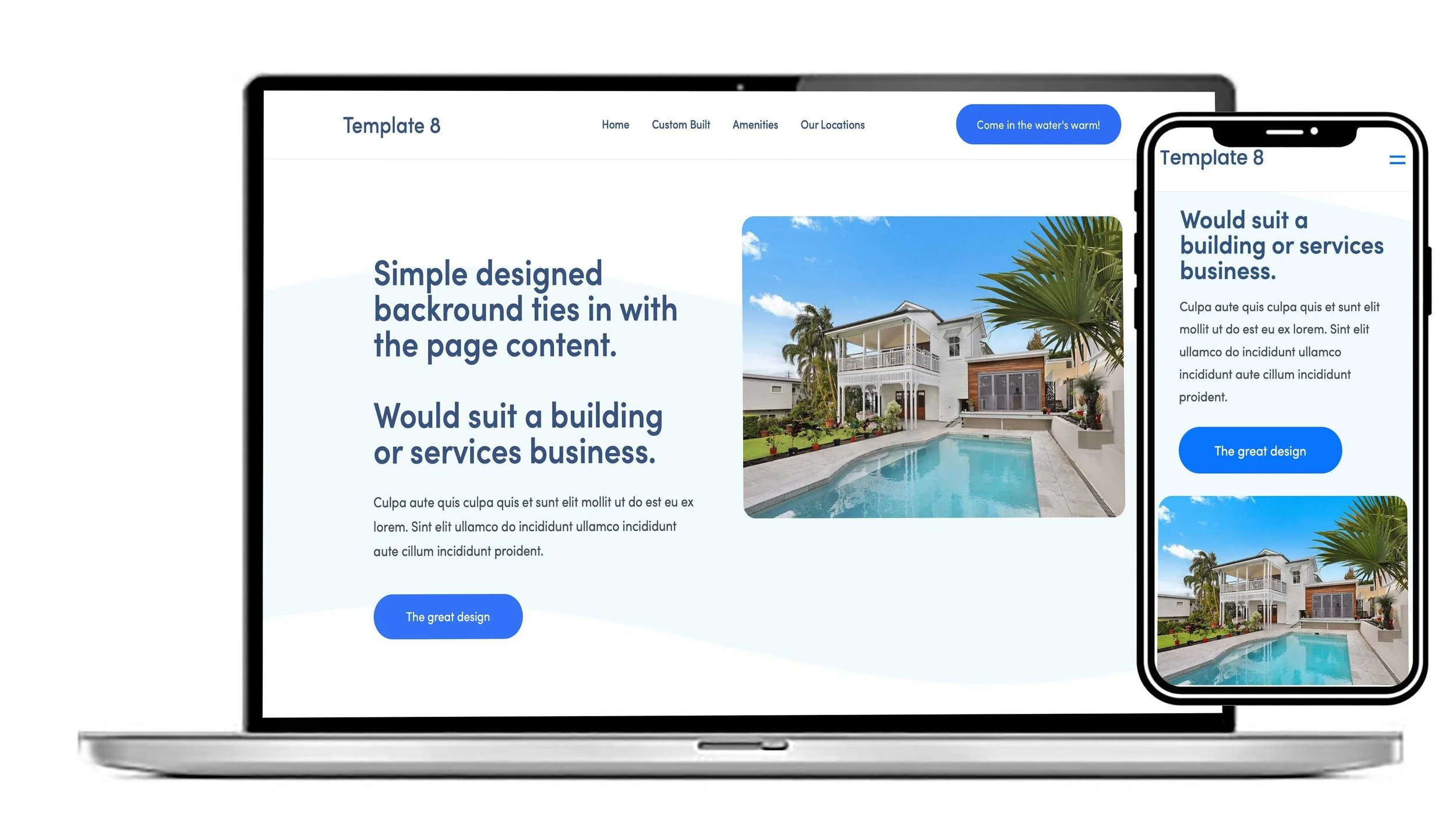
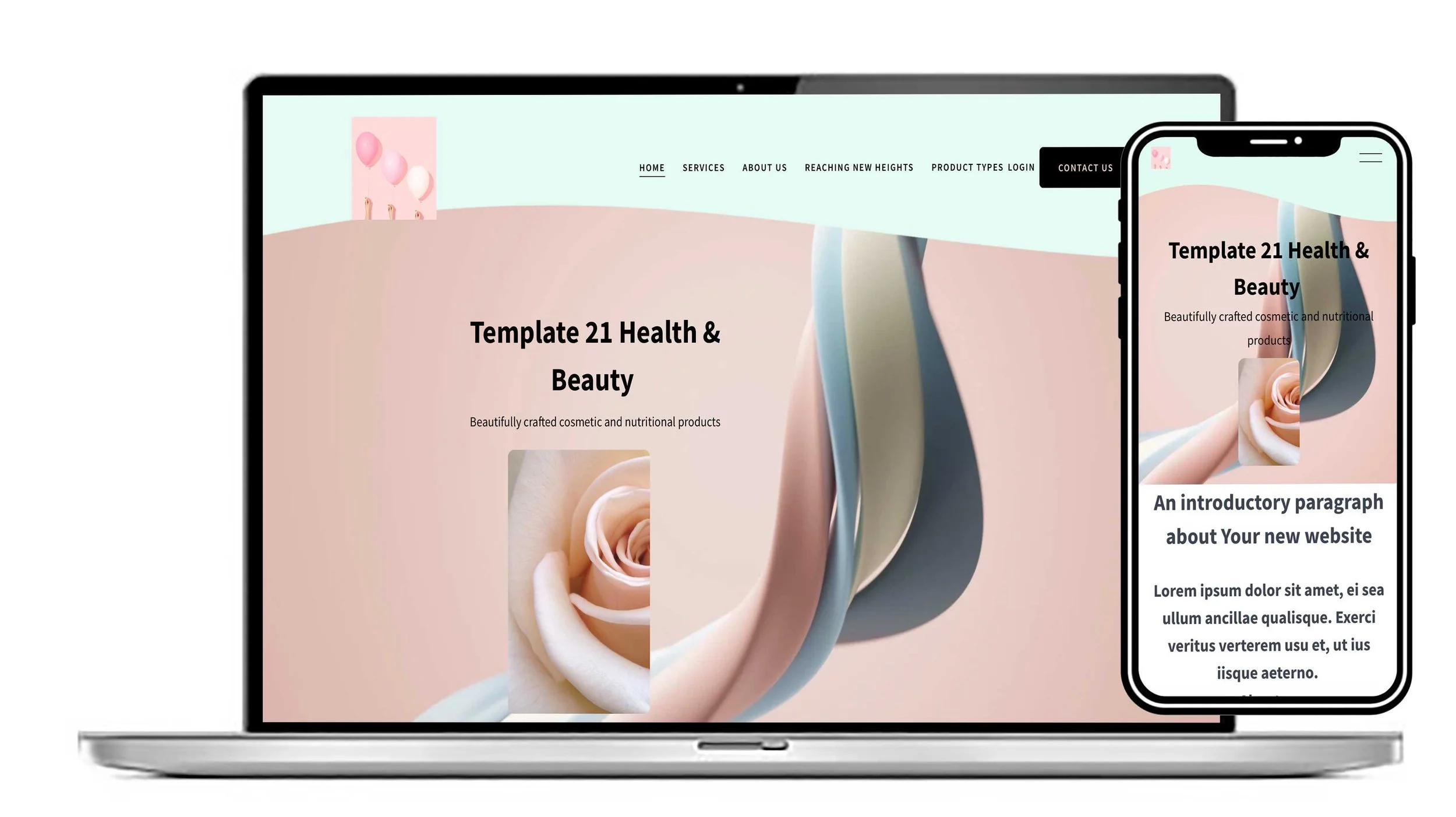
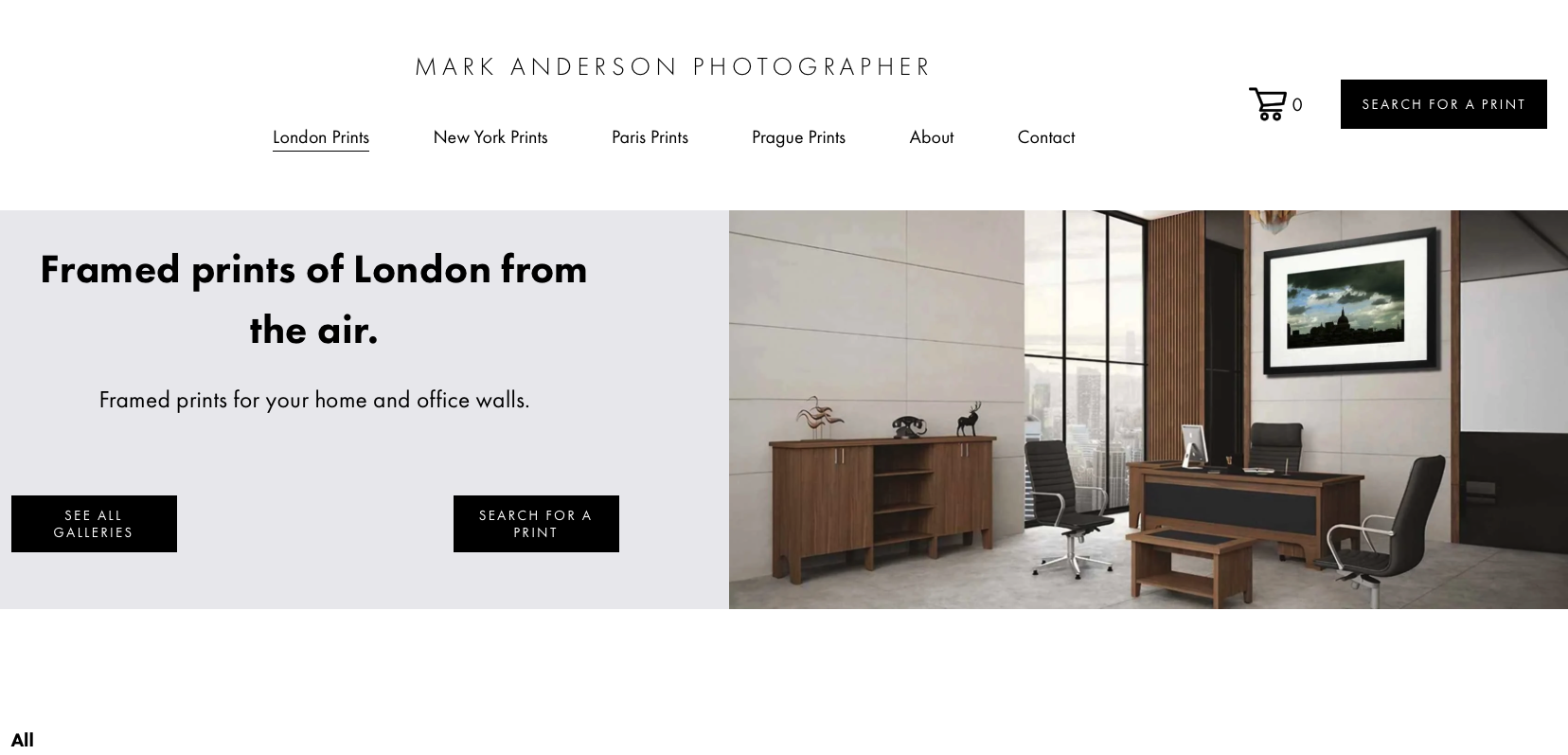

Need a website for your building business? This Lovely clean contemporary design would suit a Tradesman or building contractor. Could be customised to suit your business colours and style. Great on a mobile.
View this design