 Image 1 of 1
The Awesome Template Overview.
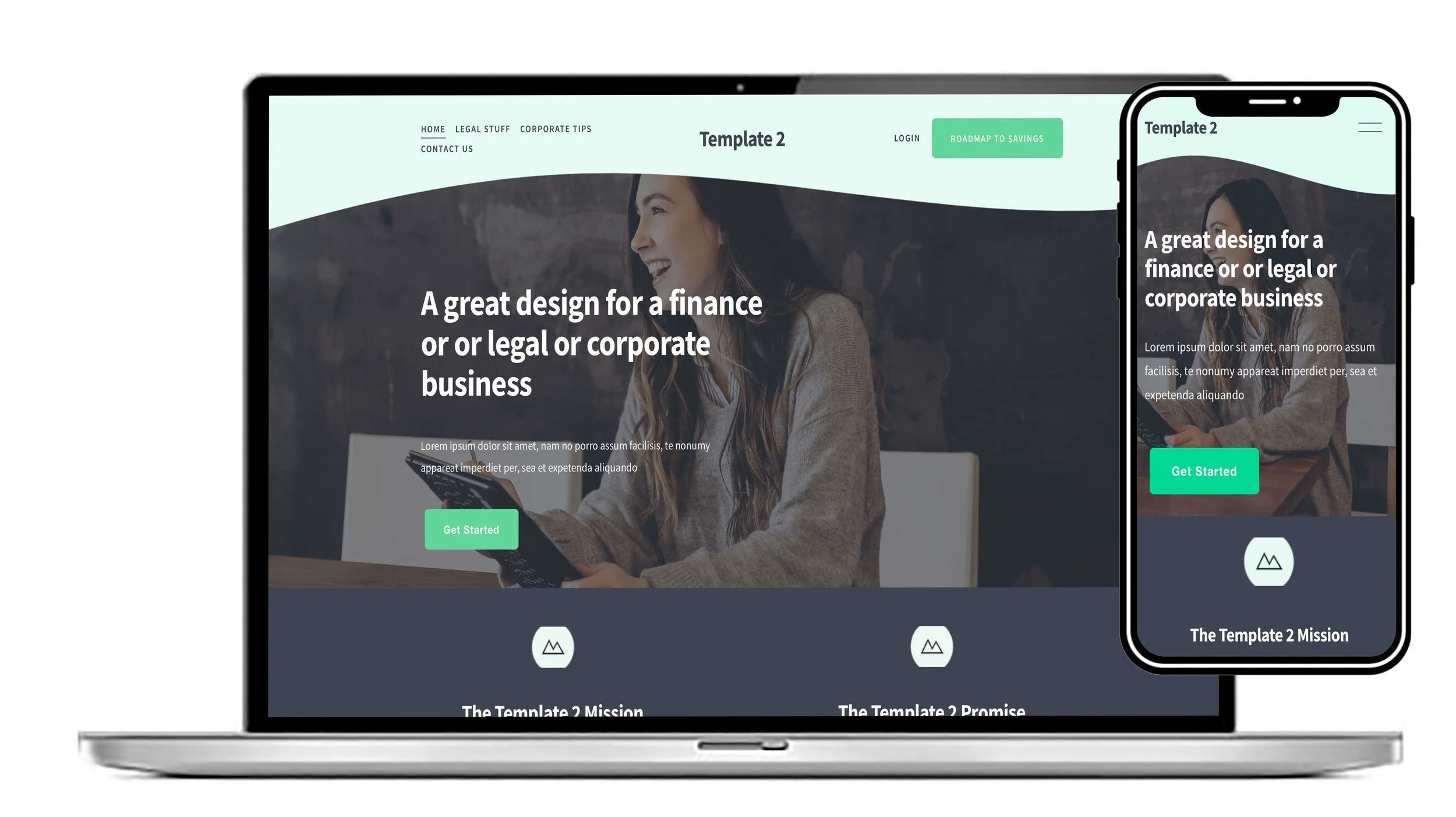
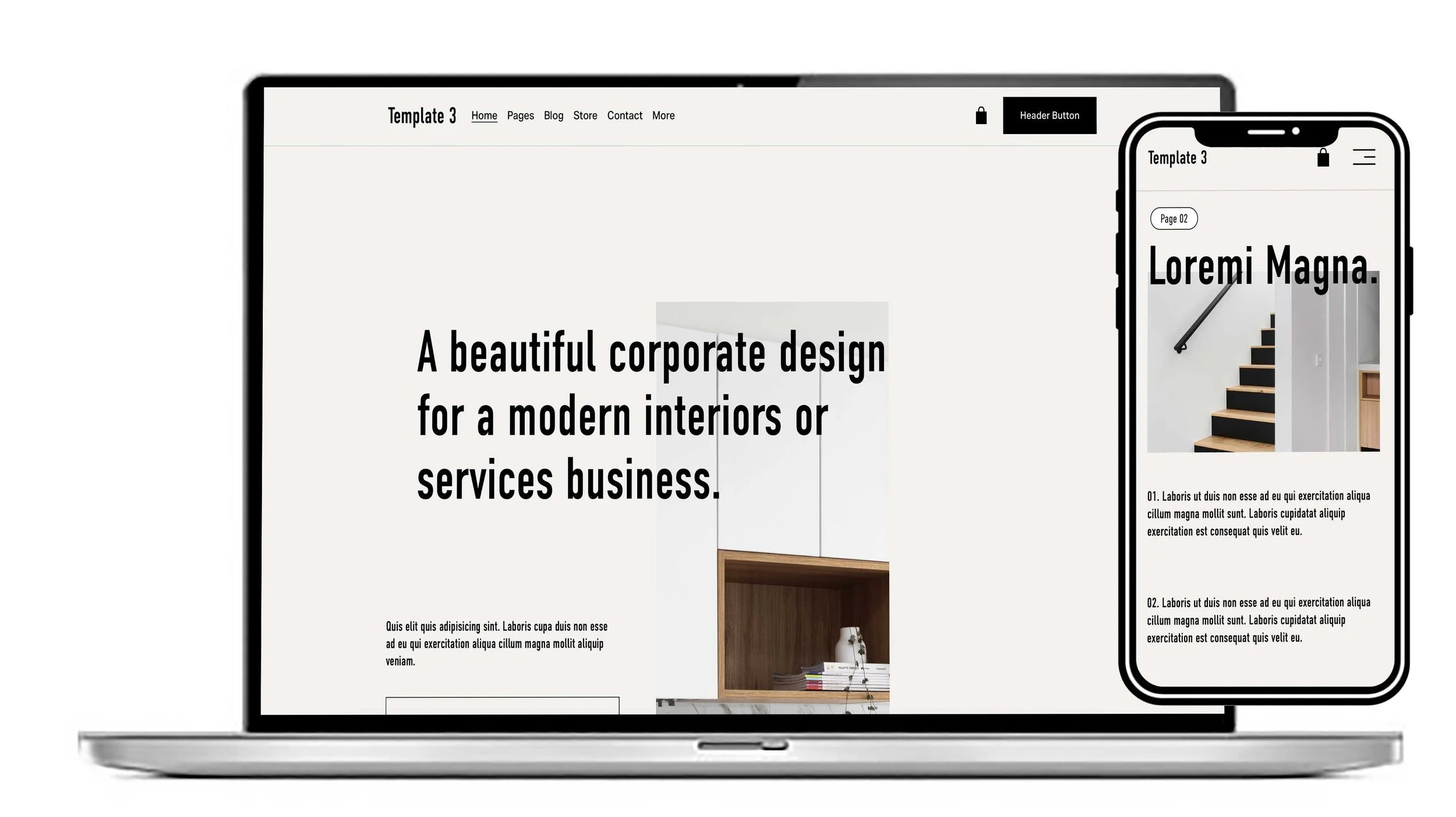
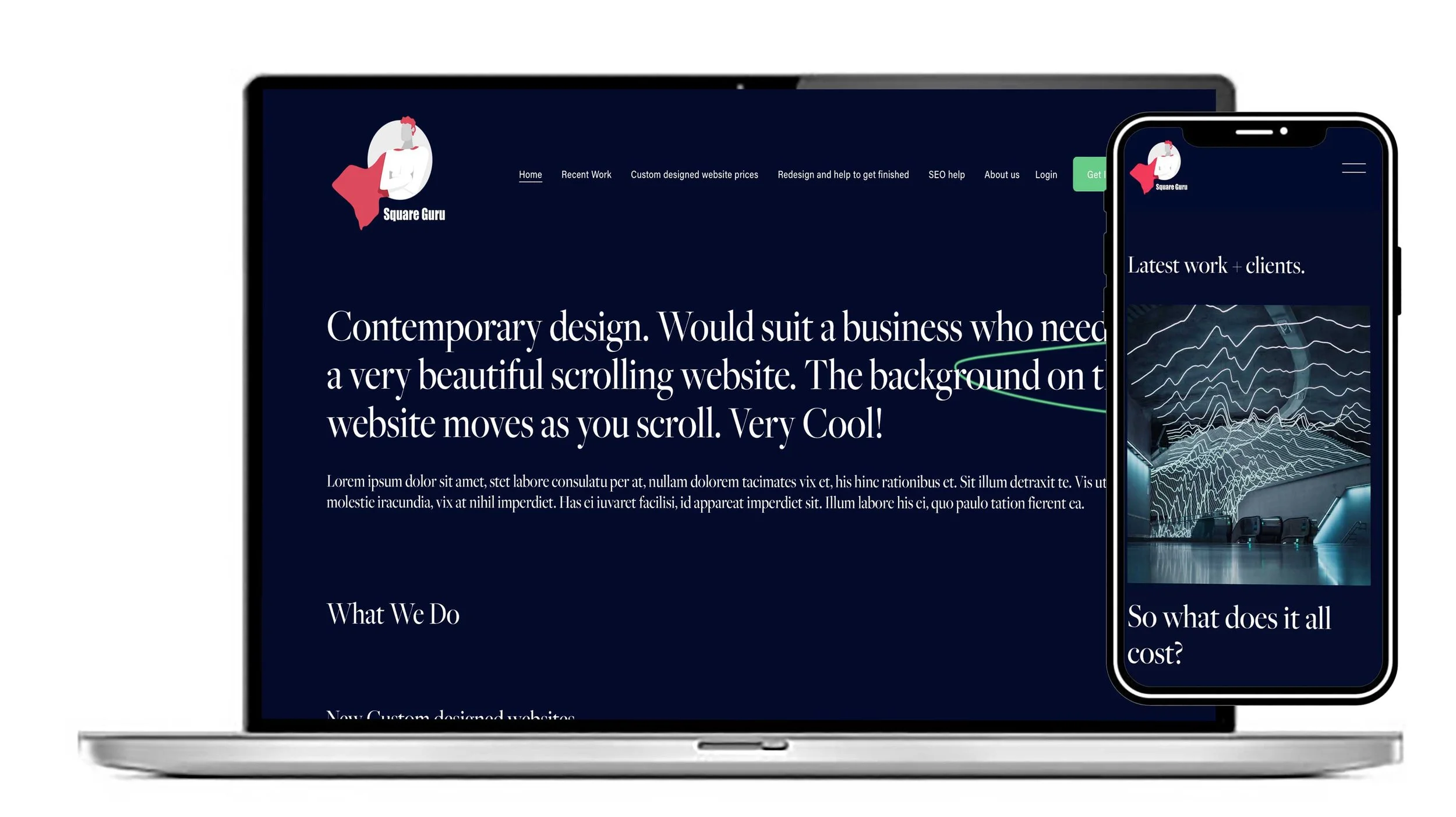
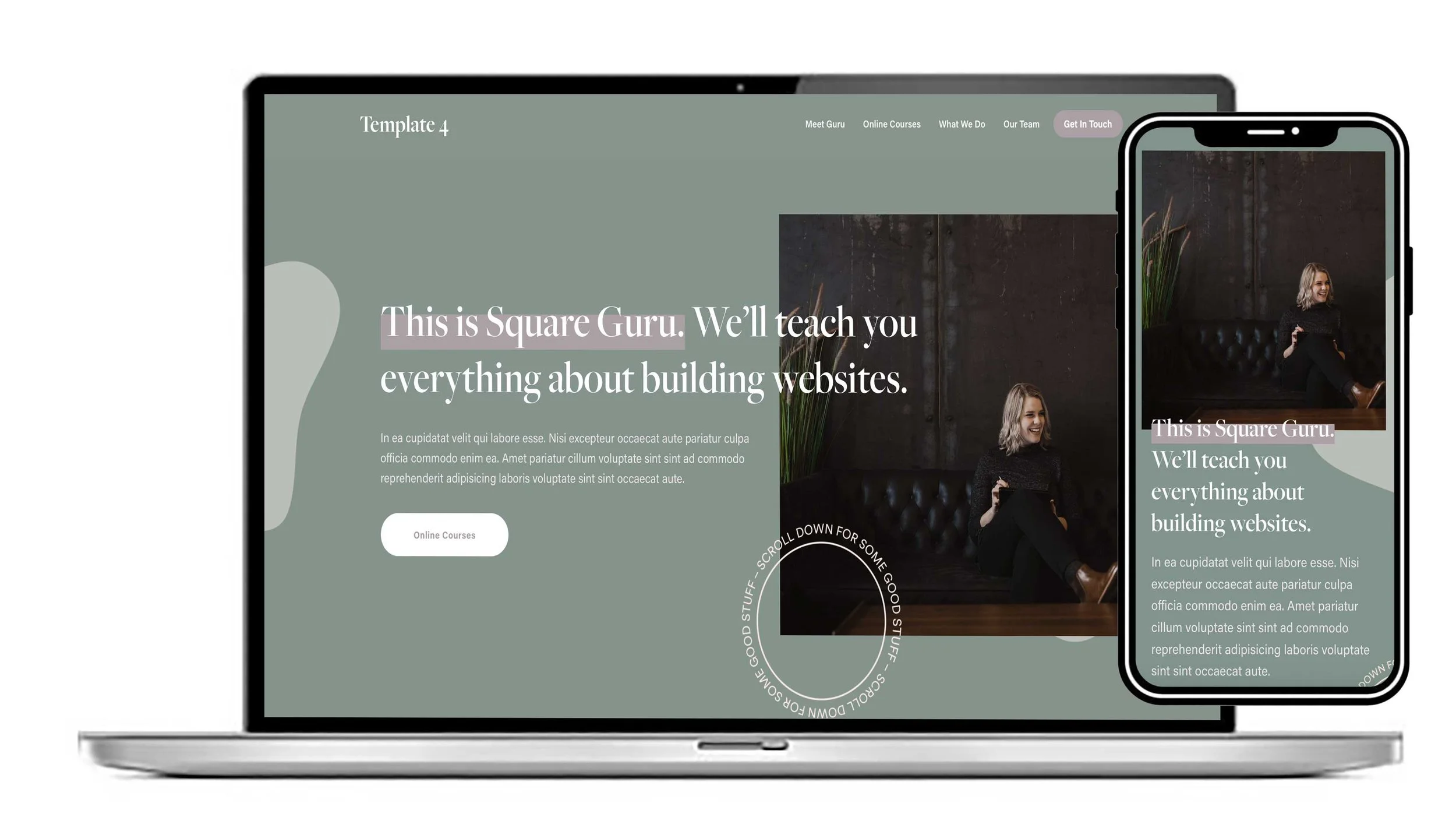
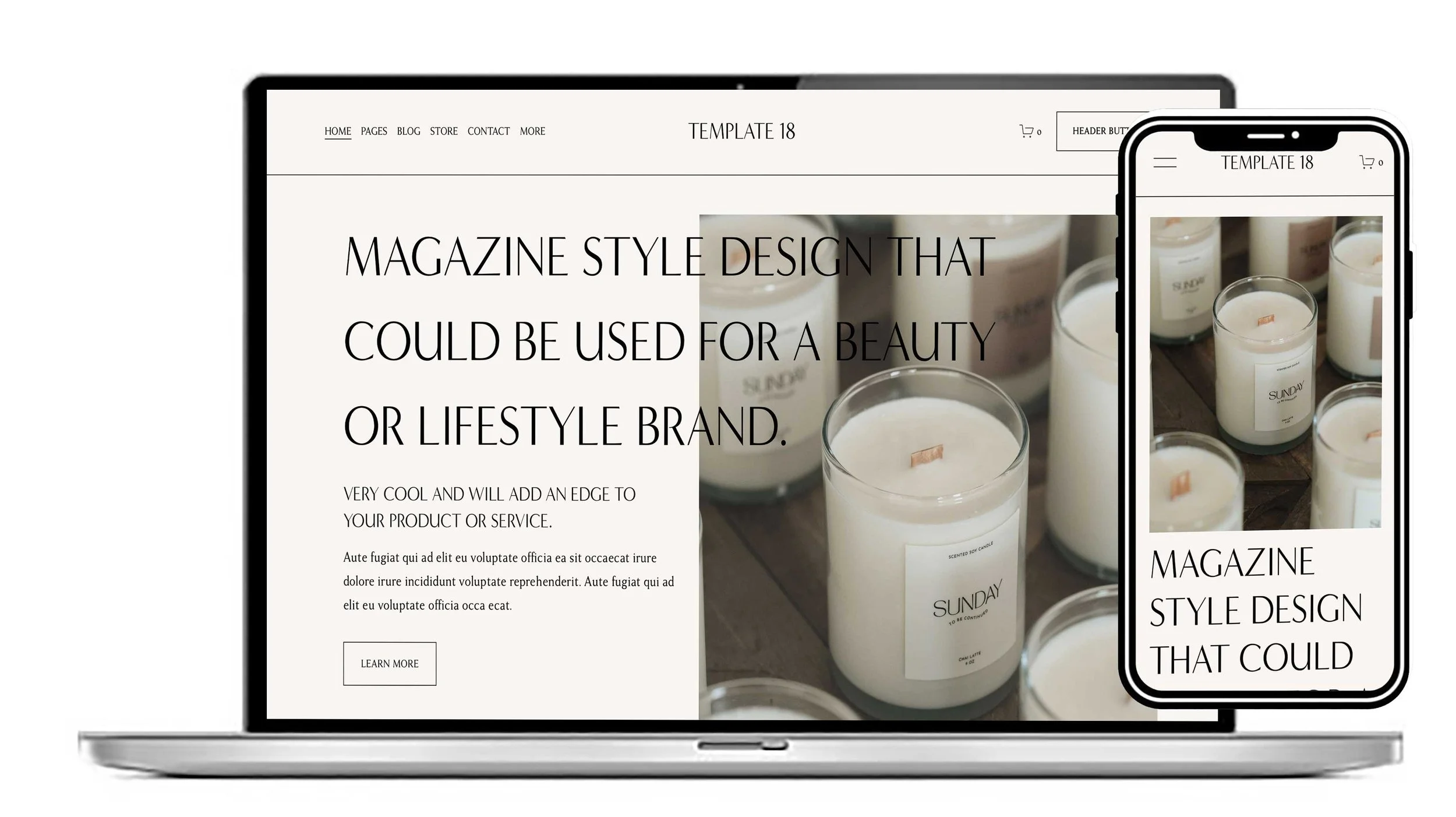
The Awesome is a professionally designed Squarespace website template for marketing agencies, social media managers, digital marketing consultants and creative service businesses that want to turn their online presence into a powerful business asset. Built around a contemporary visual style and a clear, purposeful layout, it gives you a practical way to communicate your expertise, introduce your services and establish trust with potential clients. Whether you specialise in SEO, content creation, social media management, branding or digital campaigns, this marketing agency website template provides a flexible foundation for presenting your business with confidence.
Designed to make website creation more straightforward, The Awesome combines a considered page structure with the freedom to shape the finished website around your own brand. Personalise the typography, colour palette, imagery, written content and page sections to reflect your unique approach, showcase client projects and explain what sets your business apart. You can also tailor the visitor journey around your goals, whether that means encouraging consultation bookings, generating service enquiries or building a portfolio that demonstrates the quality of your work. Its responsive design helps maintain a consistent, professional experience across desktop, tablet and mobile devices.
At £195, The Awesome offers an accessible alternative to commissioning a bespoke website from the ground up, without limiting your ability to create a distinctive online identity. Instead of spending valuable time planning every page and design element yourself, you can start with an established Squarespace website design and focus on the content, positioning and services that make your business different. Ideal for freelancers, growing agencies and independent consultants, this customisable Squarespace template can evolve alongside your business as your services and ambitions develop. Add your own expertise, original project imagery and customer-focused messaging to create a website that not only looks polished but gives prospective clients a clear reason to work with you.
How we would suggest The Awesome Template could be customised to a suit your websites:
1. A Social Media Business Website
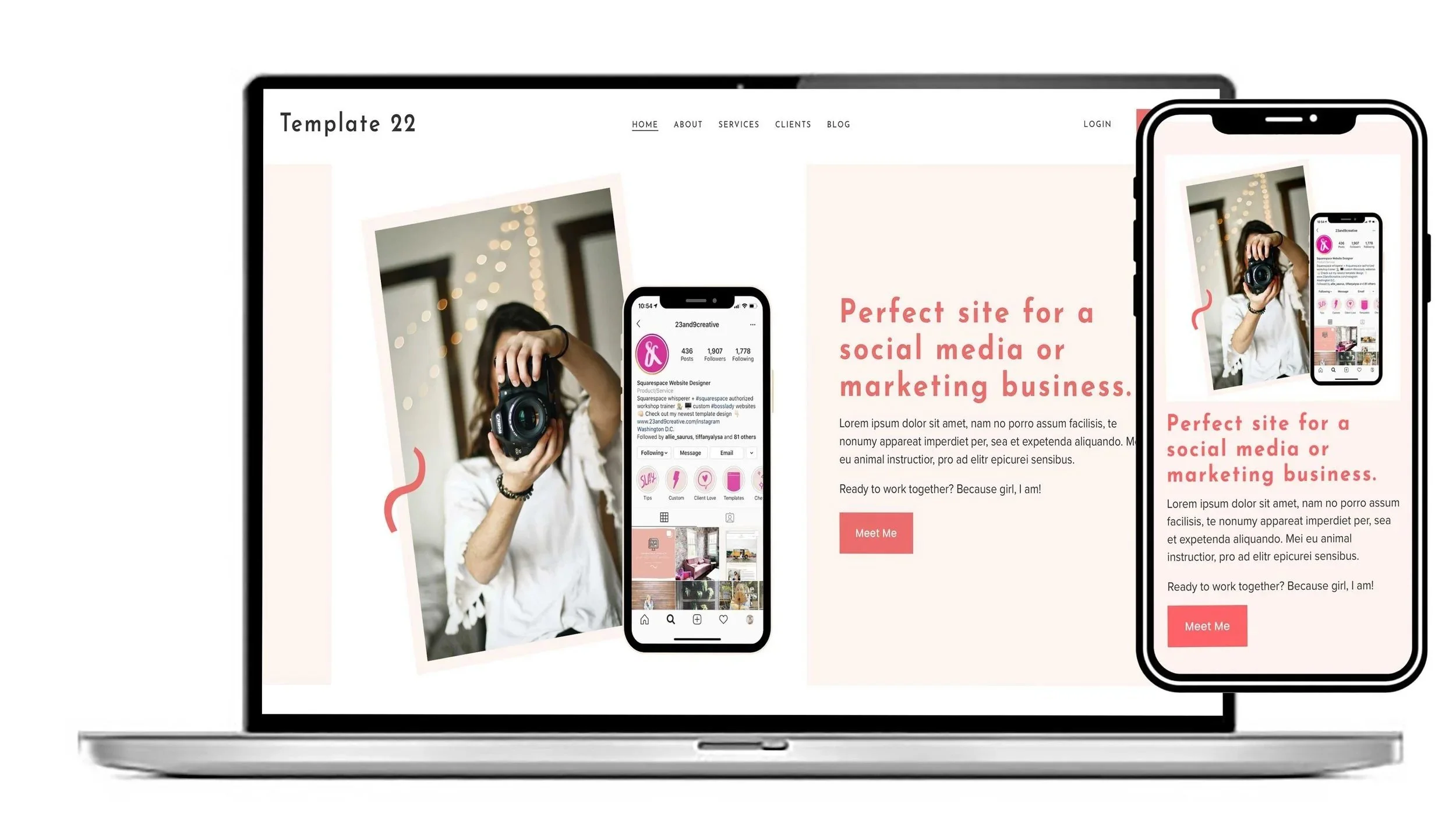
The Awesome template is particularly well suited to a social media business because its slick, contemporary design provides a strong visual starting point for showcasing creative services. The homepage can be customised to introduce your agency, explain the social media services you offer and guide visitors towards making an enquiry. Replace the existing placeholder imagery with examples of your campaigns, social media graphics, photography or client work, while changing the colours, fonts and buttons to match your own brand. You can also add links to your social profiles, portfolio examples, testimonials and contact forms, creating a website that feels like a natural extension of your social media presence.
2. A Business Coach's Website
The Awesome template can easily be transformed into a professional website for a business coach, consultant or mentor. The structure can be adapted to put your personal story, coaching approach and services at the heart of the website. Sections can be used to explain your coaching programmes, introduce your methodology, showcase client testimonials and answer frequently asked questions. Your own photography and brand colours can completely change the personality of the design, allowing the same starting point to become a warm, personal and credible coaching website. Booking functionality can also be incorporated so potential clients have a straightforward way to arrange an initial consultation or coaching session.
3. A Marketing Business Website
For a marketing business, the Awesome template provides a contemporary framework for presenting services in a clear and engaging way. You could customise the main sections to focus on digital marketing, SEO, content marketing, branding, advertising or campaign management, depending on your specialism. Strong project imagery and case studies can be used to demonstrate what you have achieved for clients, while prominent buttons can direct visitors towards an enquiry or consultation. Because the template is designed to be flexible, sections can be added, removed or rearranged so that the website follows the way you actually sell your marketing services rather than forcing your business into a fixed structure.
4. A Creative Business Website
A creative business can use the Awesome template as a visual showcase for its work. Whether you are a designer, creative studio, copywriter, photographer, content creator or branding specialist, the imagery and page sections can be adapted around your portfolio. Replace the supplied images with your own projects and use the typography and colour scheme to establish a distinctive visual identity. Portfolio, gallery, video and image sections can help visitors experience your work rather than simply reading about it. The result can be a highly individual creative website while retaining the clean, contemporary foundation of the original design.
5. Change the Colours and Fonts to Match Your Brand
One of the simplest ways to make the Awesome template feel completely different is to introduce your own visual identity. The site's colours, typography, button styling, spacing and other global design elements can be customised, allowing you to move away from the original presentation and create a brand experience that is recognisably yours. Establishing these design choices early means that your headings, buttons and other elements can maintain a consistent appearance throughout the website.
6. Replace the Images and Placeholder Content
The template is supplied as a ready-made design, so the next stage is to replace the placeholder text and images with your own. This makes it possible to keep the professionally considered layout while building the website around your actual business. Your homepage might feature your team, products, projects or clients, while individual sections can explain your services and approach. High-quality, relevant photography can make a particularly significant difference, transforming the same underlying design into something that feels bespoke to your business.
7. Rework the Page Structure Around Your Customers
Customisation is not just about changing colours and photographs. The individual sections can be reorganised so that visitors follow a clear journey through your website. For example, a marketing agency might lead with its proposition, services and case studies before asking visitors to get in touch, while a coach might introduce their story, explain their programmes and then invite visitors to book a call. Sections that are not relevant can be removed and new ones can be introduced, allowing the template to work around your customers' needs.
8. Add Your Own Functionality
The Awesome template can also be developed beyond its original content and layout. Depending on what your business requires, you can incorporate features such as forms, newsletters, videos, galleries, blogs, portfolios, social links, booking systems, products and other integrations. This means the design can become more than a collection of attractive pages: it can be turned into a practical business tool designed around how you generate enquiries, communicate with customers or sell your services.
9. Make the Website Work Perfectly on Mobile
The Awesome template is designed to work well on mobile devices, which is particularly important for businesses whose customers discover them through social media. As you customise the website, your images, text, buttons and sections can be adjusted to ensure that the experience remains clear and easy to navigate on smaller screens. This is especially useful for social media agencies, creative businesses and consultants, where a significant proportion of potential customers may first visit the website from a phone.
10. Turn a Ready-Made Design into Your Own Website
The real advantage of the Awesome template is that it gives you a professionally designed starting point without restricting what the finished website can become. You can change the content, imagery, colours, typography, navigation and page structure, while adding the functionality your business needs. Whether you are creating a social media agency website, a business coaching platform, a marketing consultancy or a creative portfolio, the same design can be adapted to communicate a completely different brand and proposition. It provides the foundation; your content, imagery and brand personality are what ultimately make the website your own.
How to set up SEO on this template
The Awesome template is designed as a strong starting point for marketing, social media, creative and agency businesses, but once you have customised the design with your own business name, services, images and content, the website needs to be properly optimised for search engines. The first step is to decide exactly what you want each page to be found for. Your homepage should focus on your main service and target audience, while individual pages should be built around specific services or areas of expertise. Rather than trying to make every page rank for the same phrases, give each page a clear purpose and use natural, relevant keywords throughout the content.
Next, make sure the page titles, headings and descriptions accurately describe what each page offers. The Awesome template has a strong visual structure, so retain the design while making sure the most important information is presented using clear H1 and H2 headings. Your page titles and meta descriptions should be written specifically for your business rather than retaining any placeholder content from the template. Images should also be compressed so they do not unnecessarily slow the website down, and every important image should have useful descriptive alt text. These changes help search engines understand the subject of each page while also making the website more accessible.
Internal linking is another important part of completing the SEO on your customised Awesome website. Once your services, case studies, portfolio items and blog articles have been added, link relevant content together so visitors and search engines can easily move around the website. For example, a blog article about social media marketing could link directly to your social media management service, while a case study could link to the service that was provided. The technical foundations provided by Squarespace, such as mobile optimisation, SSL, XML sitemaps and structured data, provide a useful foundation, but the real SEO work comes from matching your finished content to the searches your potential customers are actually making.
And we can do all of this for you. If you buy one of our Squarespace templates before 30th October 2026, we will include the SEO work your finished website needs, worth £385.00, at no additional cost. Once you have customised your Awesome template with your own content, we can optimise the pages, headings, titles, descriptions, images, internal links and other important SEO elements so your new website has a properly considered SEO foundation from launch. You concentrate on making the template your own and we’ll take care of the SEO.