

Our best 7.1 Squarespace website templates for hospitality businesses
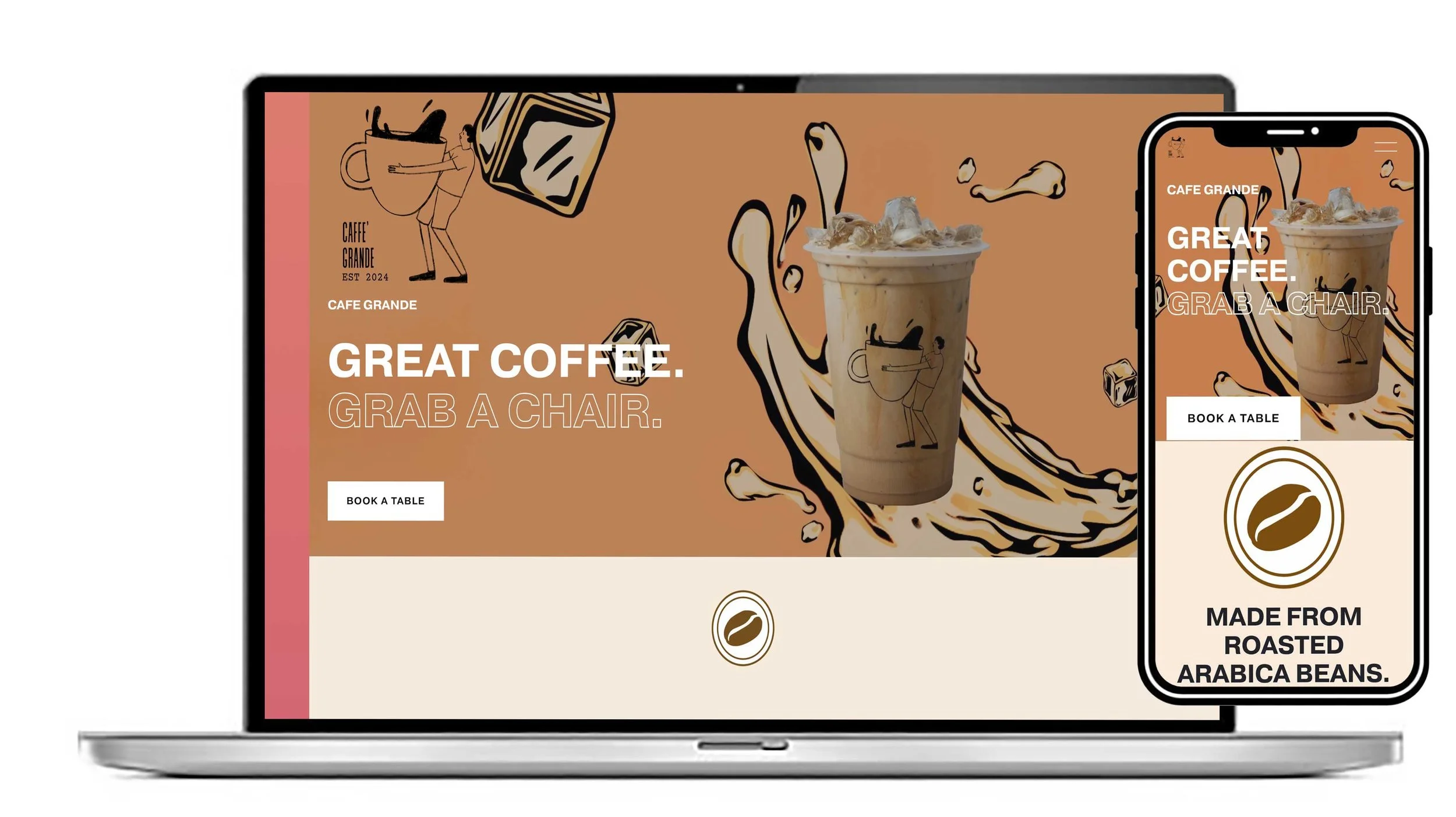
A few of our hospitality website templates built on 7.1 below:
View this design
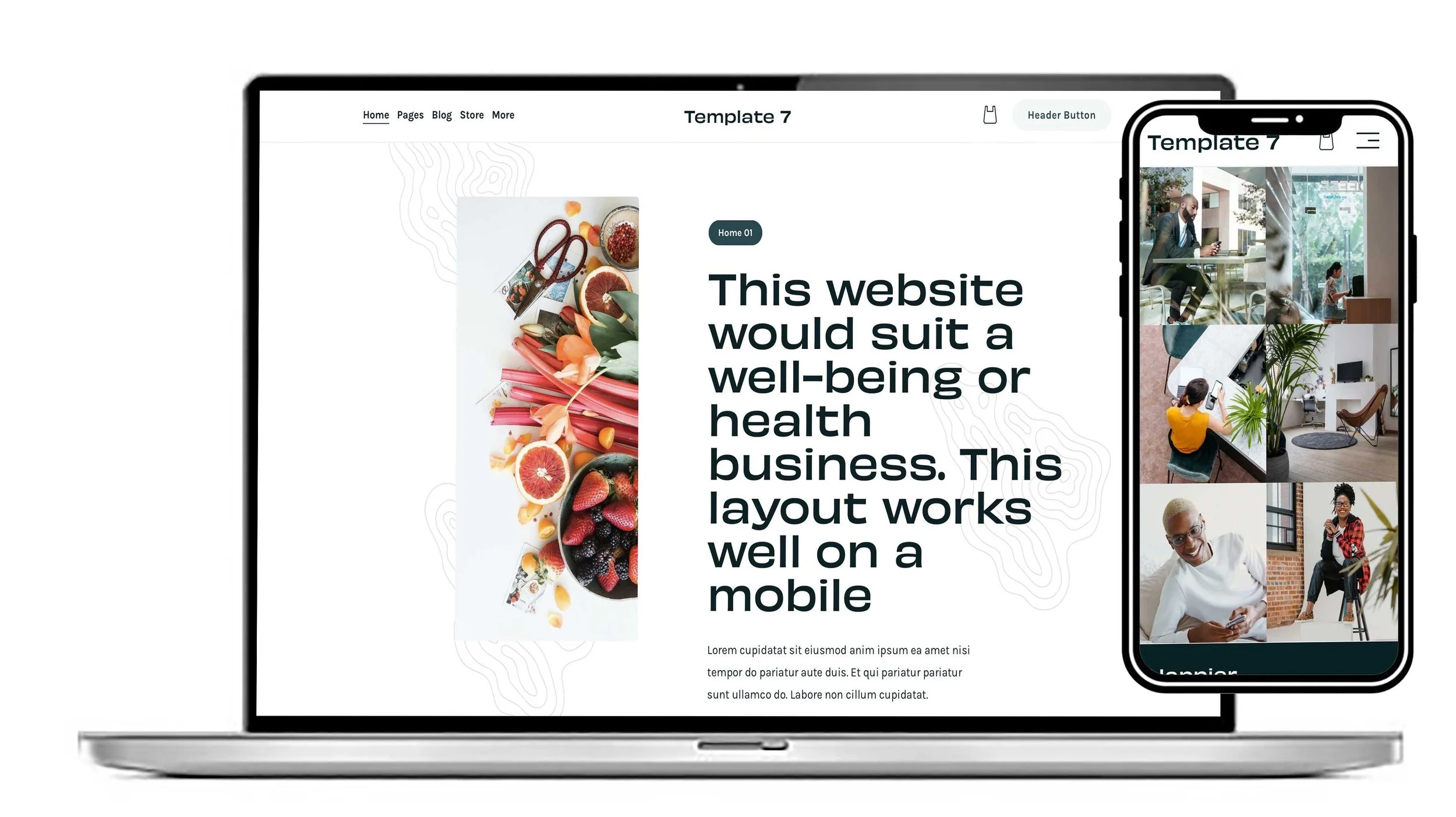
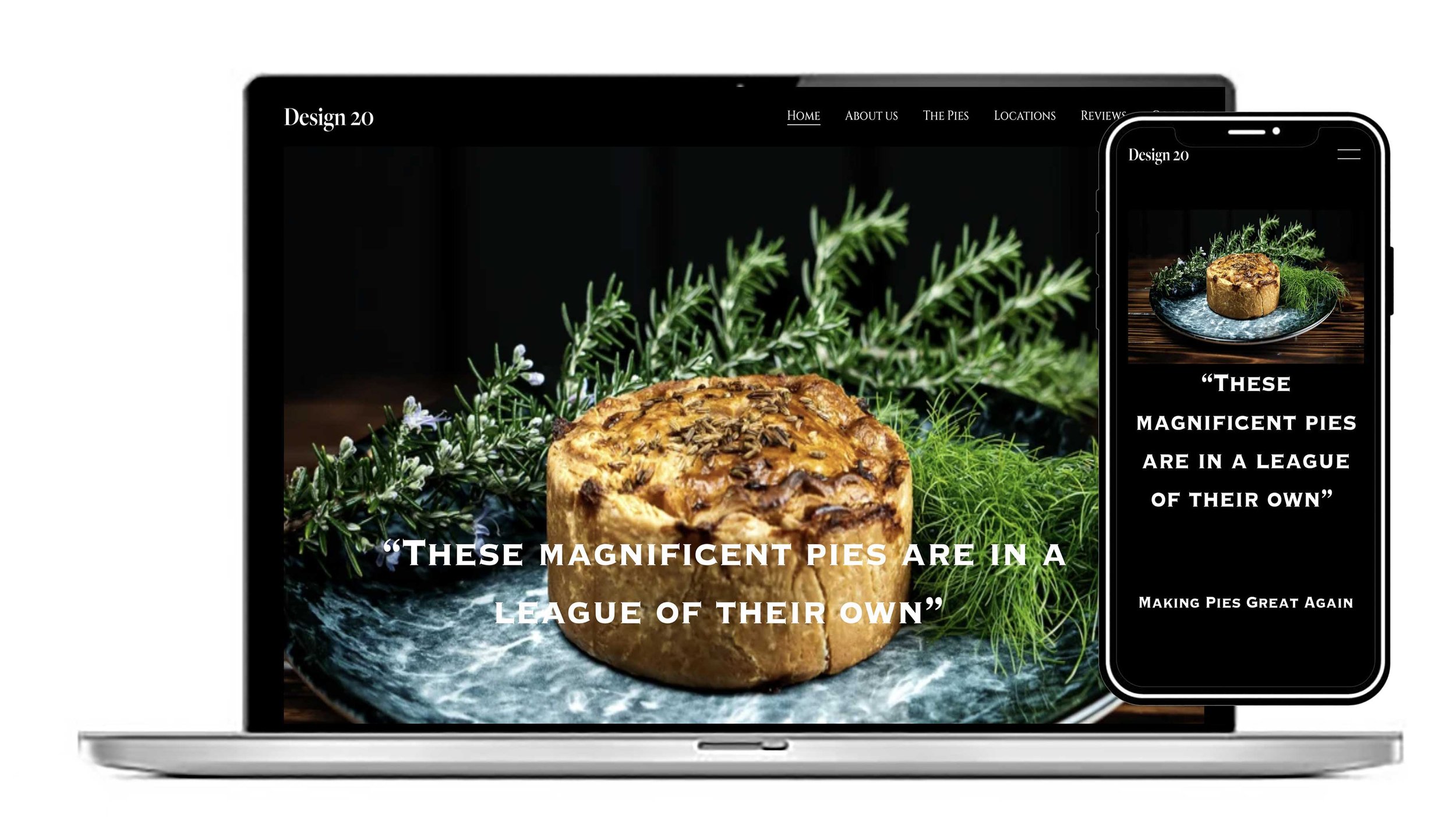
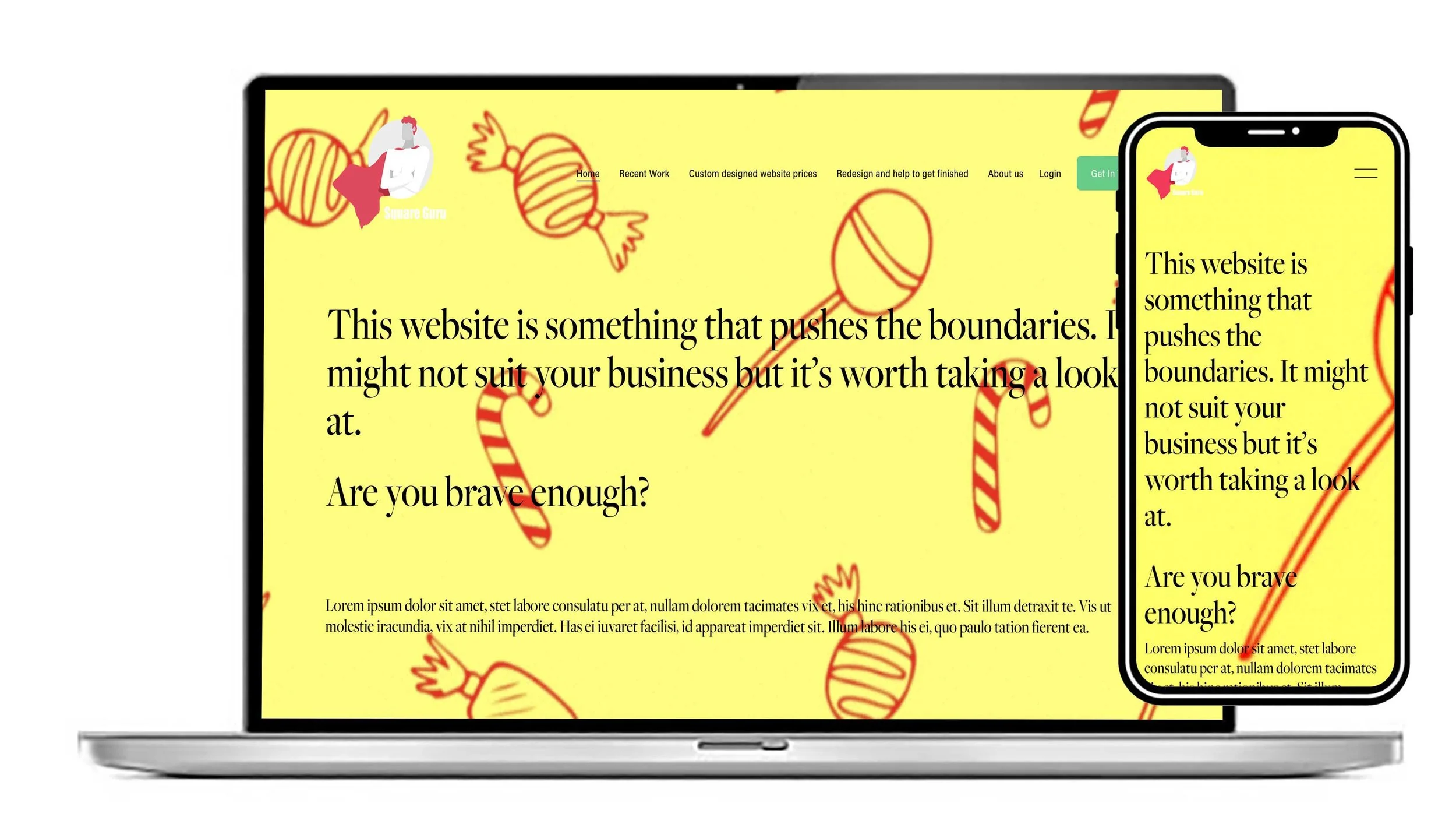
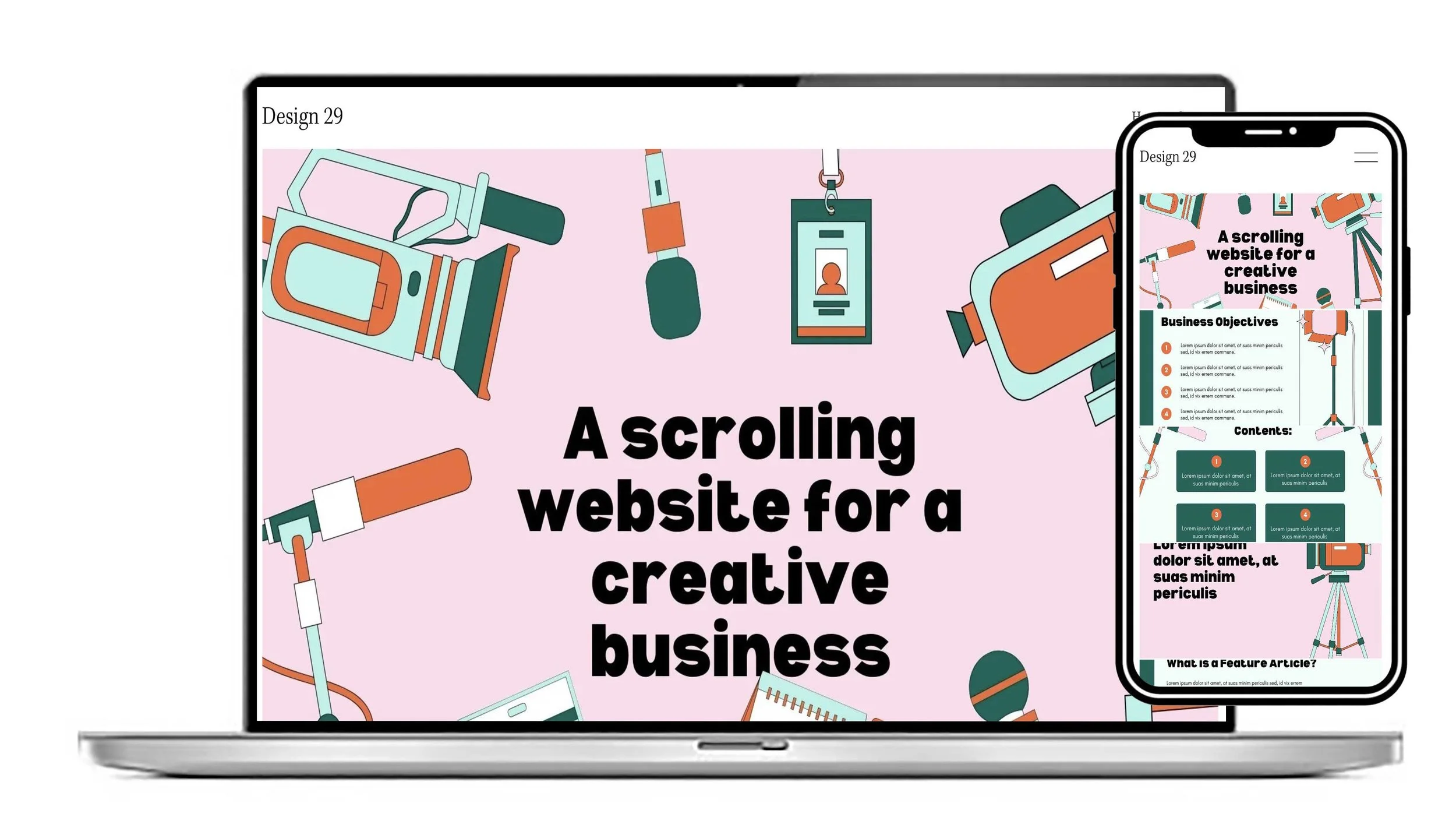
Another of our great food website designs. This is a one page scrolling website. All of the pages show in sections on one page
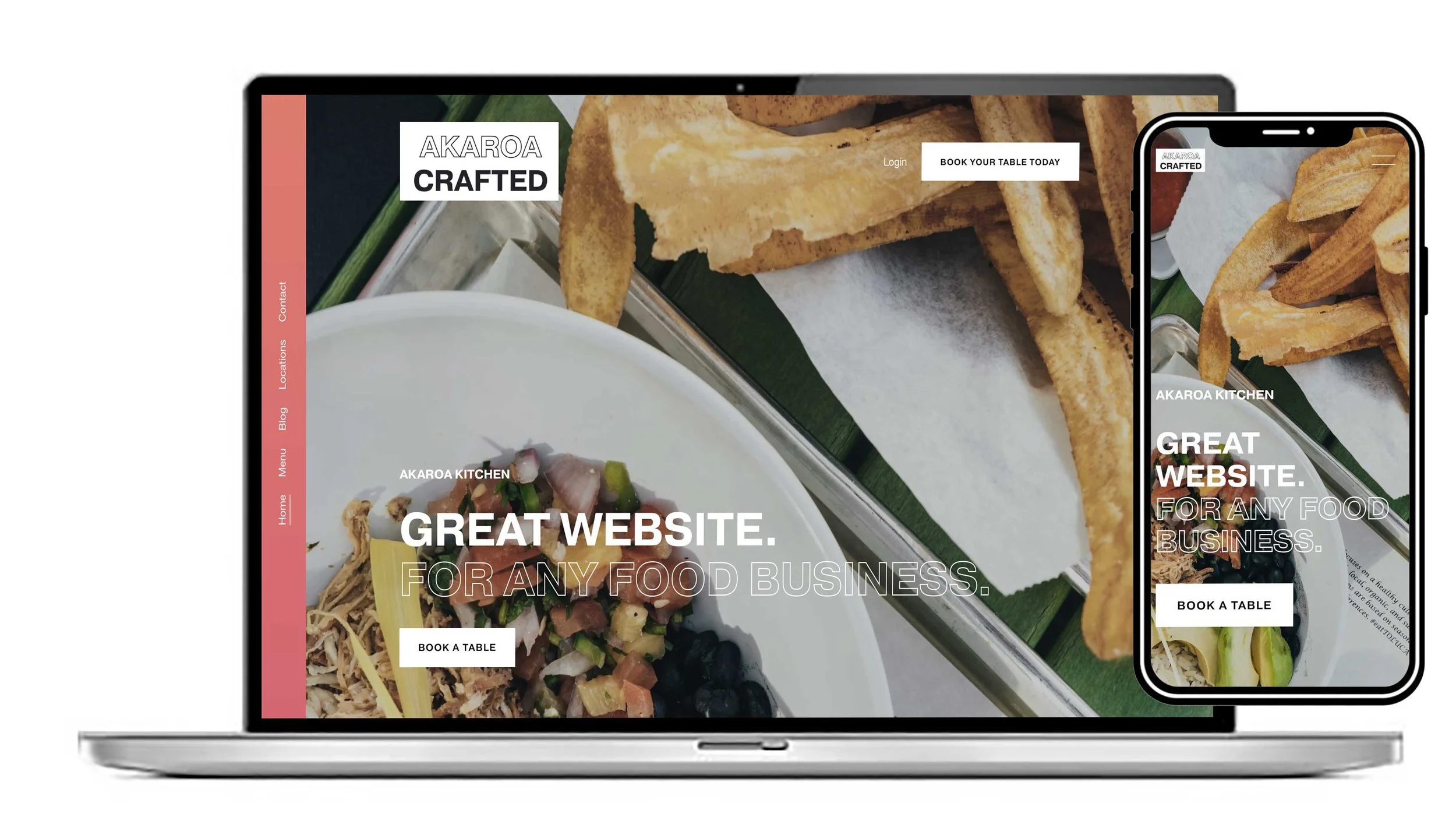
You can make this template look just the way you want with your own images and text. Great design if you’re looking for a website that functions well on mobile.
“The Hospitality Template was perfect for what I was looking for.”— MadeleineBakes, UK
View this design
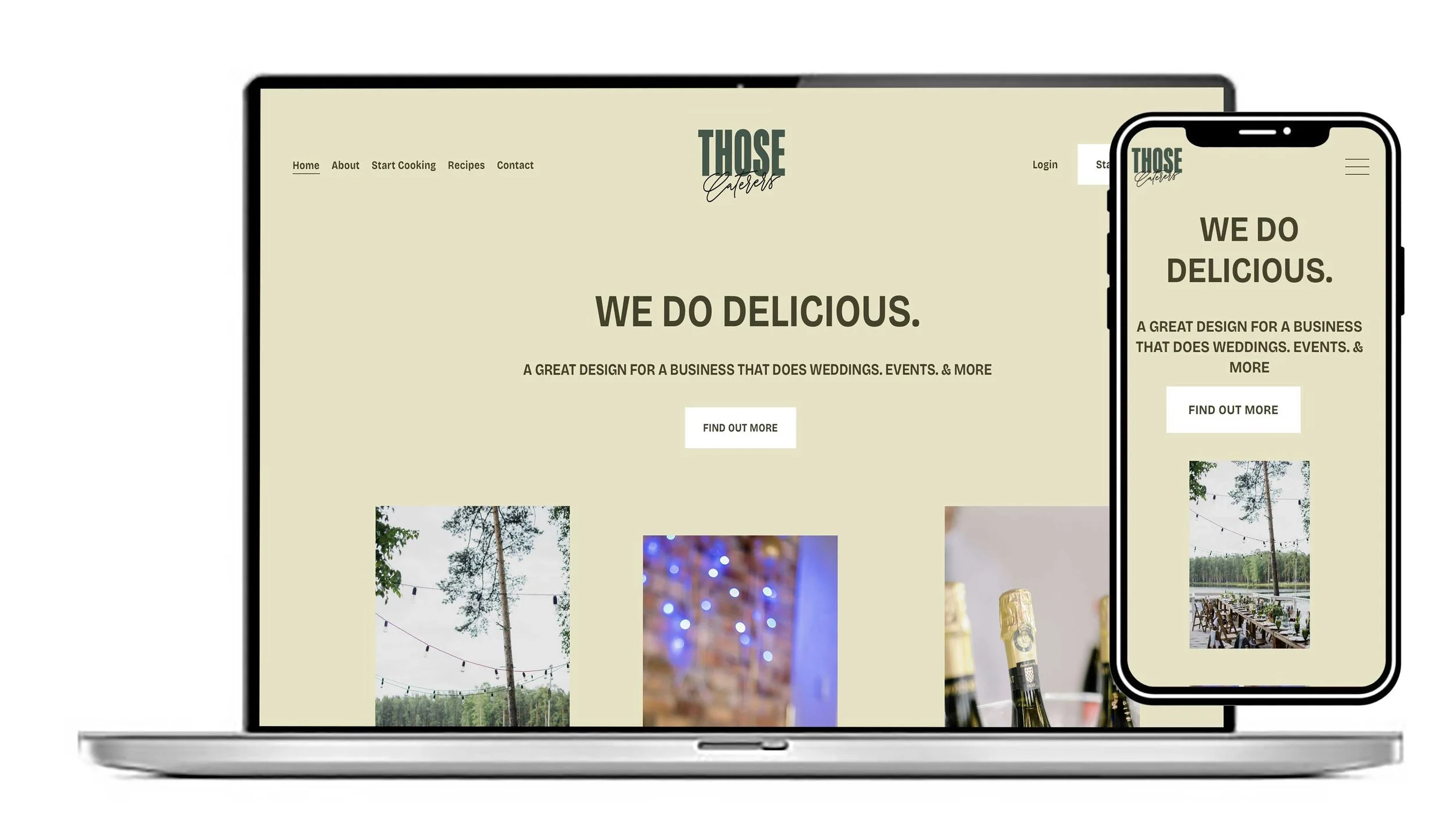
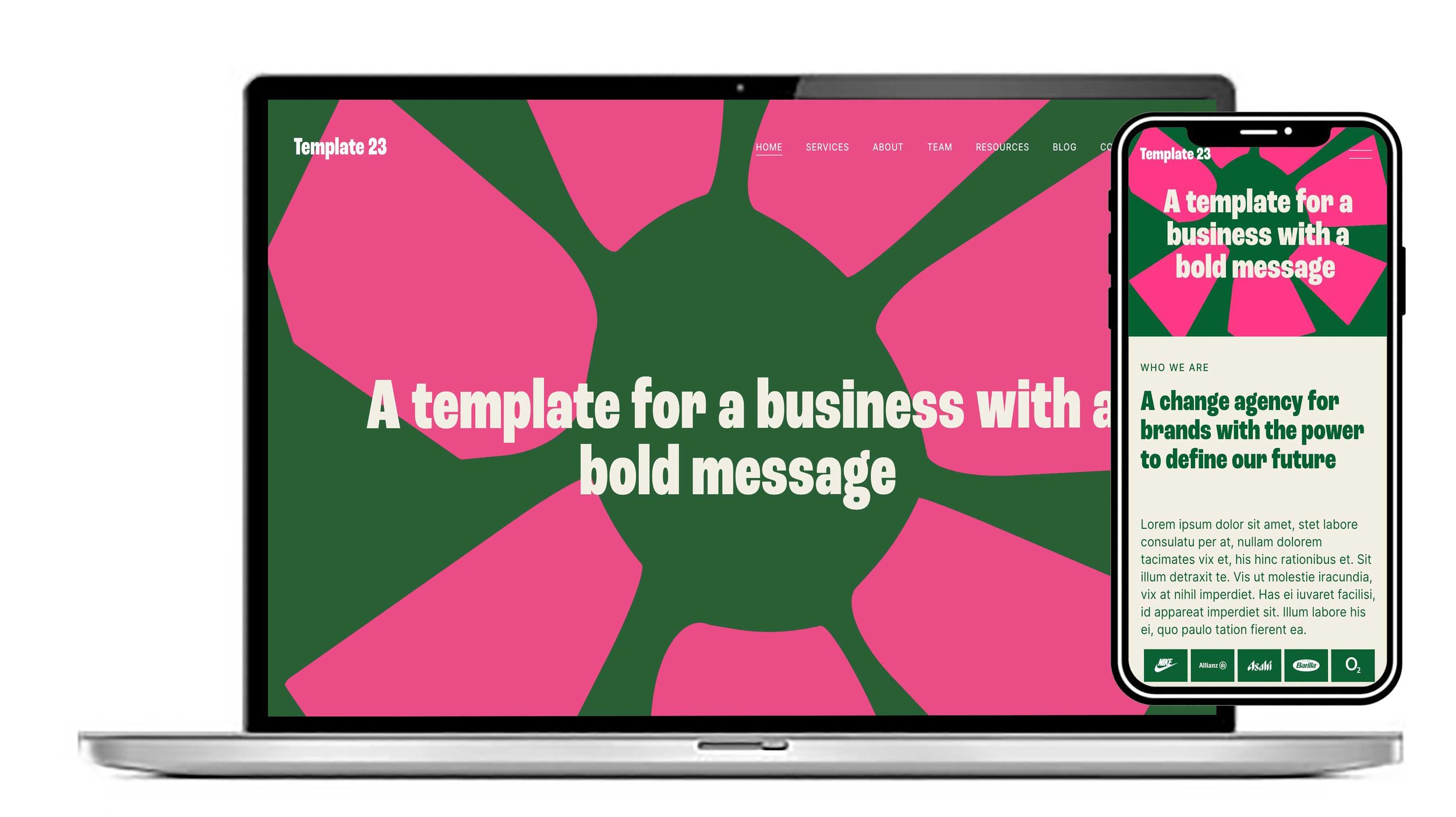
Take a look at the logo and the animated buttons on this design. It’s perfect for a business that takes bookings and needs a calendar to handle bookings and payments. Blogs are also included in this beautiful design.
View this design
When Squarespace launched version 7.1, it fundamentally changed how websites are built on the platform. While Squarespace 7.0 relied heavily on template families with different features and structures, Squarespace 7.1 introduced a more unified and flexible editing system.
This means the templates we offer for sale are even more simple, beautiful and functional
The Core Difference
The biggest distinction between Squarespace 7.0 and 7.1 is how templates work.
Squarespace 7.0
In version 7.0, templates belonged to different “families,” and each family had unique features, layouts, and customisation options. Some templates supported advanced navigation systems, while others focused on portfolios, blogs, or ecommerce.
Users could switch templates without rebuilding the entire site, which gave designers more flexibility.
Templates on 7.0 were a bit of a nightmare as the family they were built on gave you the functionality. In the days before 7.1 we used to build templates on the Brine family as it was the most functional 7.0 family.
Squarespace 7.1
Version 7.1 removed template families entirely. All templates now share the same underlying functionality, and the visual differences mainly come from colours, fonts, layouts, and content structure.
Our website templates all sit in the new 7.1 version so users will find the layout familiar, easy and and quick to move their content over . You’ll find you can get your website up within a couple of days allowing for connection time.
Design and Customisation
Squarespace 7.0: Template-Driven Design
Squarespace 7.0 was ideal for users who prefer structured design systems.
Advantages included:
Template switching
Specialised template features
More built-in navigation styles
Certain advanced layout options
Developer Mode support
However, customisation often depended on the template family you selected. As I mentioned earlier the Brine family had significantly more design flexibility than most of the others.
Downsides
Inconsistent editing experience between templates
Some features only available in certain families
More complicated learning curve
Less modern editing interface
Squarespace 7.1: Flexible Section-Based Editing
Squarespace 7.1 focuses on visual flexibility.
Key improvements include:
Fluid Engine drag-and-drop editor
Reusable page sections
More consistent styling controls
Independent mobile layouts
Easier global design management
The newer editor allows users to move blocks more freely, creating layouts that feel closer to modern page builders.
Ecommerce Comparison
Squarespace 7.1 significantly improved ecommerce functionality.
Blogging Features
Blogging is functional in both versions, but there are differences. See all of our blogs here.
Squarespace 7.0
Sidebar navigation available on some templates
More traditional blog layouts
Some social and engagement tools
Squarespace 7.1
Cleaner, modern layouts
Better styling consistency
Fewer built-in engagement features
No sidebar navigation support
Some users miss the classic blog-style structures available in older 7.0 templates.
Mobile Editing
Squarespace 7.1 offers a more modern responsive design system.
7.0
Mobile layouts were mostly automatic
Some template-specific mobile controls
7.1
Independent mobile layout editing
Better responsive flexibility
Fluid Engine mobile customisation
For users focused on mobile optimisation, 7.1 is generally superior.
Features Removed in 7.1
Although 7.1 improved flexibility, some 7.0 features disappeared entirely.
Removed or unsupported features include:
Developer Platform
Site-wide parallax scrolling
Header taglines
Secondary navigation systems
Certain gallery behaviours
Some hover effects
Template-specific advanced settings
These missing features are one reason some long-time Squarespace users still prefer 7.0. If you have an existing Squarespace website you can read all about our redesign service here.
Migration from 7.0 to 7.1
Squarespace now provides an update tool that helps users migrate from 7.0 to 7.1 while preserving:
SEO settings
Orders
Domains
Customer data
URL mappings
Memberships
However, the migration is not perfect. Some layouts and unsupported features require manual rebuilding after the transition.
Once you publish the upgrade to 7.1, you cannot revert back to 7.0.
Final Verdict
For most users in 2026, Squarespace 7.1 is the better long-term choice. Its unified editing experience, Fluid Engine system, ecommerce improvements, and mobile flexibility make it more future-focused and beginner-friendly.
Our 7.1 templates generally perform much better than the ones we used to build on 7.0. We always have the user in mind and when you go to turn one of our templates into your own website the interface and the menu structure on 7.1 is far easier to navigate.
We talk a bit about the importance of SEO when using a template and adapting it for your own business. Read more on our SEO tips tricks and advice here.
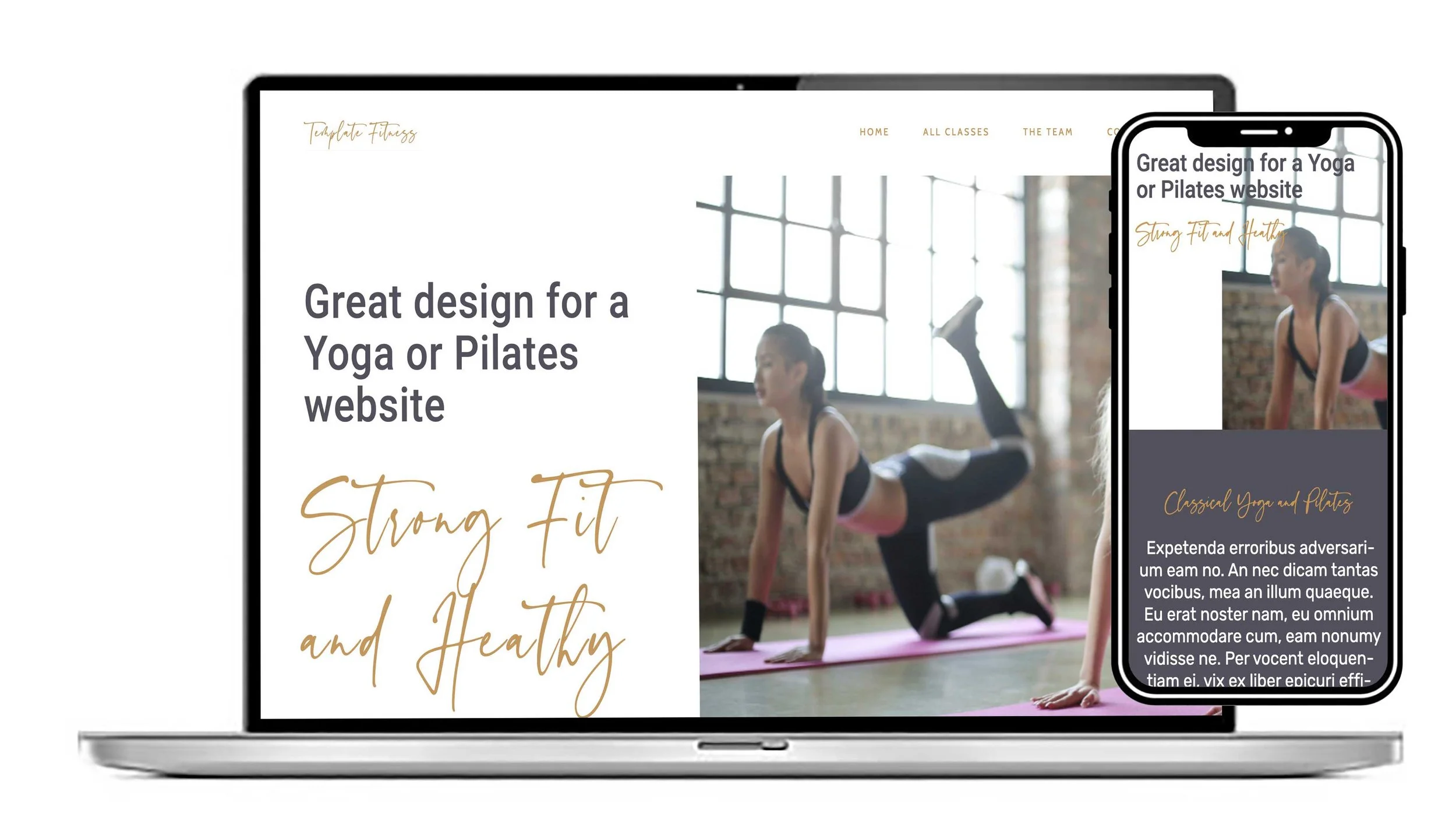
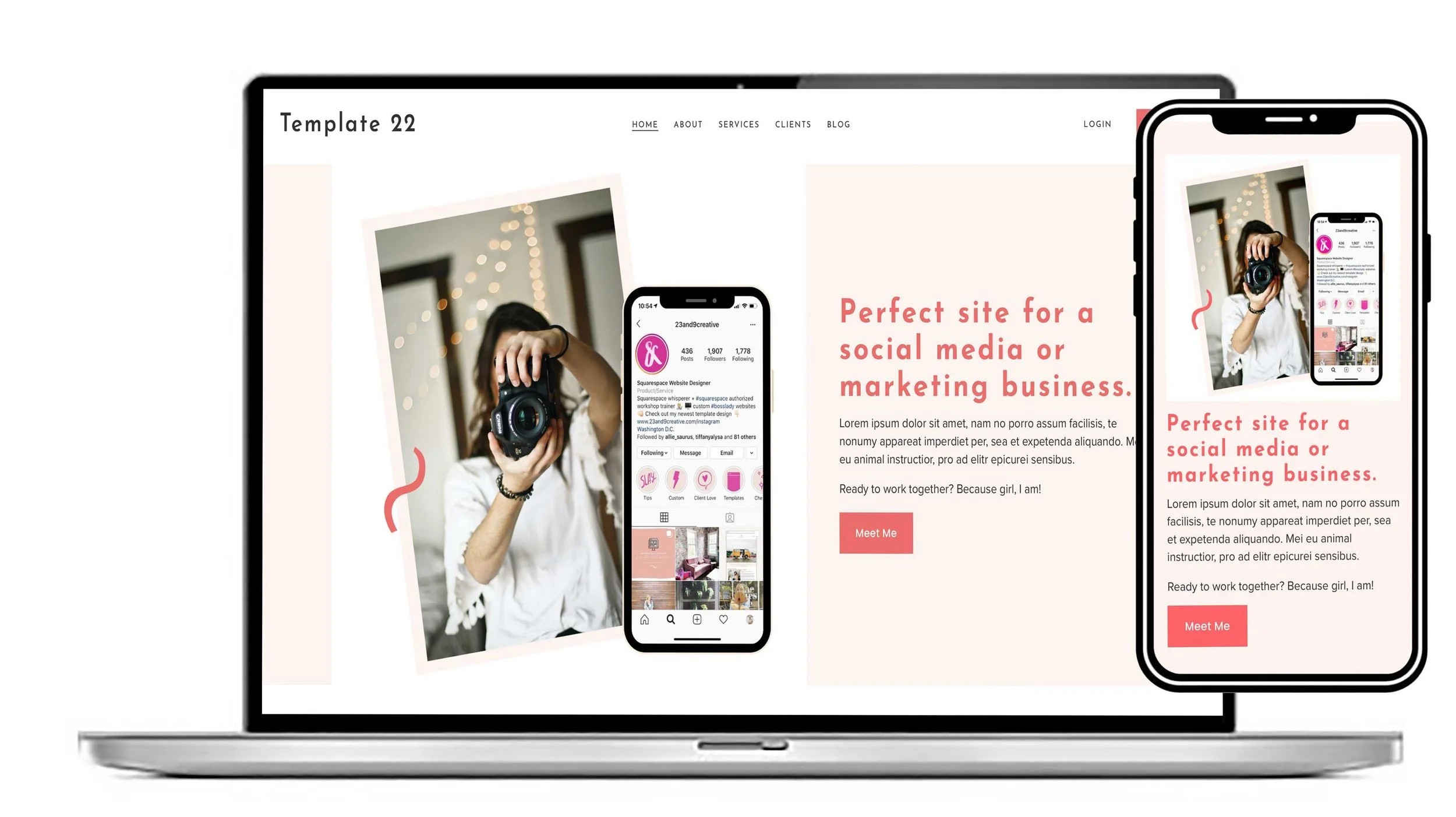
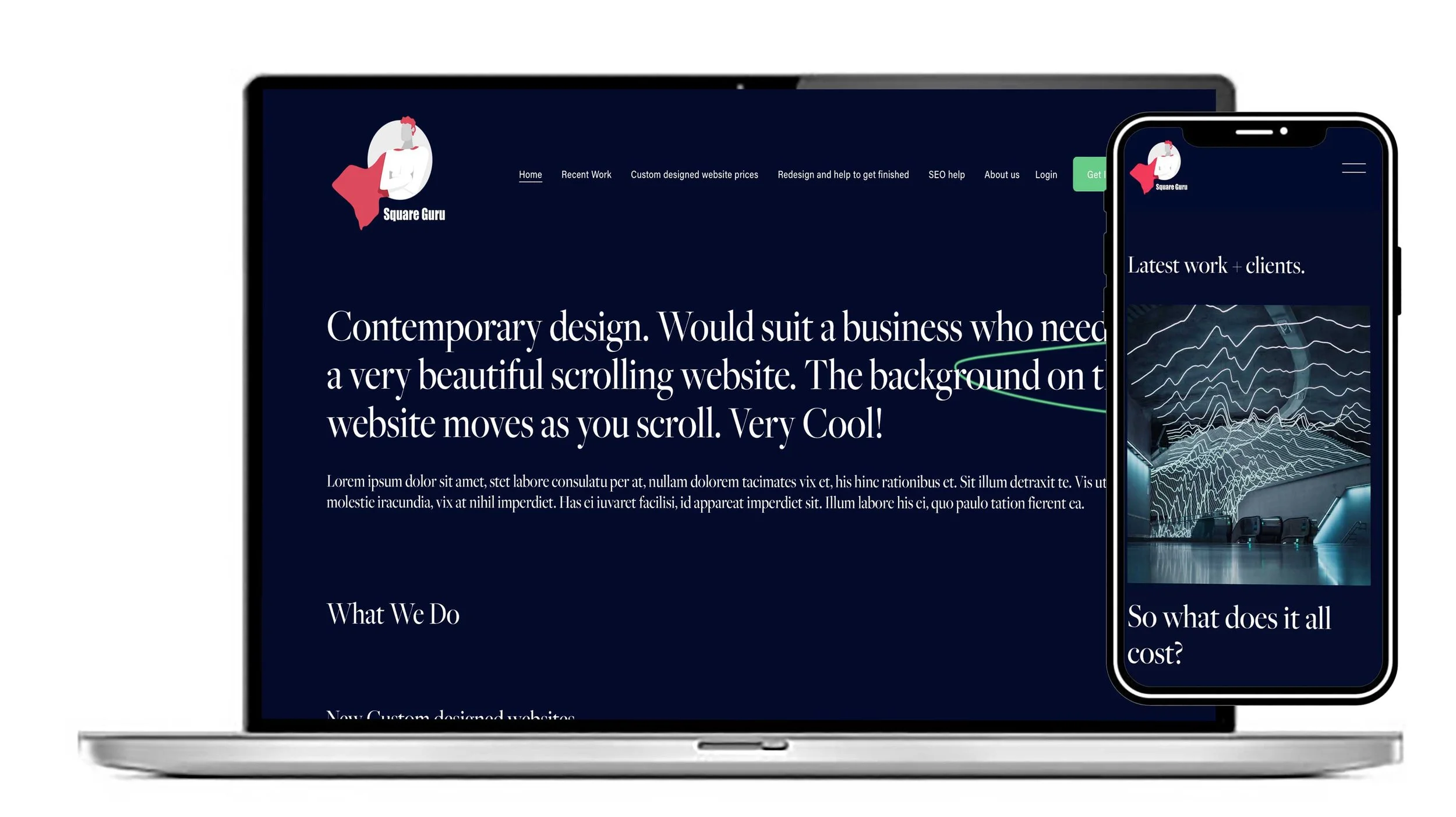
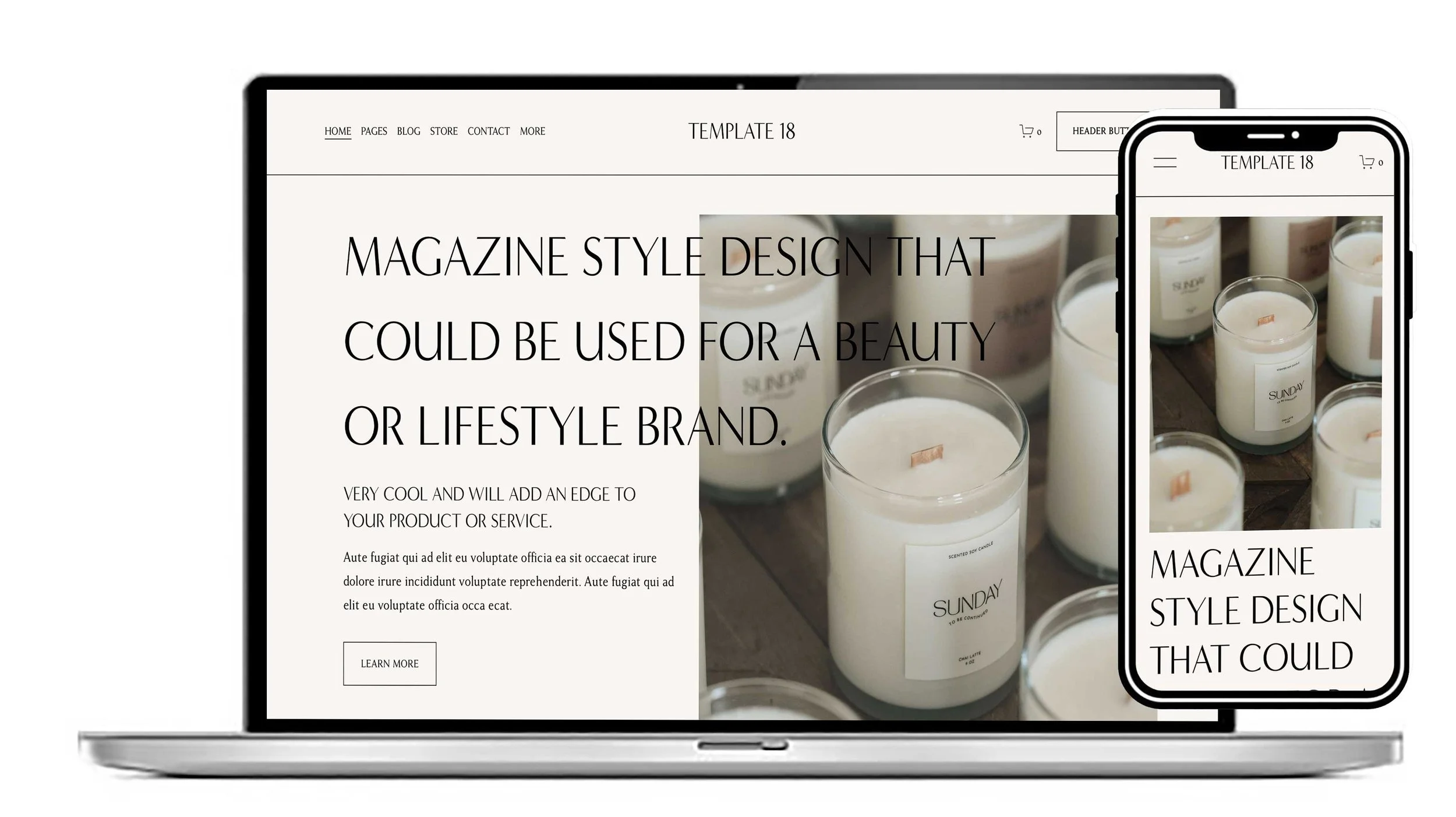
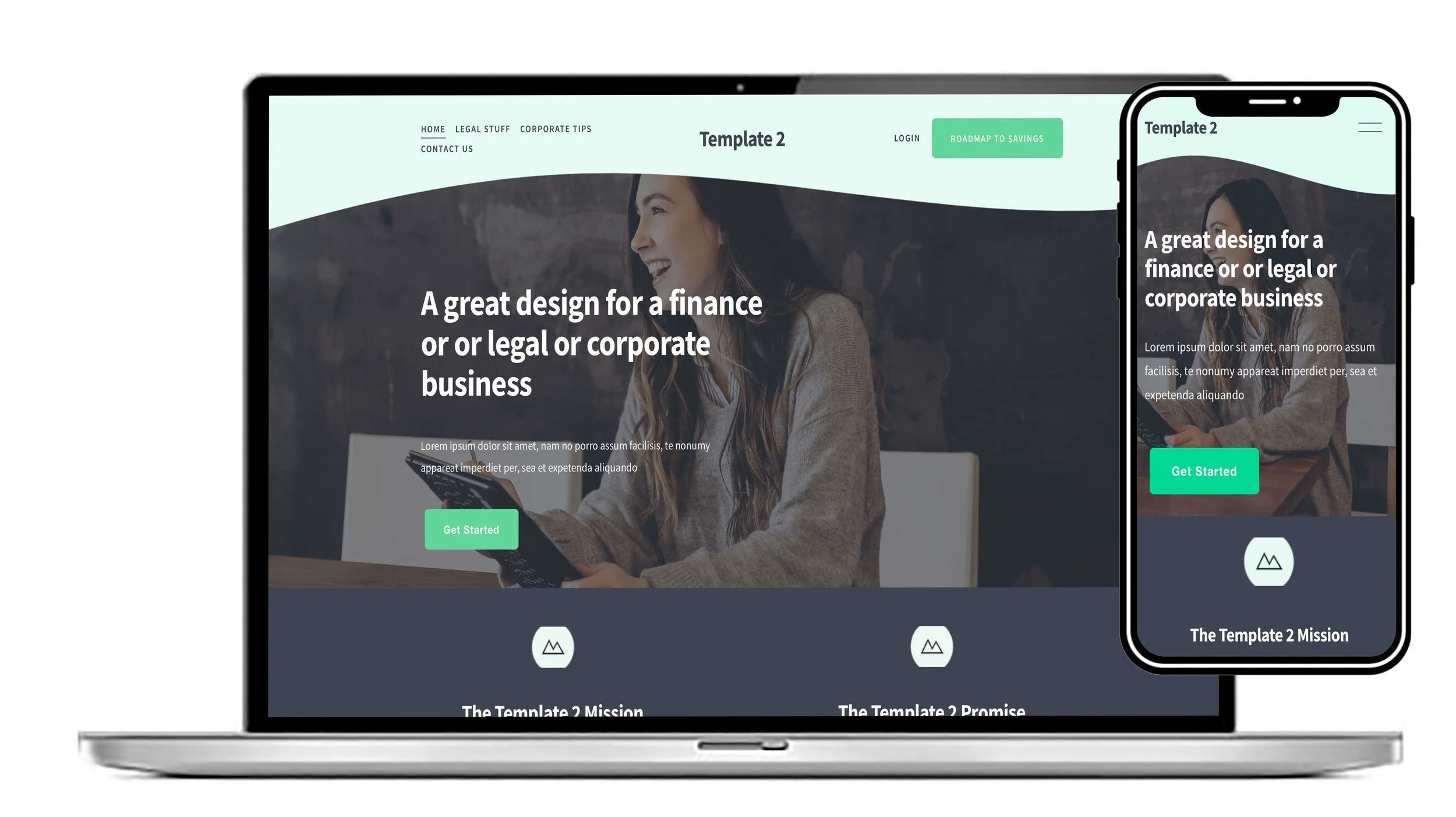
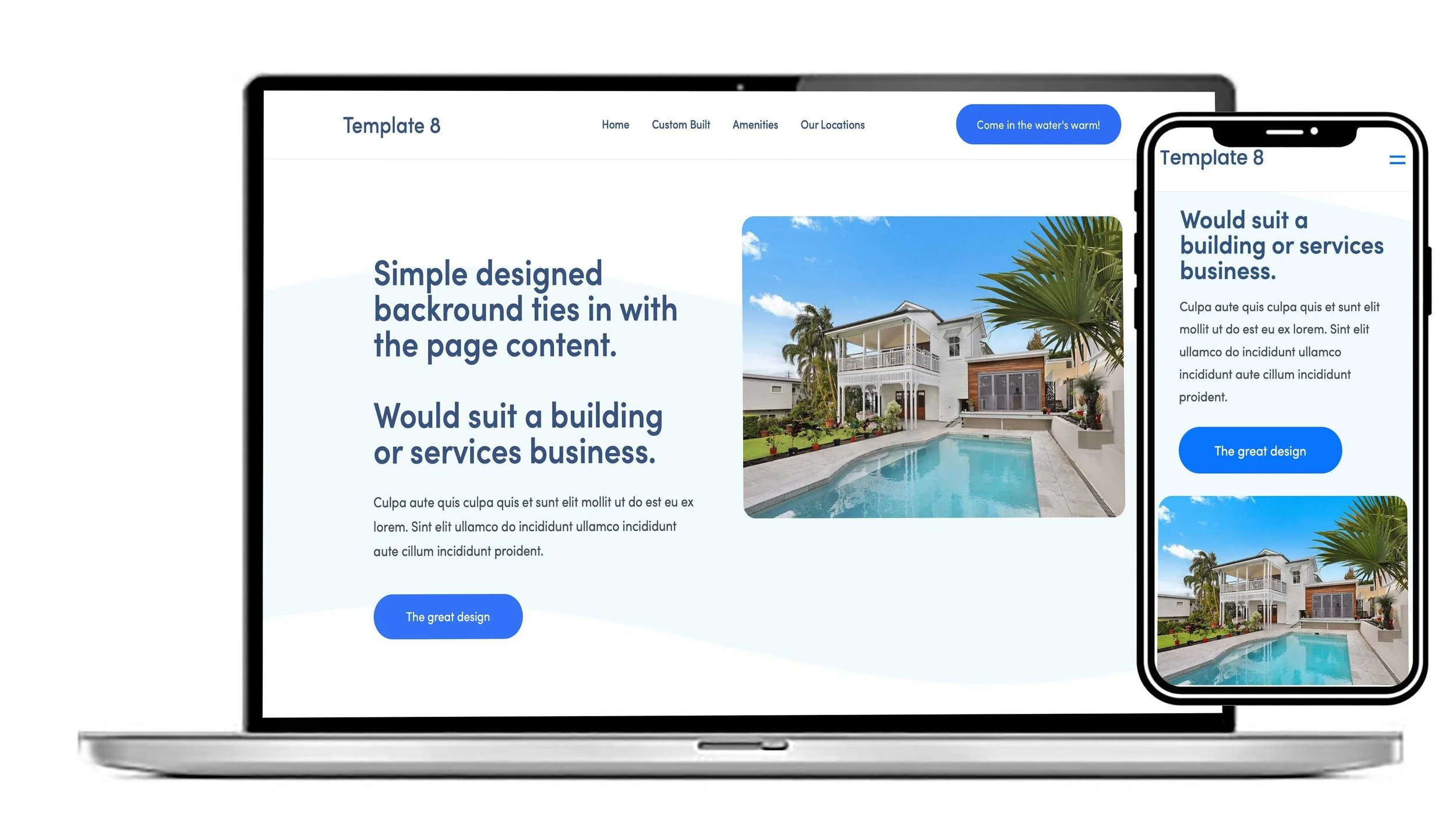
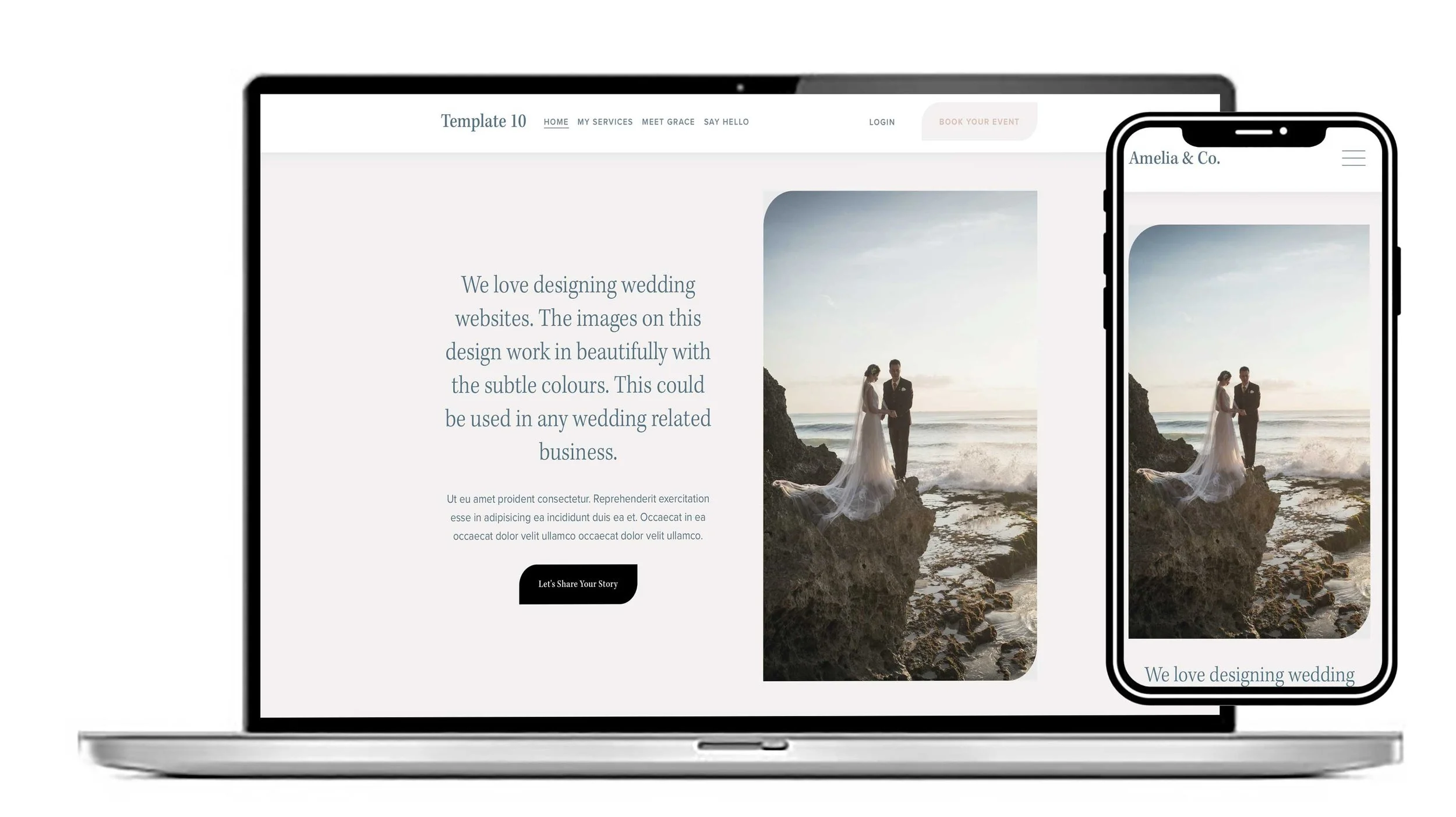
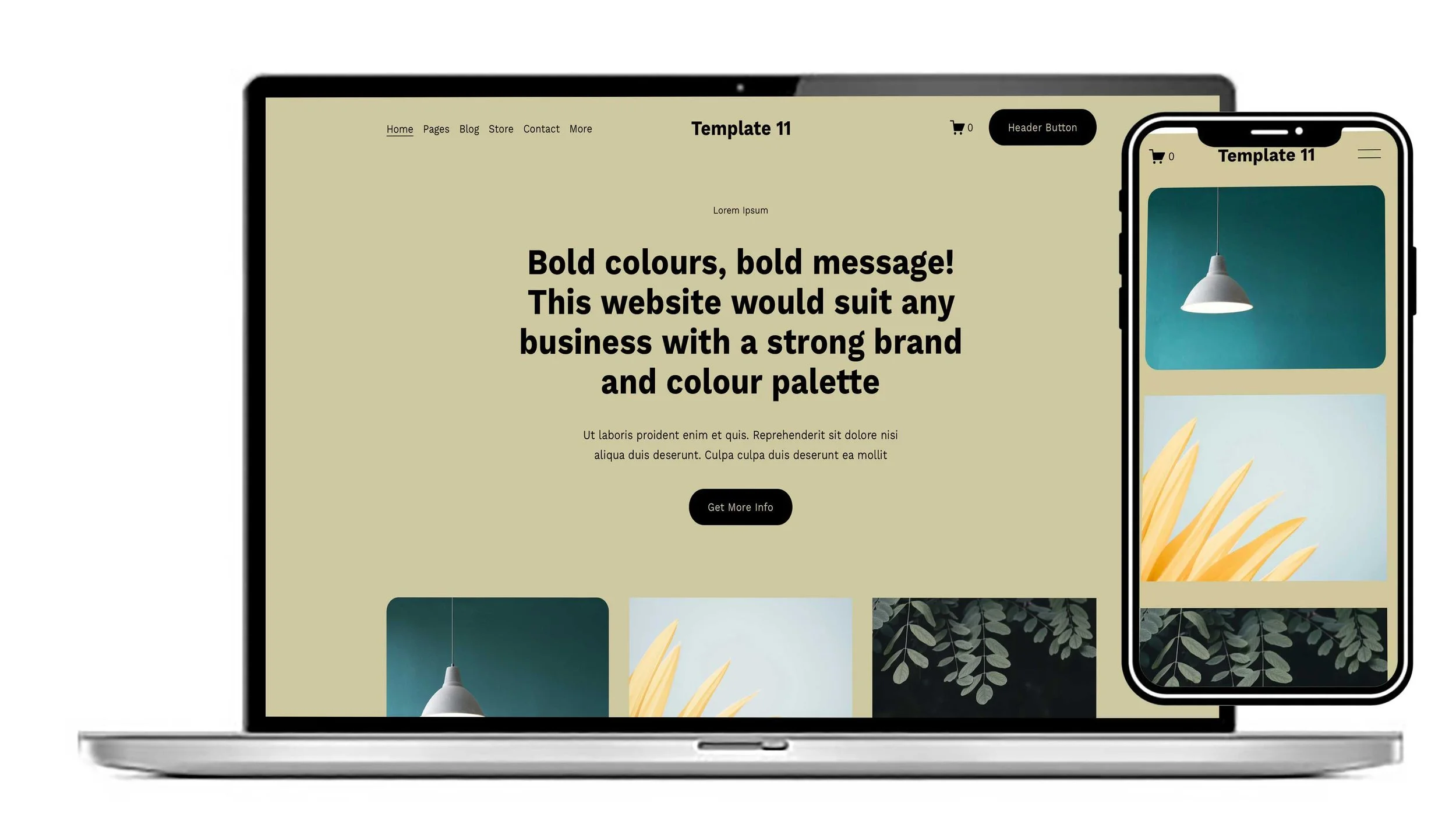
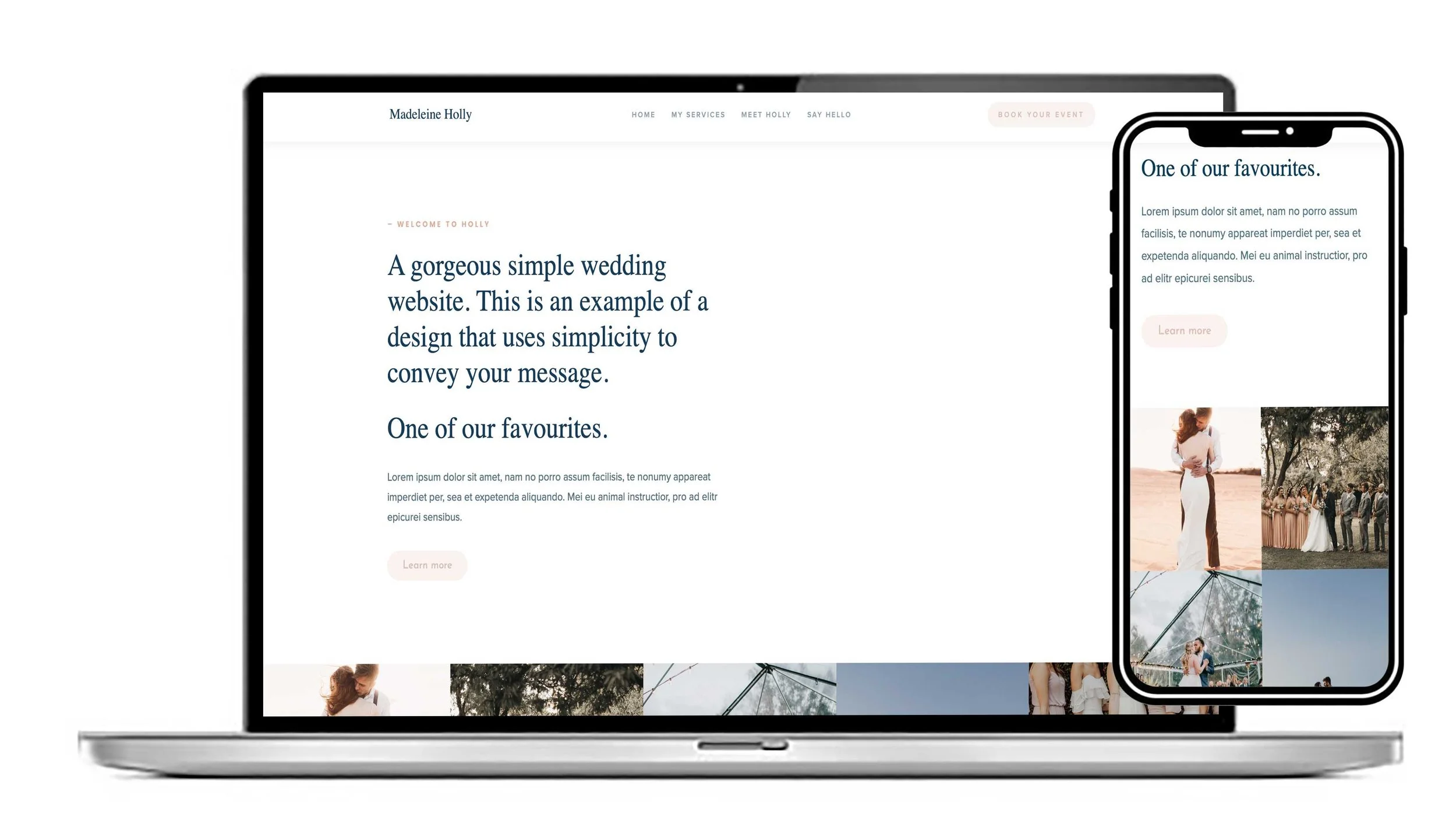
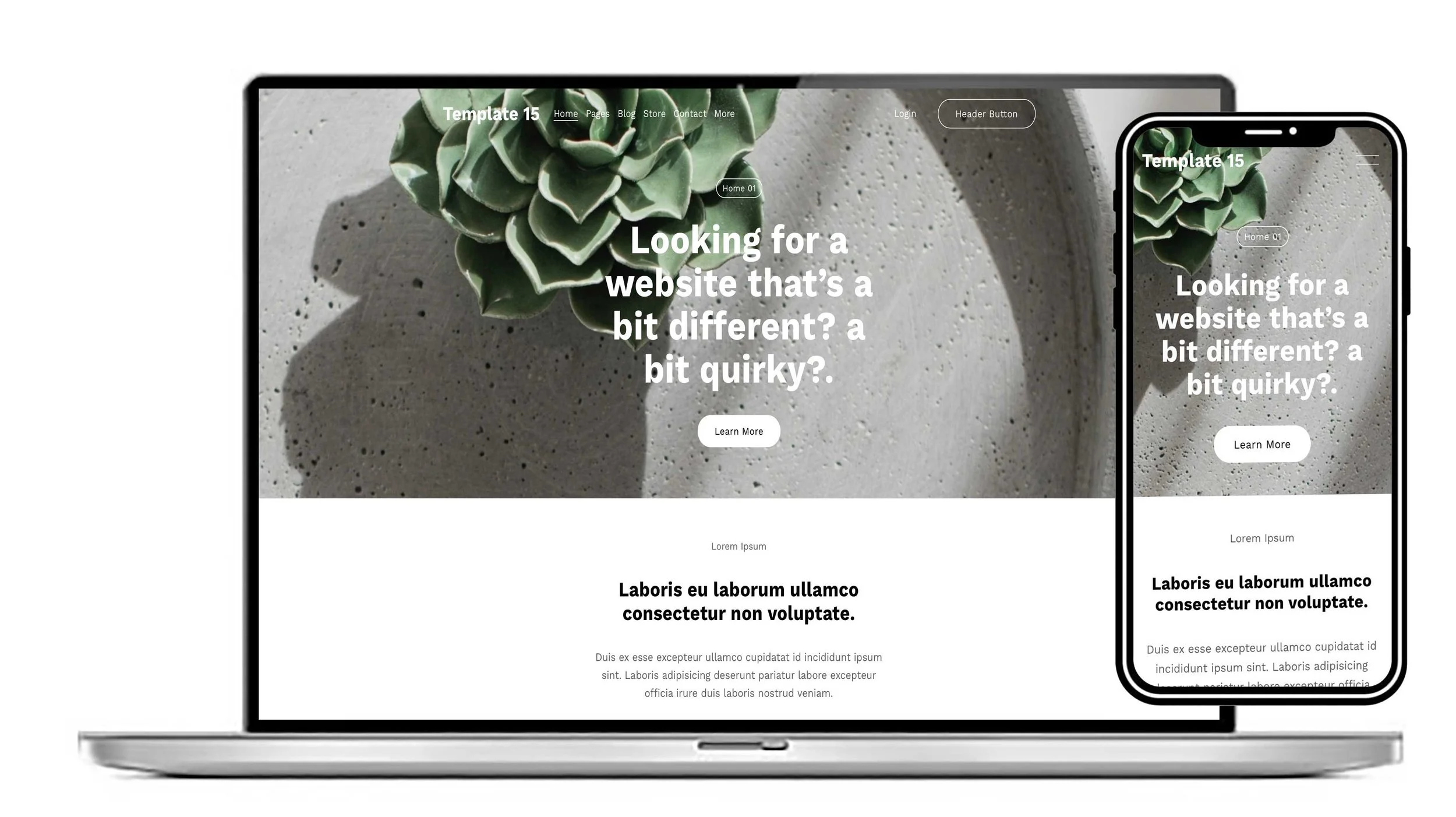
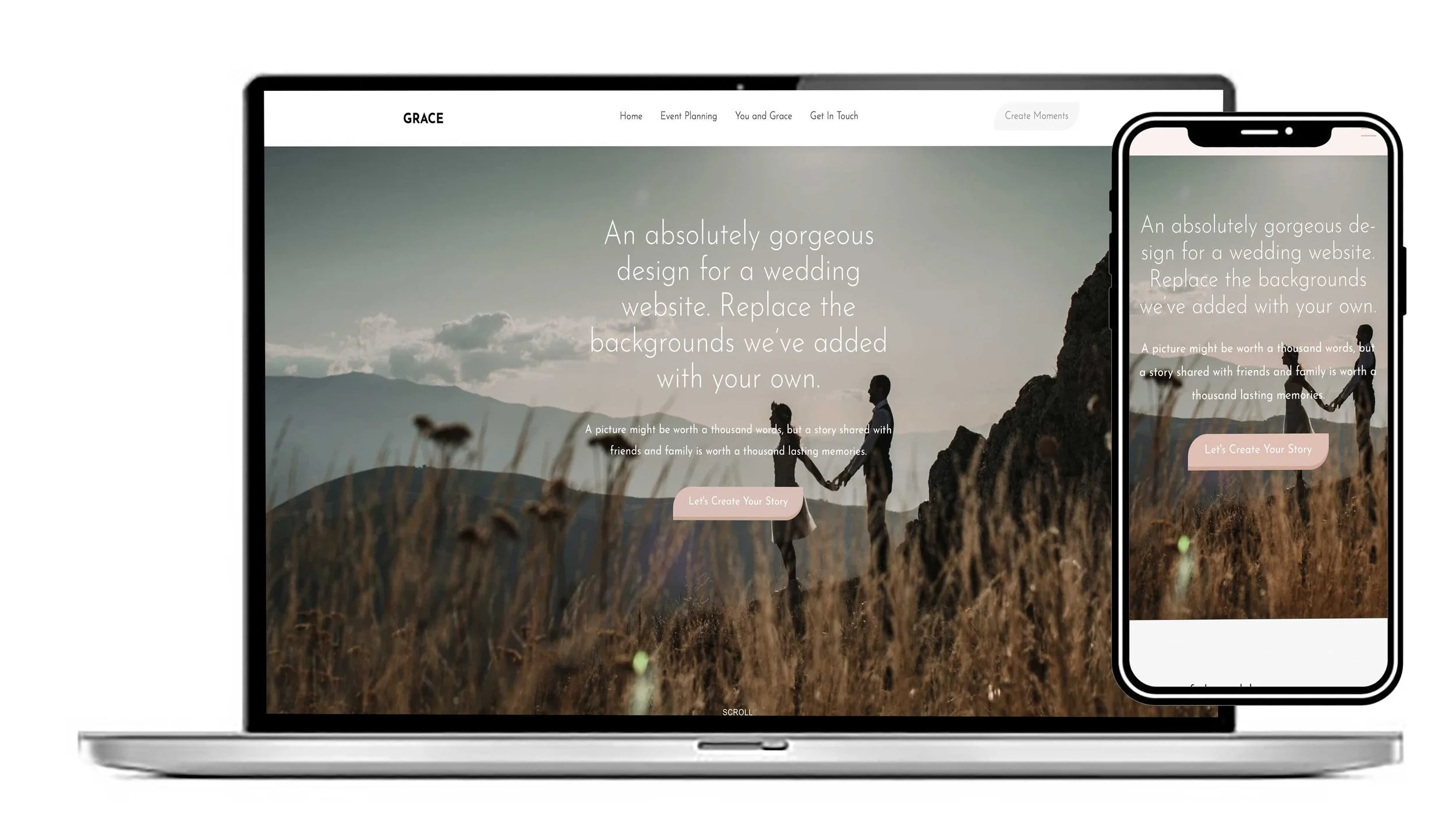
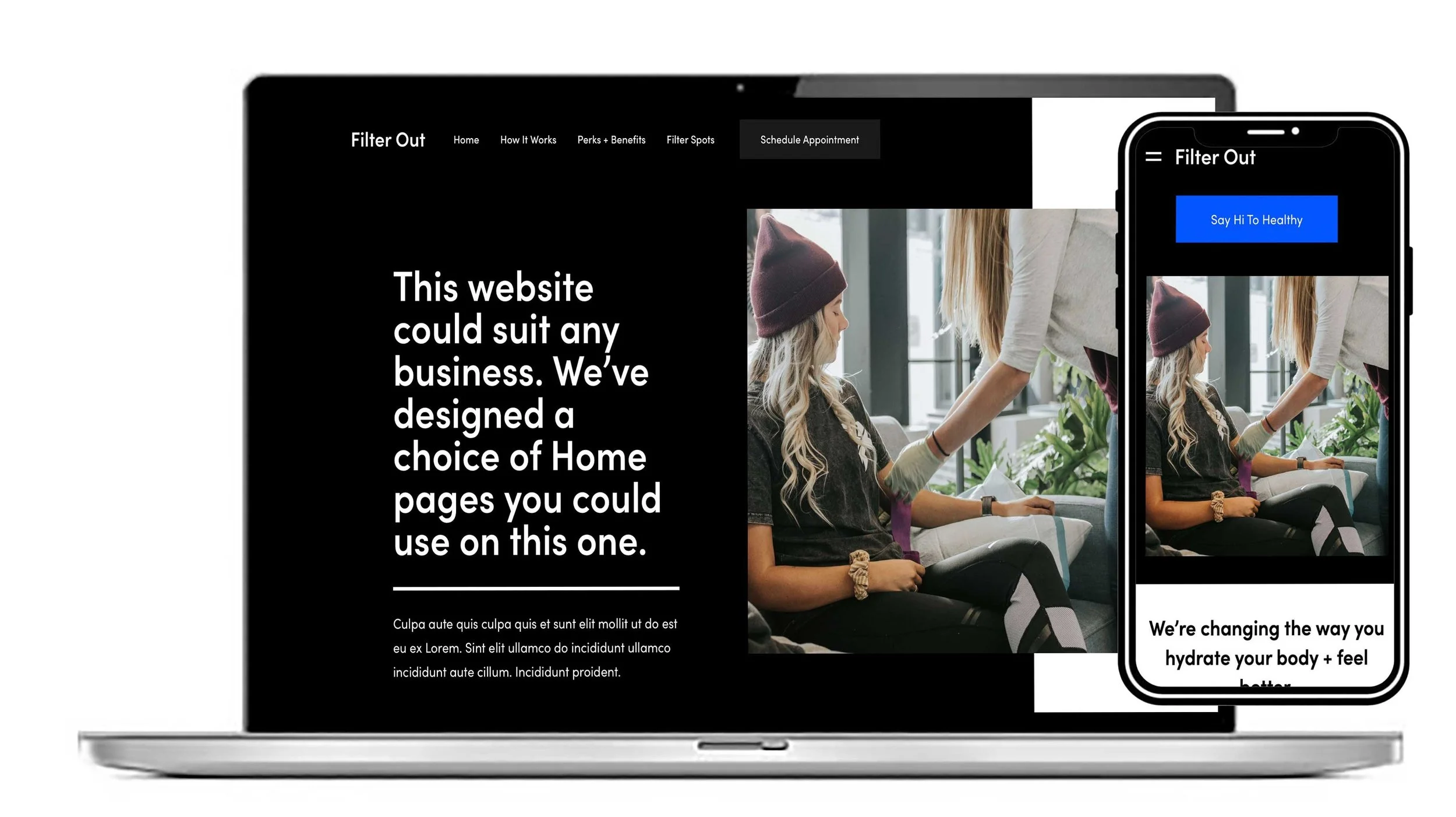
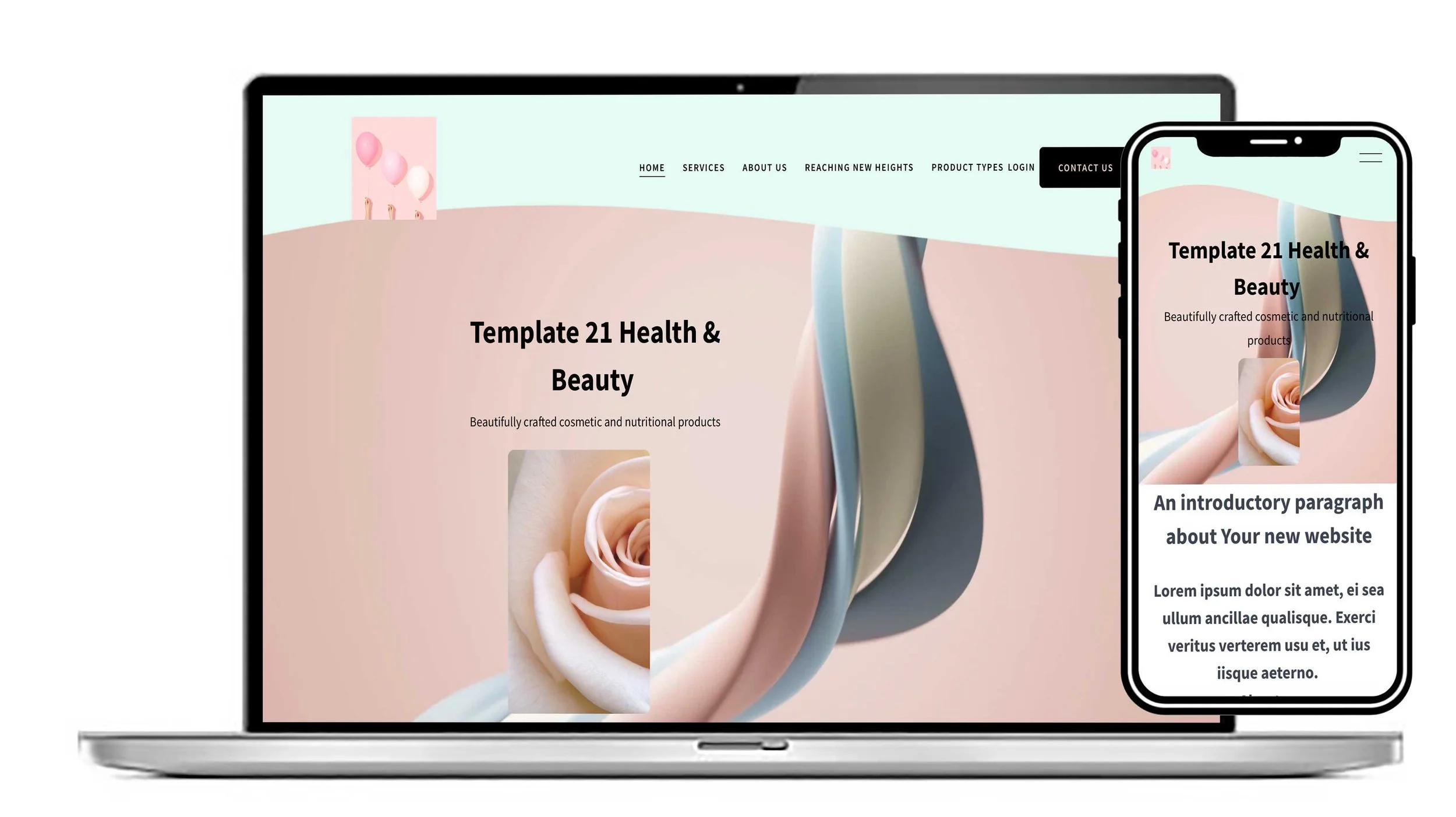
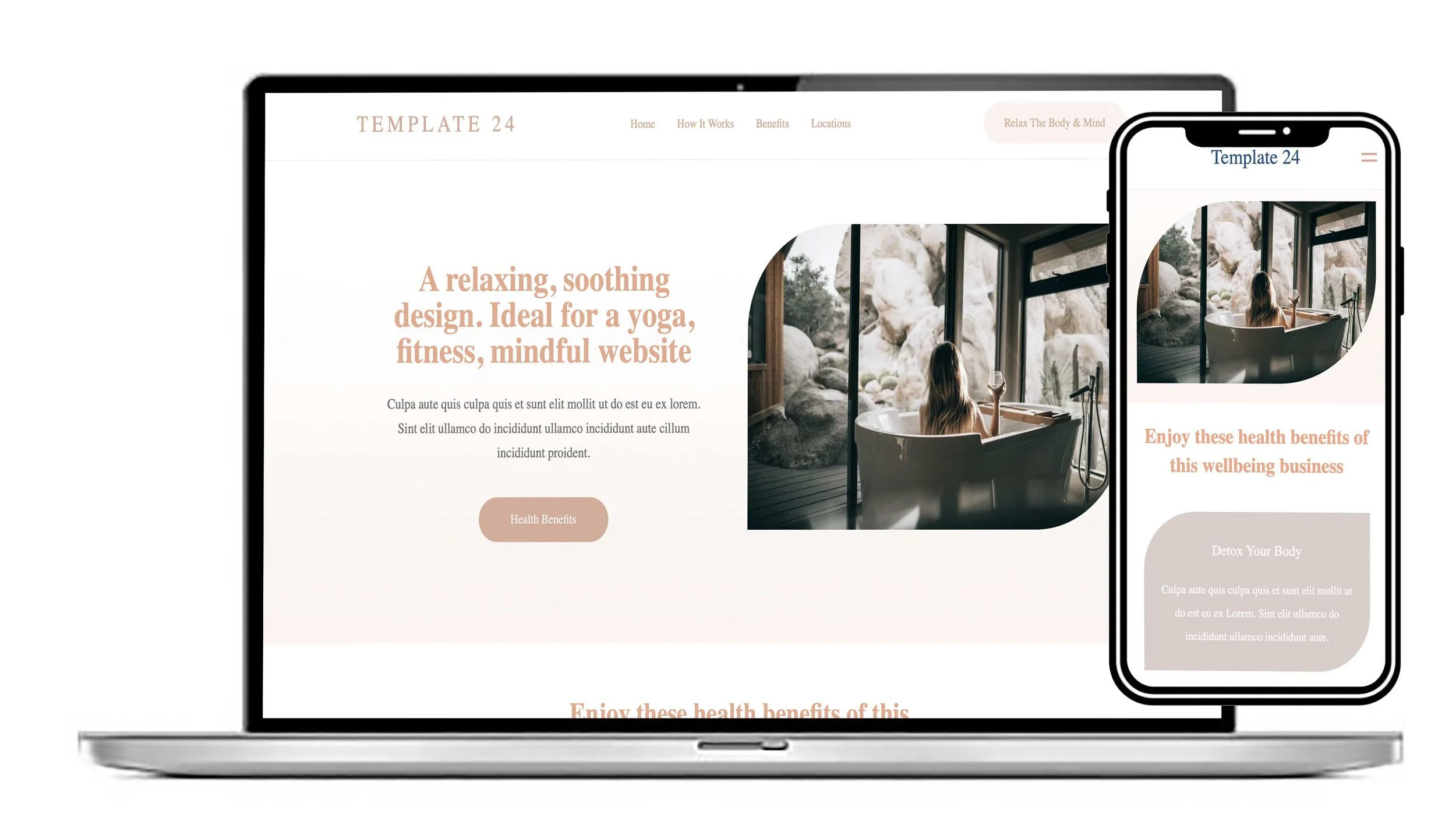
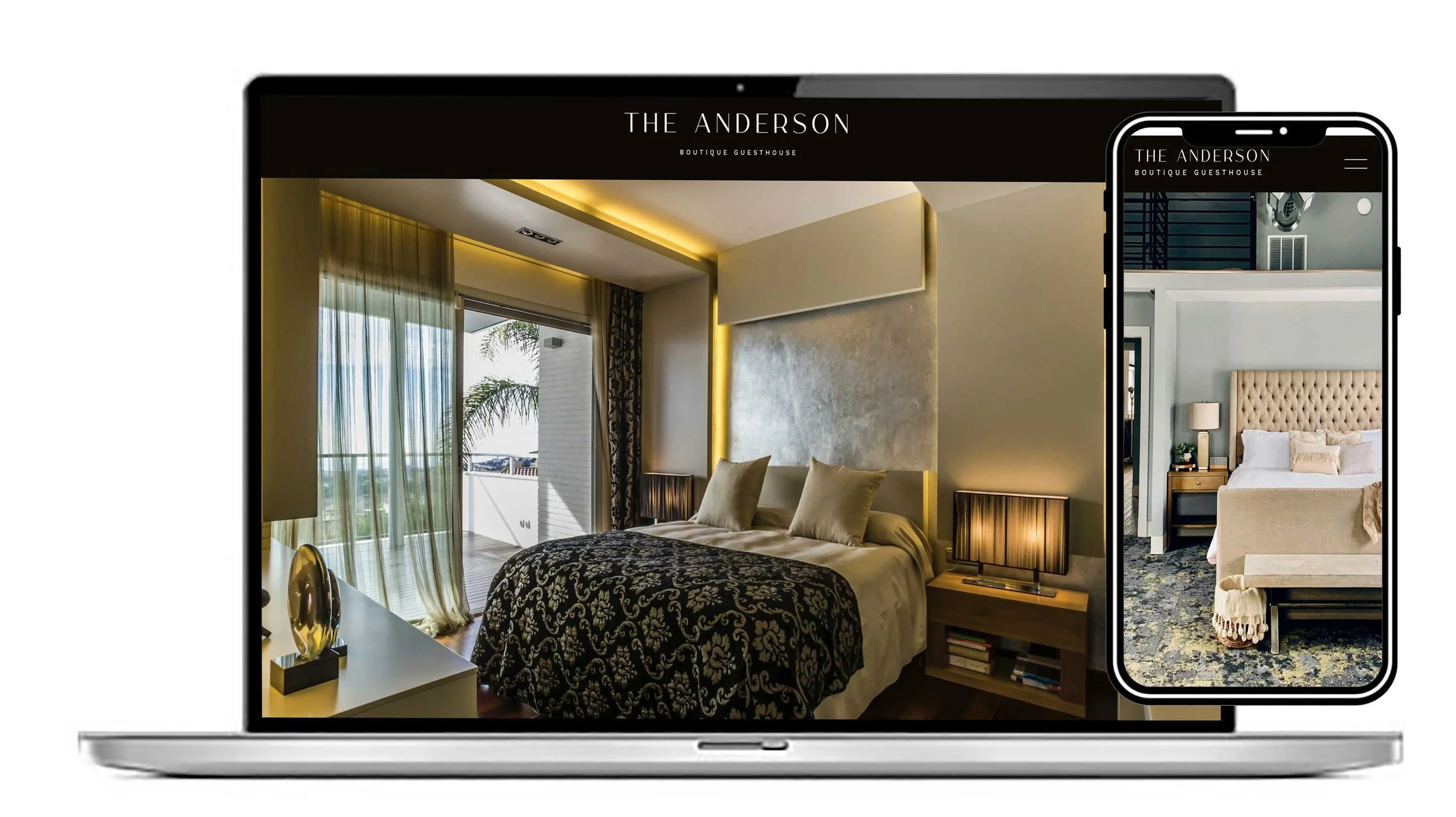
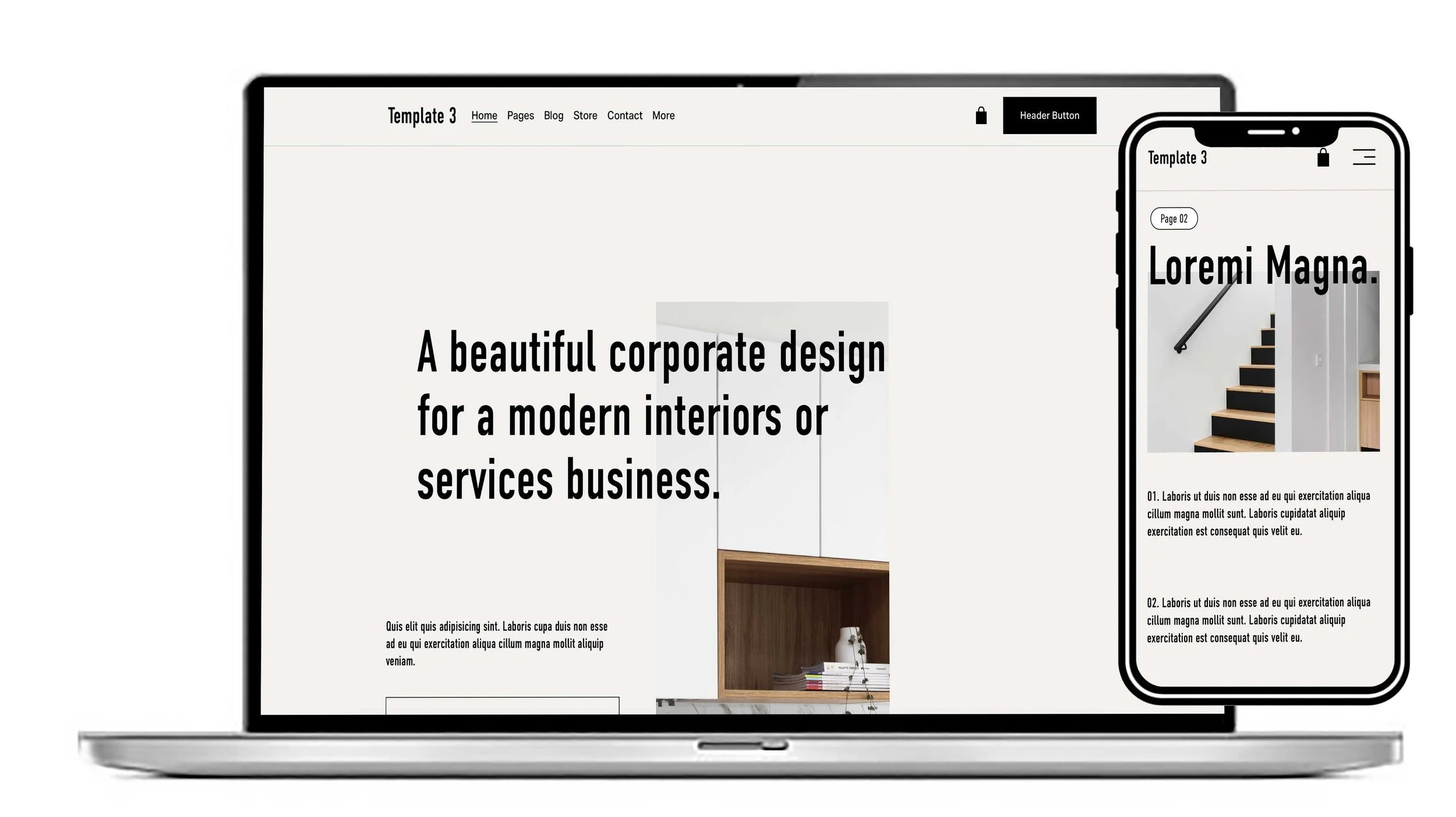
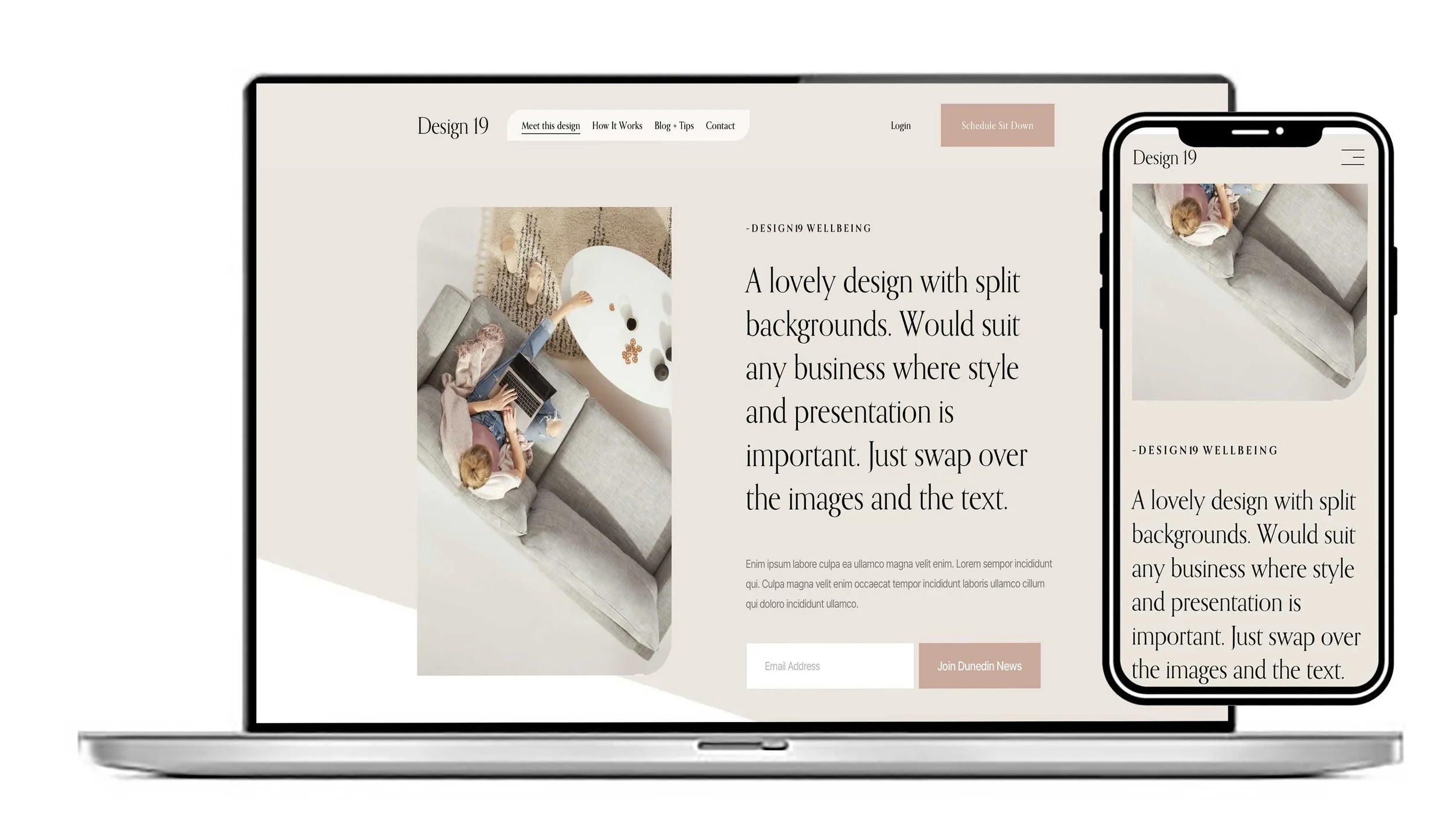
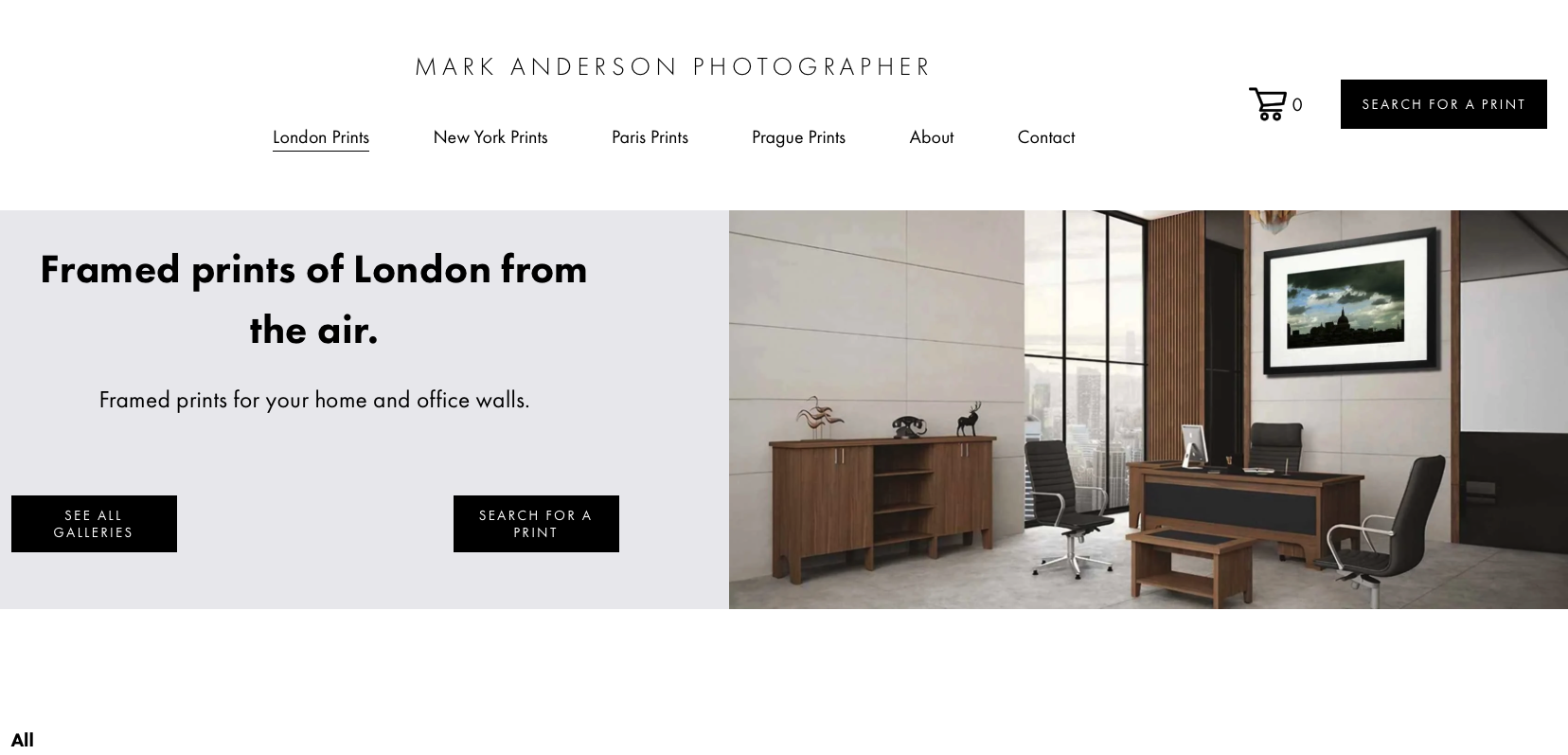
Need a website for your building business? This Lovely clean contemporary design would suit a Tradesman or building contractor. Could be customised to suit your business colours and style. Great on a mobile.
View this design