 Image 1 of 1
The Scrolling Template Overview.
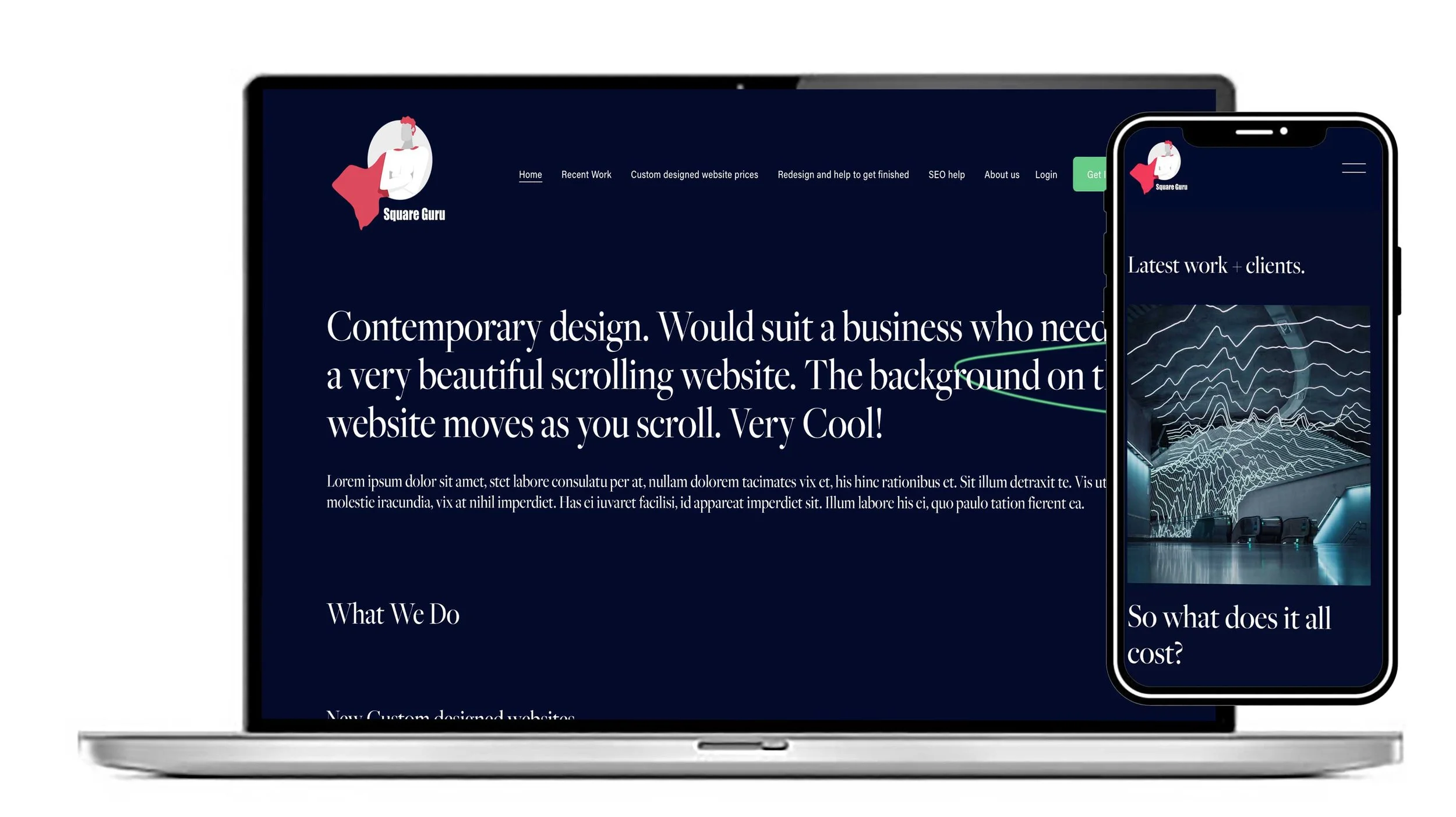
Make your brand memorable with The Scrolling, a bold Squarespace website template designed for creative businesses that want a more distinctive online presence. Its striking blue-and-black palette, layered typography and unconventional scrolling effects create a sense of movement as visitors explore your website. Inspired by modern editorial design, this template offers a fresh alternative to traditional business websites, helping your brand communicate its personality from the very first scroll.
Created with lifestyle brands, wellness professionals and independent creatives in mind, The Scrolling gives you a visually engaging way to showcase your services, share your story and introduce what makes your business different. Its independently moving text and background sections add depth to the browsing experience, while the flexible design makes it easy to adapt the colours, content and imagery to your own visual identity. Whether you’re launching a new venture or refreshing an established brand, you can build a professional website that feels considered, confident and unmistakably yours.
Built for Squarespace, this scrolling website template combines expressive design with a responsive layout that adapts to different screen sizes. You can personalise the structure and content to reflect your business goals while creating a clear journey from discovery to enquiry. For entrepreneurs looking for a creative Squarespace template that balances visual impact with usability, The Scrolling provides a strong starting point for building a recognisable brand online. It is an ideal choice for businesses that want their website to do more than display information: it should capture attention, express their identity and encourage visitors to take the next step.
How we would suggest The Scrolling Template could be customised to suit your scrolling design website:
1. A Creative business website
The Scrolling template is particularly well suited to a creative business that wants its website to feel more like an experience than a collection of conventional web pages. The scrolling effect creates movement as visitors move through the site, with background elements moving independently from the foreground content. This gives creative businesses an opportunity to showcase their personality from the first screen, whether they are a design studio, photographer, artist, creative consultant, fashion brand or another visually led business.
The design can be customised extensively to reflect a particular creative identity. Your own logo, photography, illustrations, videos, colours, fonts and written content can replace the original placeholder elements, while the scrolling structure provides the visual framework. Individual sections can also be rearranged or redesigned, allowing the website to tell the story of the business in the order that makes most sense. Rather than simply changing the wording, you can make the template feel like it was created specifically around your brand and the way you want customers to experience it.
2. A Website that's good on mobile
A scrolling website still needs to work effectively when visitors are using a phone, and the design can be adapted specifically for smaller screens. The underlying Squarespace 7.1 Fluid Engine allows layouts to be adjusted for mobile, so text, images, buttons and other content can be repositioned and resized rather than simply relying on the desktop arrangement. This is particularly useful for a visually rich scrolling website where the relationship between images and text is an important part of the design.
Mobile customisation can therefore be treated as part of the creative process rather than something left until the end. Large desktop images can be changed or repositioned, headlines can be made easier to read, buttons can be given more space and sections can be simplified where necessary. The result is a scrolling experience that retains the character of the original design while being easier to navigate on a smaller screen. The template provider specifically describes its designs as mobile-friendly and says the layouts can be customised for individual businesses.
3. A Business that needs a scrolling design website
For a business that specifically wants a scrolling website, this template provides a strong starting point because movement is already built into the visual concept. Instead of having a static page with separate blocks of information, the visitor can move through a sequence of images, messages and sections that create a sense of progression. Background movement can add depth, while foreground text and calls to action can remain the focus.
The structure can also be changed to suit the business rather than forcing the business to fit the original template. For example, the scrolling journey could introduce the company, explain its services, show previous work, introduce customer testimonials and finish with a prominent contact or enquiry section. Sections can be added, removed and rearranged, while colours, backgrounds, typography and spacing can be adapted to create a more individual appearance. This makes the template useful not only for creative companies but for any business where visual presentation and storytelling are important.
4. A Lifestyle business website
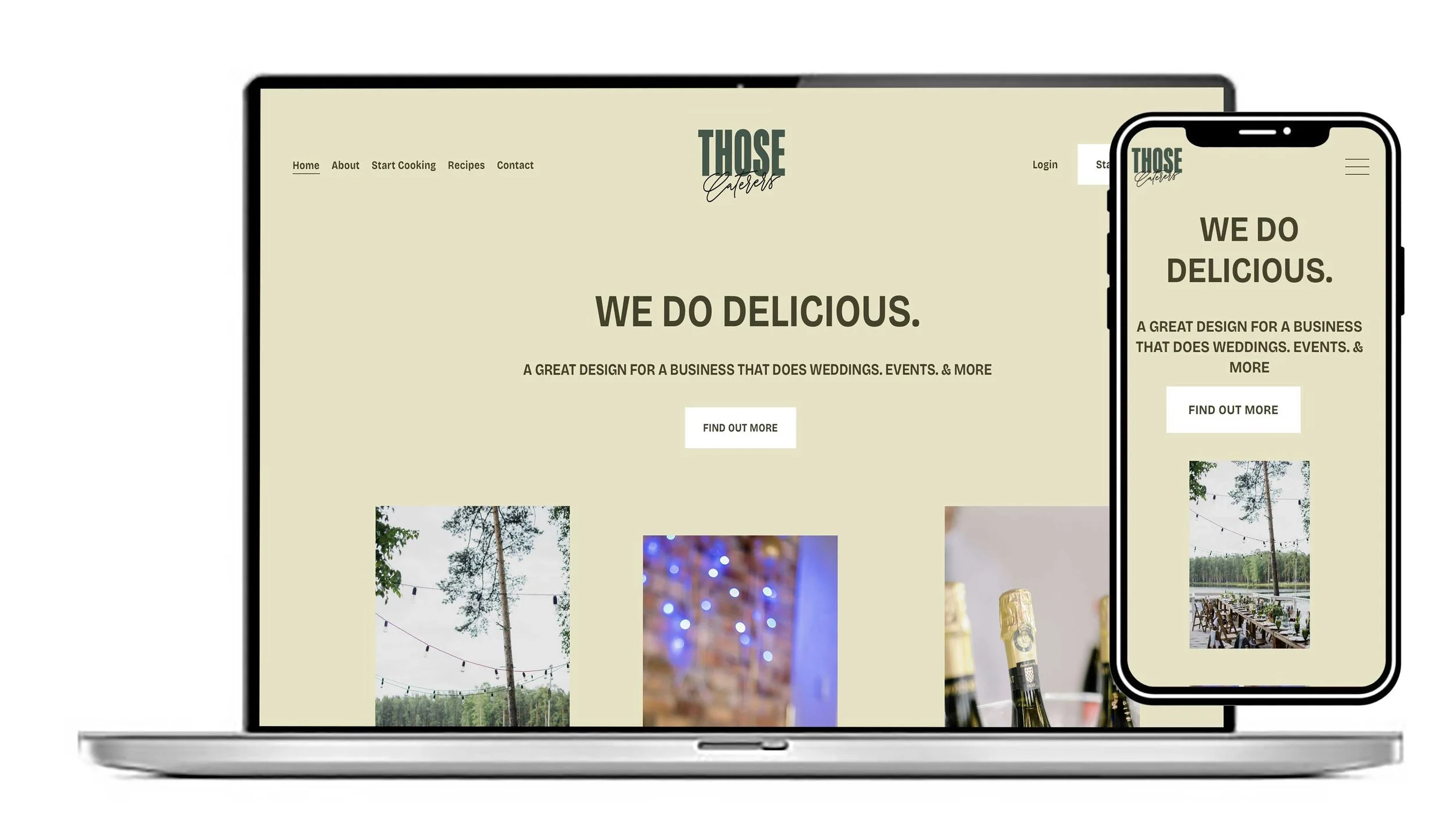
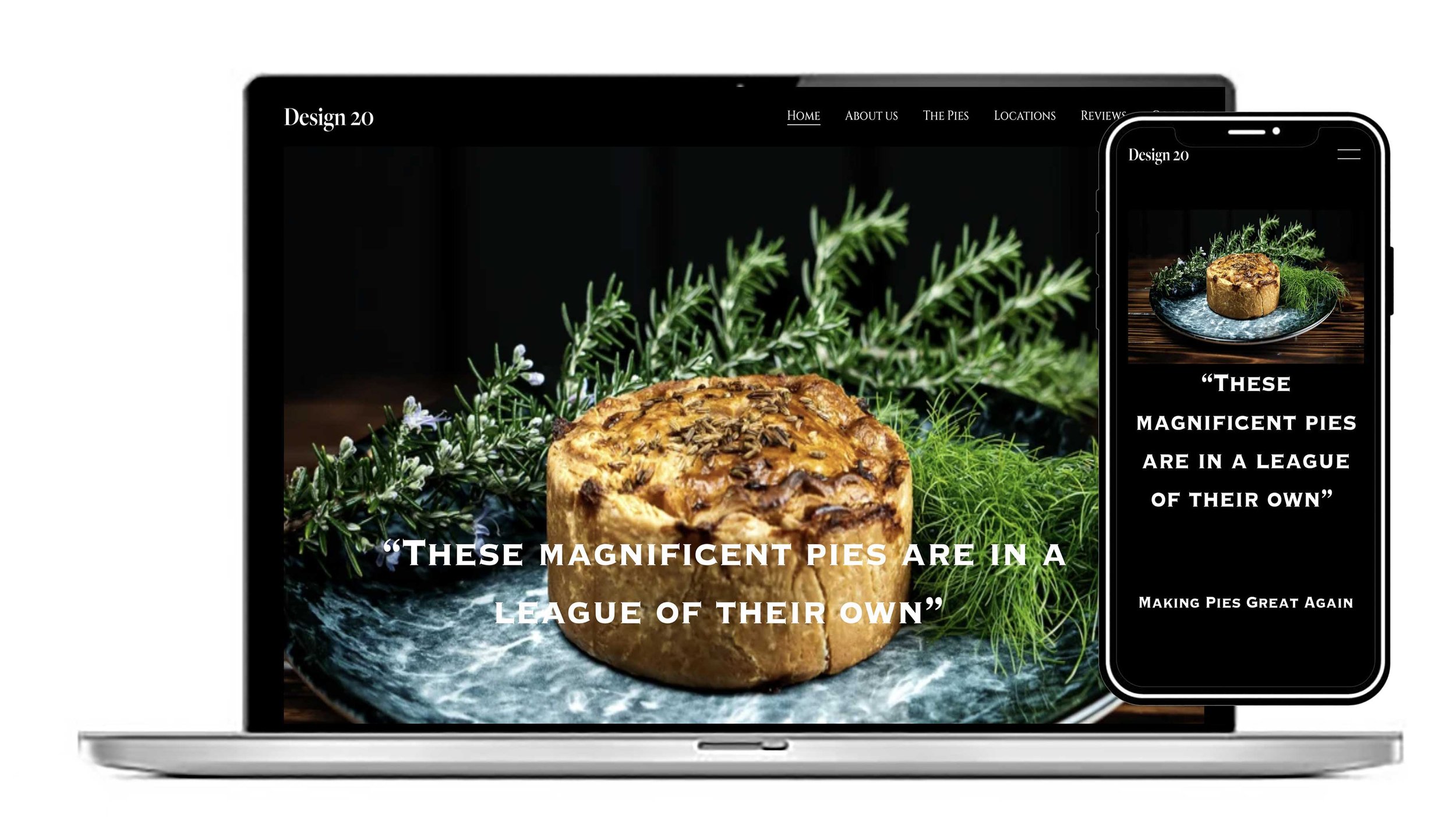
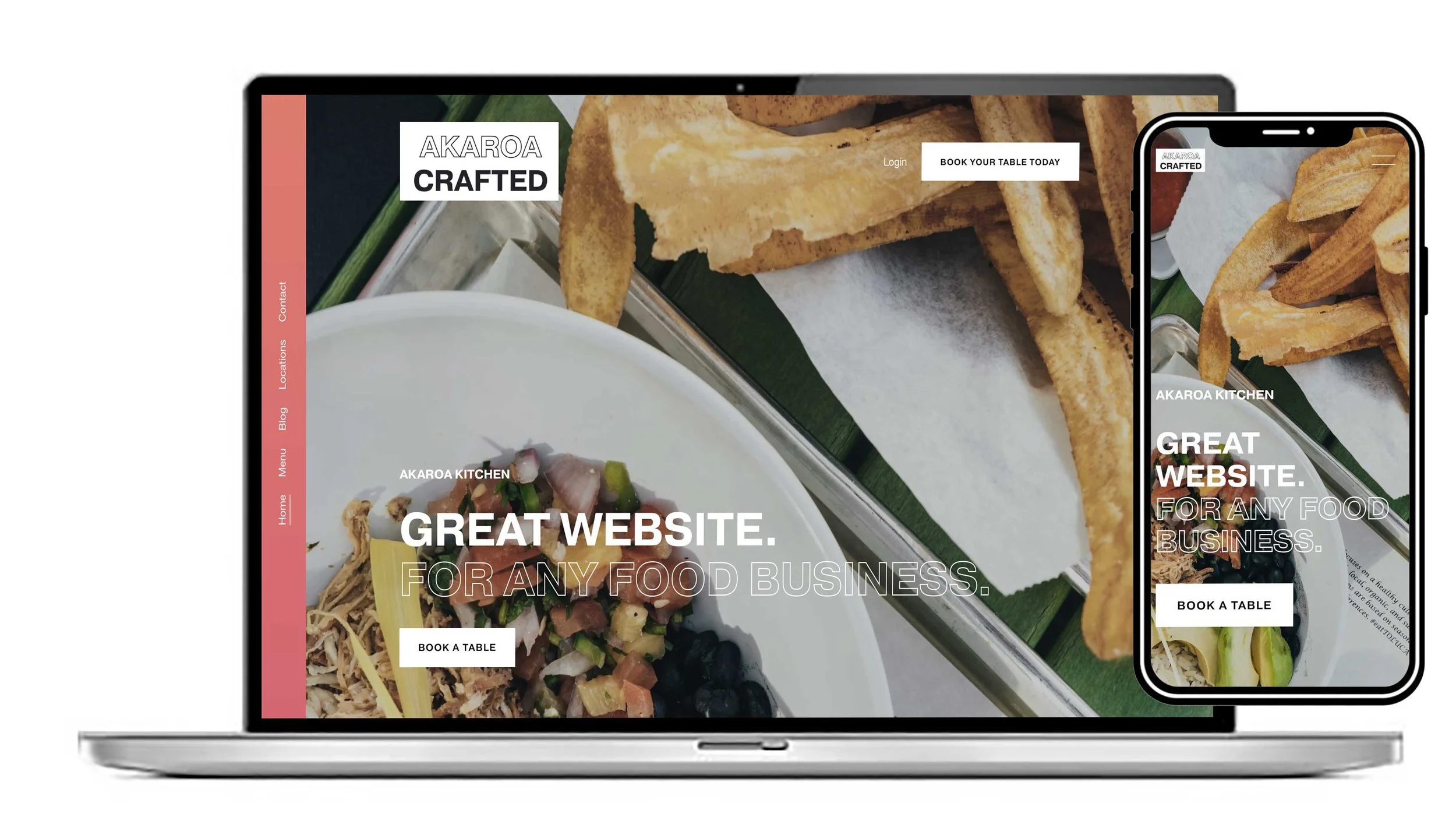
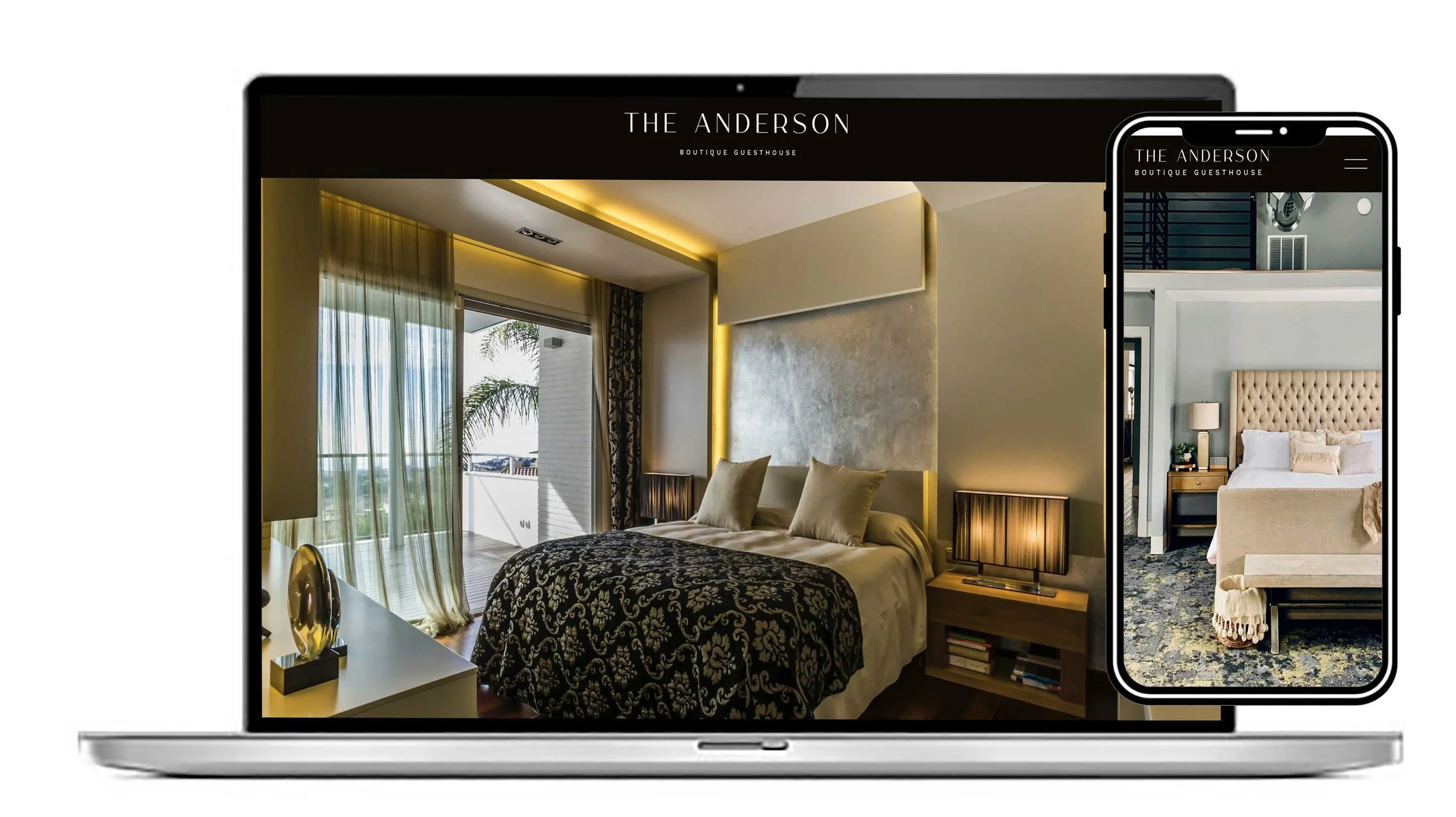
A lifestyle business can use the scrolling design to create an atmosphere around its products or services. Rather than presenting everything as a straightforward catalogue of information, the website can combine photography, typography and movement to communicate a particular mood. This could work well for interiors, fashion, travel, wellbeing, beauty, food, fitness or other lifestyle-focused businesses where the visual identity is an important part of the customer experience.
Customisation is what allows the same underlying design to work for very different lifestyle brands. Photography can be replaced with your own imagery, the colour palette can be matched to your brand, and fonts can be selected to create a particular personality. Content can also be organised around the journey you want visitors to take, such as discovering the brand, understanding the products, seeing them in context and then moving towards an enquiry, purchase or booking. The template can therefore provide the visual foundation while your own content and branding give it a distinctive identity.
A further advantage is that the visual language can be changed without having to rebuild the entire website from scratch. Global styles can be used to establish your preferred fonts, colours, buttons, spacing and other design details, while individual sections can have their own backgrounds, layouts and visual treatments. This makes it possible to create a consistent brand throughout the website while still giving different parts of the scrolling journey their own character.
The imagery is especially important when customising a scrolling design. High-quality photographs can be used as backgrounds or prominent visual elements, while shorter sections of text can sit over or alongside imagery to create a more editorial feel. For a creative business, this could mean using portfolio work; for a lifestyle brand, it could mean using product photography or atmospheric images; and for a service business, it could mean using photography to illustrate the people, places or results behind the service.
Calls to action can also be adapted to suit the purpose of the business. Instead of simply retaining generic buttons, the scrolling journey can guide visitors towards actions such as “View our work”, “Explore our services”, “Shop the collection”, “Book a consultation” or “Get in touch”. Forms, booking systems, videos, galleries, social links and other functionality can also be incorporated where required, giving the design a practical purpose alongside its visual appeal.
The navigation and page structure can be customised too. A business does not have to retain the exact sequence of sections supplied with the original design. The content can be reorganised around the way customers actually make decisions, with the most important information introduced early and supporting information appearing further down the scrolling journey. This makes it possible to turn a pre-designed layout into a website with a structure that is genuinely relevant to the business.
Ultimately, the Scrolling template is best viewed as a flexible visual starting point rather than something that has to remain unchanged. Its scrolling presentation provides the distinctive character, while the fonts, colours, photography, written content, section layouts, calls to action and mobile arrangements can all be adapted. That combination makes it possible to create a website that retains the impact of a scrolling design while looking and functioning as a website built around a particular creative, lifestyle or business brand.
How to set up SEO on this template
When you have customised the Scrolling template into your finished website, the first step is to make sure every section has a clear purpose and that your content accurately describes what your business does. Replace all placeholder text with useful, original copy, use clear headings throughout the page and make sure your most important services, products or information are easy for visitors to find. Google recommends descriptive titles and content that clearly communicates what a page is about, so avoid relying on attractive design alone.
Pay particular attention to the page title, SEO description, headings, image names and image descriptions when preparing your customised Scrolling website. Your main page should clearly communicate your business and the services or products you offer, while additional pages should have their own relevant titles and descriptions rather than repeating the same information. Images should also be appropriately prepared, as Google uses information from webpages and image metadata to understand and present content in Search.
Because the Scrolling template is designed to create a strong visual experience, it is also important not to let the design get in the way of usability. Check the finished website carefully on mobile, make sure text is easy to read, links and buttons work correctly, images are appropriately sized and visitors can quickly understand what you offer. Google considers factors including mobile usability, Core Web Vitals and the overall page experience when evaluating websites.
If you buy a template from us before 30th October 2026, we will add all the SEO you need to your finished website at no extra cost — a service worth £385.00 if purchased separately as a package. This means you can concentrate on customising the Scrolling template with your own branding, photography, services and content, while we take care of the SEO setup needed to prepare your website for search engines. SEO can help search engines understand your content, although no SEO service can guarantee a particular Google ranking.