

Who can help me improve my Squarespace website?
We can.
Many any businesses need to update or improve their Squarespace website. It may be that your offering has changed and you need to reflect that or it looks a bit dated or you’ve tried to update and improve it yourself and you’ve just got stuck.
We can help you get your website finished, upgrade the design and improve your SEO.
If you’re looking to improve an older website changing the design will be just one of the things you’ll need to address. You’ll also need to improve the SEO and the journey your user takes when they go on your website. The Home page is now a vital component. This is the page your new user arrives at first and it’s where you’ll get them to the a more detailed page where they may want to contact you after reading it.
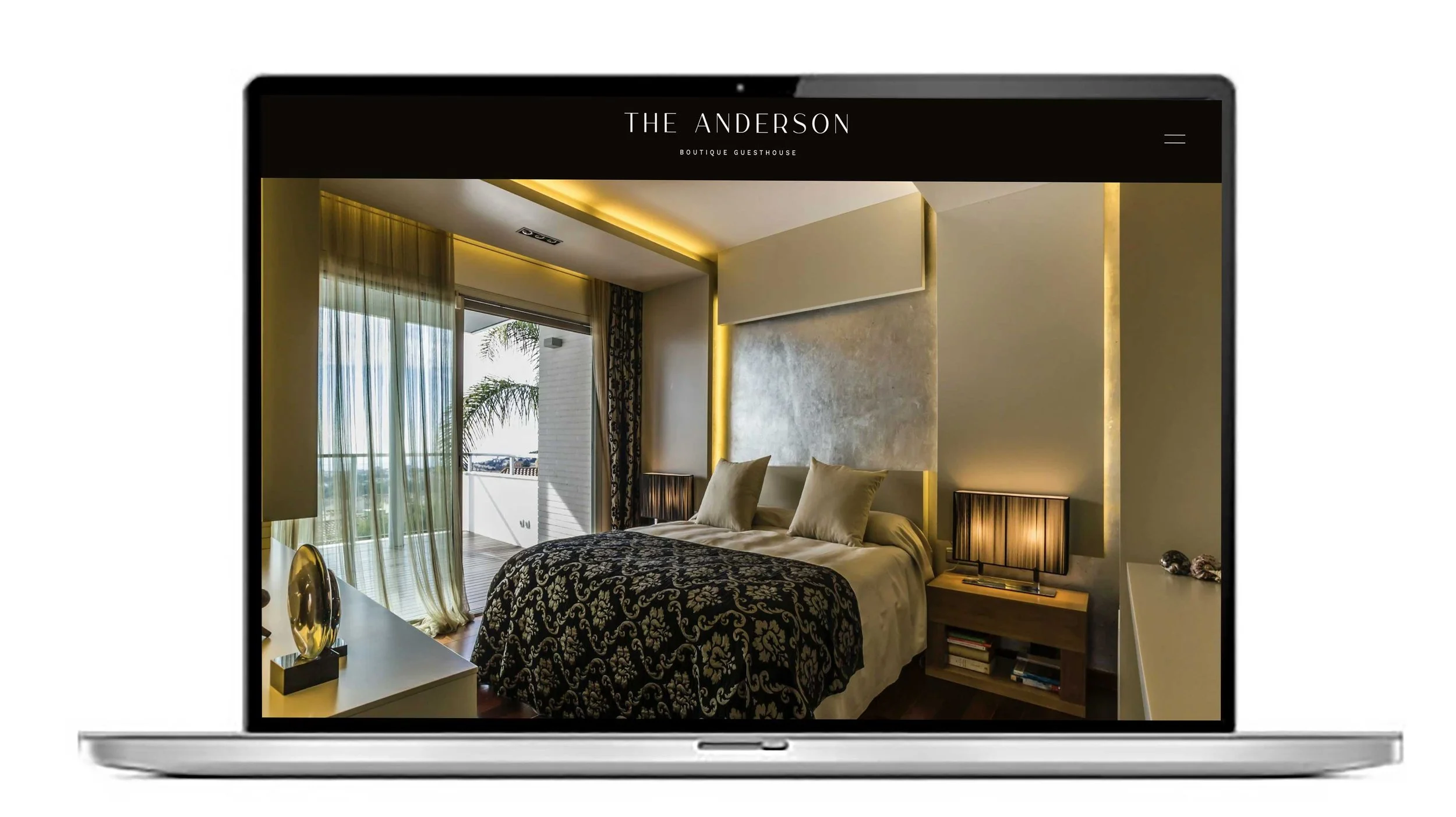
The Home page should not be too overloaded with content. The bulk of your content should be on your more detailed pages in behind the Home page. The Home page should be around 5 sections with a call to action on each of the sections. Take a look at our website redesign/improvement page here.
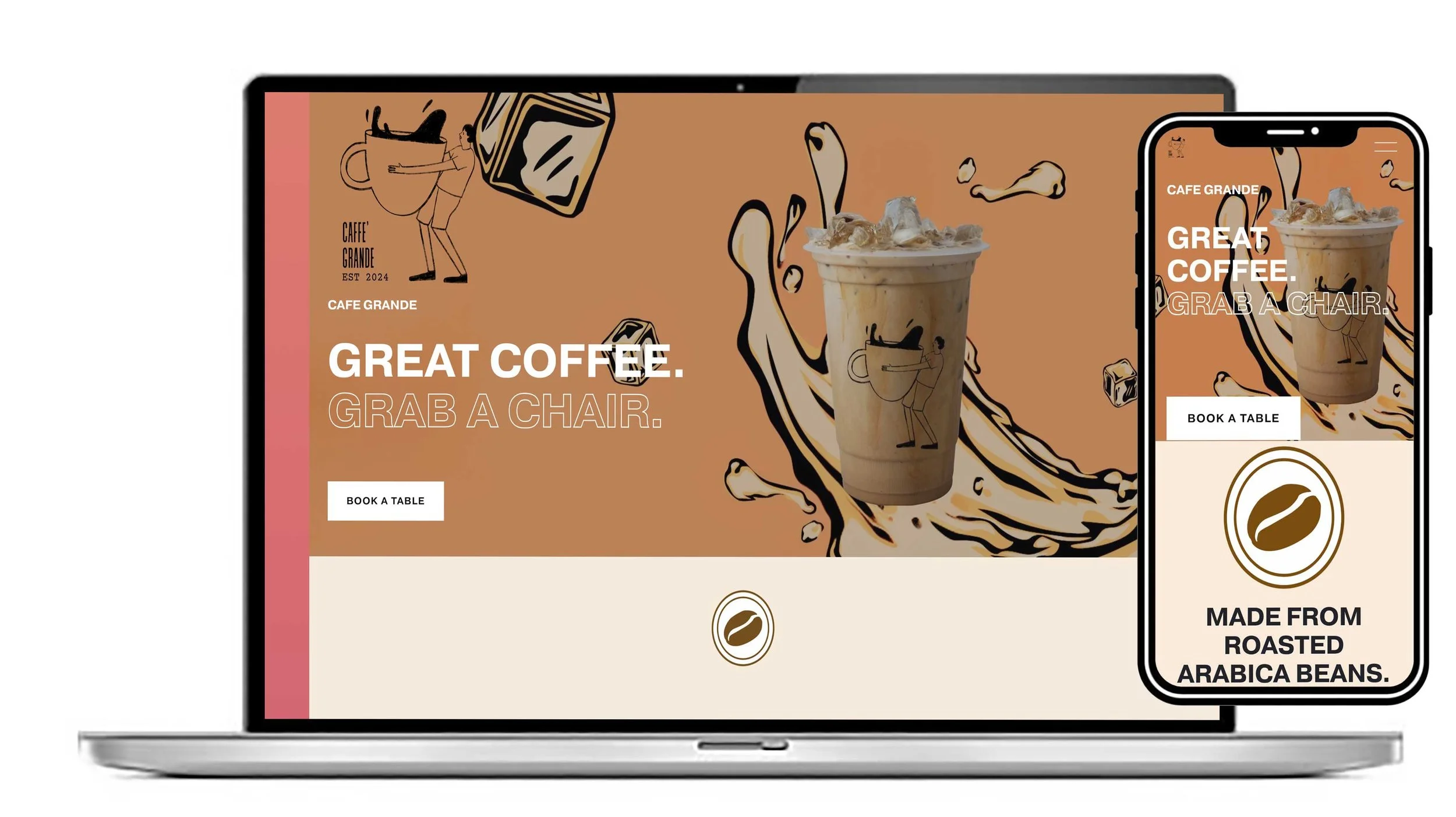
The navigation across the top isn’t shown on a mobile the way it does on a desktop. You can see the navigation by clicking on the ‘hamburger’ icon on a mobile but not every user does this. The solution to this is to create an index section on the Home page linked to the more detailed pages. Link those with a button.
Another change you’ll discover if your own an older website is the importance of writing blogs. Your old website may not have been set up for this. Google likes to see new content regularly added to your website to improve your ranking. Reciprocal links to other’s websites is also a good SEO strategy. More details on SEO here.
Improving your website is most easily done if you choose one of our designs or templates. You can very quickly move your content over the a new design and within a very short period of time your website is updated and re-designed. You can see all of our templates here.
You maybe someone who has made a start on a new website and you’re struggling to get finished. We can help you. We’ll get the design sorted, get the SEO in place and connect it to your domain. Give us a call on 020 8333 0151. We’re open Mon-Sat 9am-6pm and we love talking about websites.
We would normally look at the following checklist when we’re finishing a Squarespace website for a client.
1. Content
Every page has been proofread for spelling, grammar and consistency
No placeholder text, “Lorem ipsum”, or temporary images remain
Business name, contact details, prices and opening hours are correct
Headings are clear and consistent
Calls-to-action are obvious (“Book now”, “Get in touch”, etc.)
Links all point to the correct destinations
Favicon and site logo are set
2. Mobile & responsive design
This is one of the biggest things to check in Squarespace.
Check every page on a phone
Check tablet and desktop layouts
Look for text wrapping awkwardly
Check image cropping
Check spacing between sections
Make sure buttons aren't too small or crowded
Check navigation/menu behaviour
Make sure nothing is accidentally hidden or overlapping
3. Navigation & user experience
Pretend you're a first-time visitor.
Can you immediately understand what the business/site offers?
Is the main navigation simple?
Can visitors get to important pages within 1–2 clicks?
Are there clear CTAs throughout the site?
Does the logo link back to the homepage?
Are there useful footer links?
Is there a clear contact/book/buy route?
4. Forms & functionality
Actually test these yourself, rather than assuming they work.
Contact forms submit successfully
Form notifications arrive at the correct email
Newsletter signup works
Booking system works
E-commerce checkout works, if applicable
Payment/tax/shipping settings are correct, if applicable
Confirmation emails are working
Social links work
Any embedded tools/widgets load correctly
5. SEO
For each important page:
Page title is set and descriptive
SEO description is written
URL slug is clean
One clear primary heading (H1)
Relevant headings use sensible hierarchy
Images have useful alt text where appropriate
Internal links connect related pages
Search-engine indexing settings are correct
Unwanted pages aren't being indexed
A custom domain is connected
HTTPS is working
6. Speed & images
Compress unnecessarily large images
Avoid uploading enormous images when they're displayed small
Remove unused sections, images and embeds
Check pages with lots of animations/video
Test the site on a normal mobile connection
7. Accessibility
Good colour contrast
Text is readable without zooming
Links/buttons are descriptive
Images have appropriate alt text
Don't rely on colour alone to communicate information
Headings follow a logical structure
Keyboard navigation works where relevant
Videos have captions where appropriate
8. Analytics & marketing
Before launch, make sure you can measure what's happening.
Google Analytics connected, if needed
Google Search Console set up
Conversion events/goals considered
Meta/social tracking installed if you're running campaigns
Cookie/consent requirements addressed where applicable
Newsletter/CRM integrations tested
9. Domain & launch settings
This is where I'd be particularly careful on launch day.
Correct domain connected
www and non-www versions behave correctly
SSL/HTTPS is active
Site isn't accidentally set to private/password-protected
Favicon appears correctly
Social sharing image/title/description are set
Check the site from an incognito/private browser
Test the live domain rather than only the Squarespace editor preview
10. Final “fresh eyes” test
Open the finished site and ask:
Within 5 seconds, can I tell:
What this website/business is?
Who it's for?
What I should do next?
Then have someone who hasn't seen the site before use it. Don't explain anything to them. Watch where they hesitate or get confused—that's often where the final improvements are.
My recommended final order
Content → mobile → navigation → forms/functionality → SEO → accessibility → speed → analytics → domain → final live-site test.